
SMPlayer 18.4 has been released. Install SMPlayer media player for Linux Ubuntu Systems. SMPlayer music player comes with with built-in codecs that can play virtually all video and audio formats. It can also play Youtube videos, search and download subtitles, and includes other features like a thumbnail generator and audio and video filters.
One of the most interesting features of SMPlayer: it remembers the settings of all files you play. SMPlayer supports the most known formats and codecs: avi, mp4, mkv, mpeg, mov, divx, h.264… you can play all of them, thanks to its built-in codecs. You don’t need to find and install third party codecs
SMPlayer is a graphical user interface (GUI) for the award-winning MPlayer, which is capable of playing almost all known video and audio formats.
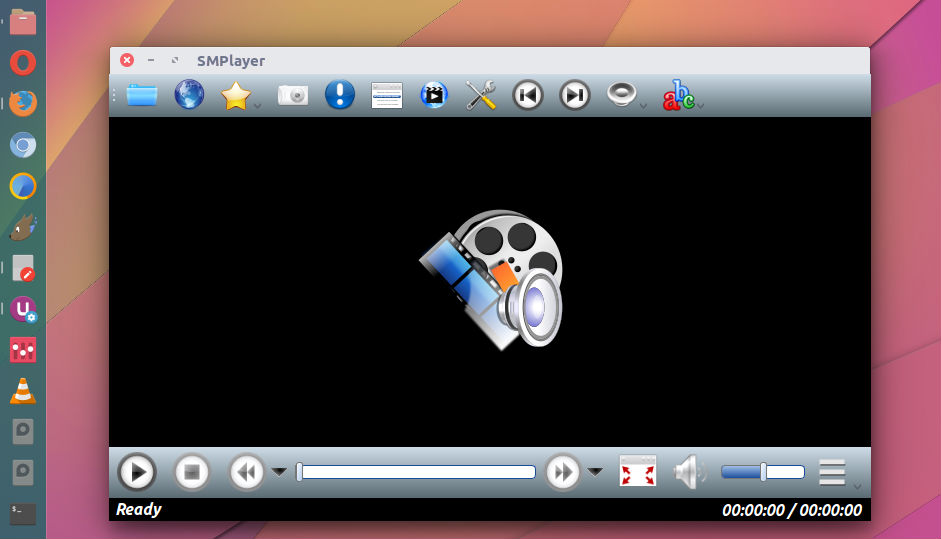
SMPlayer changes
Version 18.4
- Bugfix: the time displayed by a tooltip when the mouse is over the seekbar is now much more accurate.
- There’s now an option in Preferences -> Advanced to set the position of the OSD bar.
- Now it’s possible to turn off the use of the system native file dialog in Preferences -> Interface.
Version 18.3
- Possibility to search for subtitles using the hash and filename methods at the same time.
- Fix a bug which prevented to play some YouTube URLs.
Version 18.2.2
- The option Open -> URL can now also load YouTube playlists.
- The options for the preferred number of track for audio and subtitles are back.
- (mpv) Now the direct3d is the default video output for Windows, since some users reported problems with the gpu output.
Version 18.2
- Now it’s possible to use a priority list of preferred languages for the audio and subtitles.
- Now there’s support for YouTube playlists. In the playlist window, click in the Load/save icon, select Load playlist from URL and paste the URL of the YouTube playlist.
Version 18.1
- Fix for YouTube.
Install SMPlayer
Run the following commands in Terminal to install SMPlayer media player for Linux Ubuntu Systems:
sudo add-apt-repository ppa:rvm/smplayer

sudo apt-get update

sudo apt-get install smplayer smtube smplayer-themes
Once installed, open SMPlayer from Ubuntu Dash. To open a file, just click on the first button in the toolbar or select.