
Fix and resolve the Unity Settings Daemon problem in Ubuntu 15.04 and Ubuntu 14.04. Canonical has revealed USN-2741-1: Unity Settings Daemon vulnerability and the possible fix. Ubuntu Security Notice USN-2741-1 Unity-settings-daemon vulnerability is a security issue that affects these releases of Ubuntu and its derivatives: Ubuntu 15.04 Ubuntu 14.04 LTS Summary Unity Settings Daemon would […]
How To
How-to tutorials for Ubuntu, Linux, Android, WordPress, websites and more. Learn about Ubuntu Linux how to solve problems, errors, manage updates, fix issues and add functions & features.
Install Deluge BitTorrent Client in Ubuntu 15.04 & Ubuntu 14.04
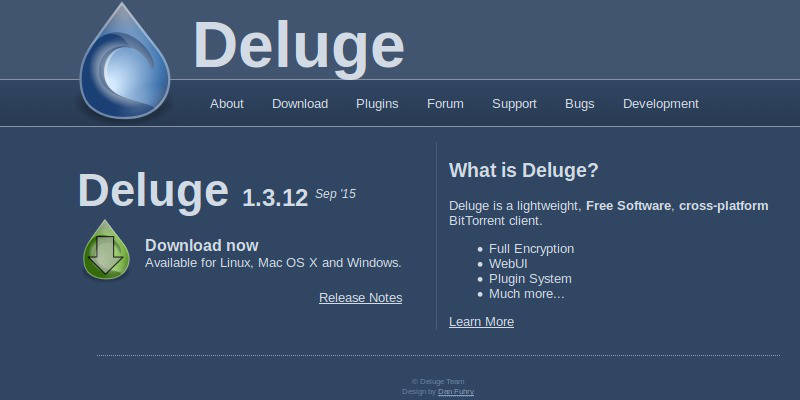
Install Deluge BitTorrent client in Ubuntu 15.04 and Ubuntu 14.04. Deluge is a full-featured BitTorrent client for Linux, OS X, Unix and Windows. It uses libtorrent in its backend and features multiple user-interfaces including: GTK+, web and console. It has been designed using the client server model with a daemon process that handles all the […]
How to Install Skype Web Client in Ubuntu
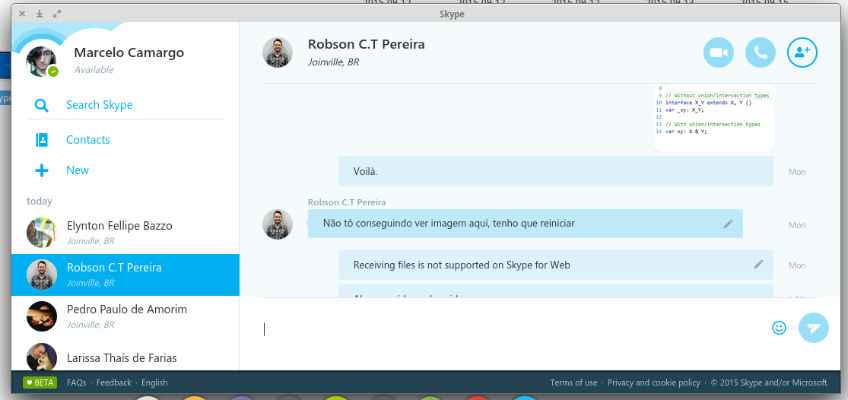
Download Skype for Linux. Install Skype on Ubuntu 15.04 and Ubuntu 14.04. Install Skype unofficial client for Linux Systems. Skype unofficial client is an unofficial client of Skype for Linux, running on top of Node Webkit. Using the Skype for Linux application, you can make free instant messages to your friends, family and colleagues. Make […]
Install Windows 10 Theme & Icons On Ubuntu 15.04 & Ubuntu 14.04
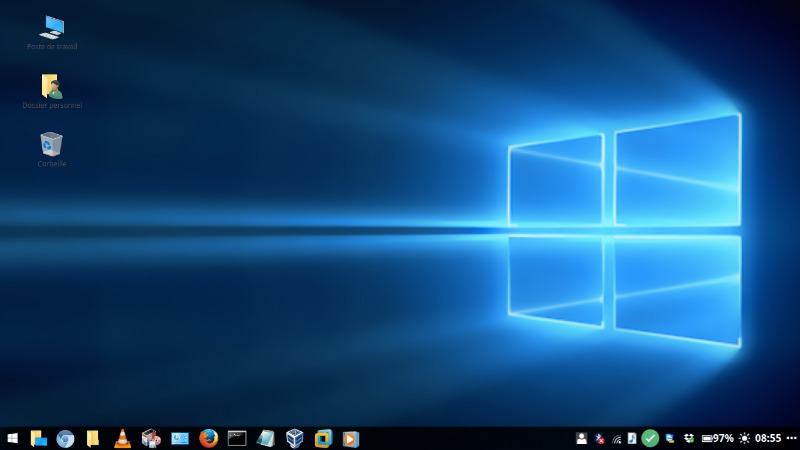
Windows 10 GTK Theme for Linux Ubuntu. Install Windows 10 Theme and Icons on Ubuntu 15.04, Ubuntu 14.04, Gnome 3.x and Cinnamon 2.6 Desktops. Like it’s name suggests, the Windows 10 theme was built to emulate in the closest way possible the GUI of the well-known OS Windows 10. Windows 10 Theme v0.2 (GTK 3.x […]
Delete Recent Documents List in Ubuntu
Delete recent documents list in Ubuntu. Disable recent documents in Unity Desktop. The recent Document list: Shows documents that have been previously opened or used. Luckily, you can disable recent documents in Unity Desktop (Ubuntu). Here’s how: Open System Settings Select Security & Privacy Select Files & Applications Tick (Toggle) the ON switch. Record file […]
Install Xtreme Download Manager On Ubuntu 15.04 & Ubuntu 14.04, via PPA
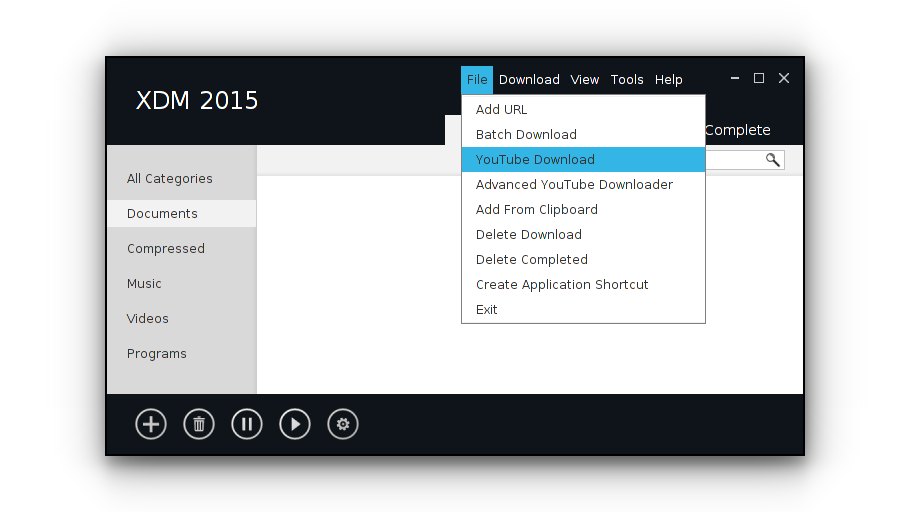
Install Xtreme Download Manager On Linux Ubuntu and Linux Mint, via PPA. Install Xtreme Download Manager on Ubuntu 15.04 and Ubuntu 14.04. Xtreme Download Manager is a superfast download manager and video grabber/downloader for Linux Ubuntu. Xtreme Download Manager can increase download speed up-to 500%, resume broken/dead downloads, integrate with any browser, capture videos from […]