
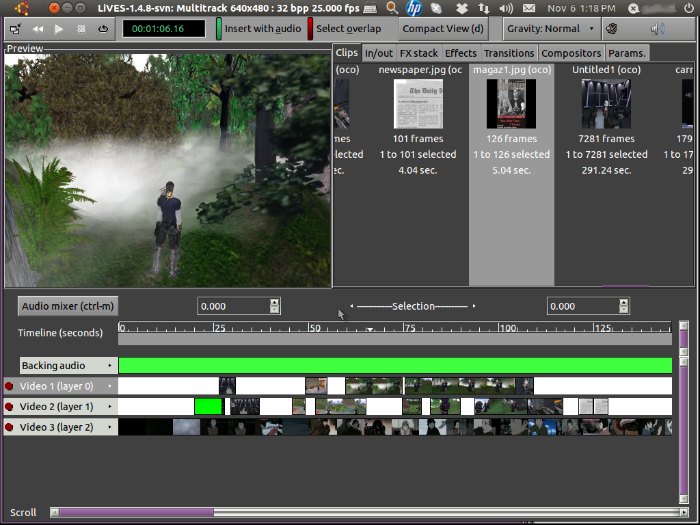
Install LiVEs video editor on Ubuntu, via PPA. Install LiVEs video editor 2.4.2 on Ubuntu 15.04 and Ubuntu 14.04. LiVES is an open source video editor and a VJ tool. LiVES mixes realtime video performance and non-linear editing in one professional quality application. It will let you start editing and making video right away, without […]
How To
How-to tutorials for Ubuntu, Linux, Android, WordPress, websites and more. Learn about Ubuntu Linux how to solve problems, errors, manage updates, fix issues and add functions & features.
Install Xtreme Download Manager (XDMAN) 5.0 On Ubuntu 15.04 and Ubuntu 14.04
Xtreme Download Manager (XDMAN) for Ubuntu Systems. Install XDMAN Download Manager on Ubuntu 15.04 and Ubuntu 14.04. Xtreme Download Manager is a java based download manager which increases download speed up-to 500%, save videos from video sharing sites and can be integrated with any browser. The Xtreme Download Manager has pause and resume features, can […]
Install KDE Plasma 5.4 Desktop Environment On Ubuntu 15.04/Kubuntu 15.04 & Ubuntu 14.04
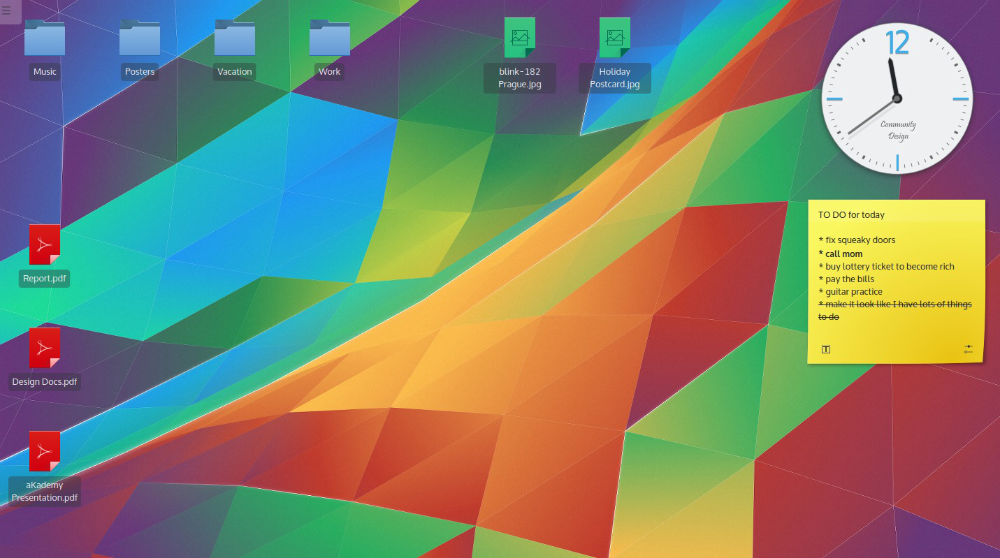
How to install KDE Plasma Desktop Environment in Ubuntu. Terminal commands to install KDE Plasma 5.4 on Ubuntu 15.04 or Kubuntu 15.04 or Ubuntu 14.04. KDE Plasma 5.4 or KDE Plasma Desktop Environment has been released with many new features. KDE Plasma 5.4 brings a new alternative launcher and a new stable release of the […]
Install Qmmp (Winamp Like Music Player) On Ubuntu 15.04 & Ubuntu 14.04

Install Qmmp Music Player, via PPA, on Ubuntu 15.04 and Ubuntu 14.04. Qmmp is a Winamp-like Mediaplayer for Linux Ubuntu Systems. The Qmmp player is a QT based, open-source, cross-platform multimedia player. Qmmp Ubuntu Mediaplayer supports and plays all the popular multimedia file formats. The music player comes with XMMS and Winamp 2.x skins support, […]
Install Zbackup Deduplicating Tool On Linux Ubuntu 15.04 & Ubuntu 14.04

Zbackup Deduplicating Tool for Linux Ubuntu. Install Zbackup on Ubuntu 15.04, Ubuntu 14.04 and Derivatives. zbackup is a globally-deduplicating backup tool, based on the ideas found in rsync. Feed a large .tar into it, and it will store duplicate regions of it only once, then compress and optionally encrypt the result. Feed another .tar file, […]
Install Opera 33 Web Browser (Opera 32.0.1963.0) On Ubuntu 15.04 & Ubuntu 14.04
Install latest Opera 33 web browser on Linux Ubuntu. Terminal commands to install Opera 32.0.1963.0 on Ubuntu 15.04, Ubuntu 14.04 and Derivatives. Opera 33 Dev (Opera 32.0.1963.0) is the first to receive new features and is the unstable one. The latest release Opera 33 Dev (Opera 32.0.1963.0) is based on Chromium 46 and brings Windows […]