

How to join multiple images into a single image file? A list of top 3 free online tools to combine multiple images into one. These tools are very powerful yet easy to use. Upload multiple photos, join them into one and download the final image. With these tools you can select the orientation (landscape or […]
How To
How-to tutorials for Ubuntu, Linux, Android, WordPress, websites and more. Learn about Ubuntu Linux how to solve problems, errors, manage updates, fix issues and add functions & features.
Install FFmpeg 2.6.2 on Ubuntu 15.04, Ubuntu 14.10, Ubuntu 14.04 and Derivatives
Convert multimedia files on Ubuntu – Install FFmpeg 2.6.2 on Ubuntu 15.04/14.10/14.04 and Derivatives. Upgrade to FFmpeg 2.6.2 on Ubuntu systems. FFmpeg is a multimedia framework which comes with the ffmpeg tool for converting multimedia files.It can be used for transcoding, streaming and playing multimedia contents – auido and video files. FFmpeg multimedia framework contains […]
How to Install SoundConverter 2.1.4 on Ubuntu 14.04, Ubuntu 14.10 & Linux Mint

How to install SoundConverter 2.1.4 on Ubuntu 14.04, Ubuntu 14.10 and Linux Mint Systems. SoundConverter is a popular audio file converter software for Linux Ubuntu systems. SoundConverter 2.1.4 is an audio file converter for GNOME Desktops. It works on GStreamer and is used to convert GStreamer formats into another formats. It supports various audio file […]
How to Download and Upgrade To LibreOffice 4.4.3 on Ubuntu Systems
Download and upgrade to LibreOffice 4.4.3 in Ubuntu 15.04, Ubuntu 14.04, Ubuntu 14.10 and Ubuntu 12.04. The latest release of LibreOffice 4.4.3, open-source office suite is available for upgrade in Ubuntu Systems. The LibreOffice 4.4.3 is the third bug-fix release of LibreOffice 4.4, with over 88 bug-fixes and improvements. How to Upgrade LibreOffice 4.4.3 To […]
How to Change Hostname in Ubuntu 14.04 Terminal Screen
How to change Hostname (Computer Name) in Linux Ubuntu 14.04. You can change the Hostname or Computer name in Linux Ubuntu PCs. This trick to change the Computer Name also applies for other Linux Ubuntu derivatives. The default Hostname (Computer Name) is set during the Linux Ubuntu instalation. Let us see how can we easily […]
Install UGet Download Manager on Ubuntu 15.04, Ubuntu 14.10 & Ubuntu 14.04
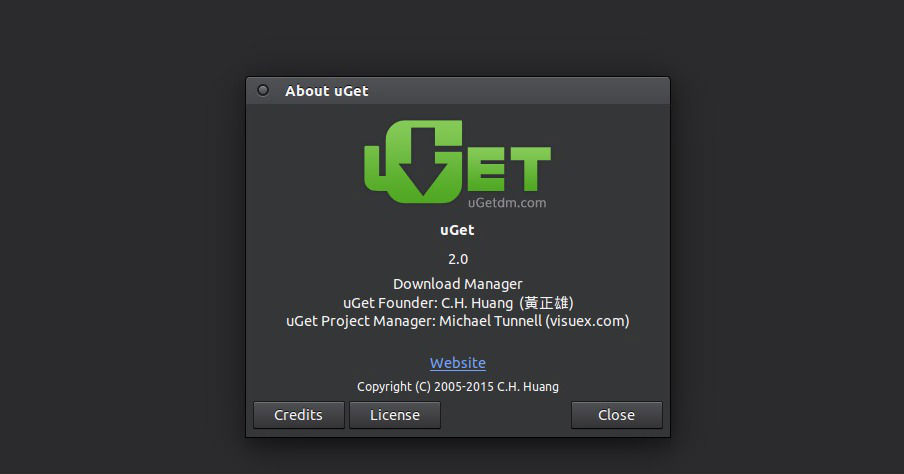
Best “File Download Managers” for Linux Ubuntu Systems. Install UGet Download Manager on Ubuntu 15.04, Ubuntu 14.10 and Ubuntu 14.04. UGet is a popular download manager software for Ubuntu. uGet is a free and open source cross platform download manager. uGet download manager is available for Windows and Ubuntu systems. The uGet comes with support […]