
Install Shutter Screenshot Tool on Ubuntu 15.04, Ubuntu 14.10 and Ubuntu 14.04. Shutter is a program for taking screenshots on Linux Ubuntu systems. Shutter screenshot program can take a screenshot of a specific area, window, menu, whole screen, or even of a website. It can also apply different effects to it, draw on it to […]
How To
How-to tutorials for Ubuntu, Linux, Android, WordPress, websites and more. Learn about Ubuntu Linux how to solve problems, errors, manage updates, fix issues and add functions & features.
Install Gnome Classic Menu Indicator 0.09 On Ubuntu Systems
Install Gnome Classic Menu Indicator – classic GNOME-style application menu – on Ubuntu Systems. Install How to install Gnome Classic Menu Indicator 0.09 on Ubuntu 15.04, Ubuntu 14.10, Ubuntu 14.04 and Ubuntu 12.04. Classic Menu Indicator is a notification area applet or top panel indicator of Ubuntu’s Unity desktop environment. The Gnome Classic Menu Indicator […]
How To Install Gnome Pie Circular Application Launcher On Ubuntu 15.04, Ubuntu 14.10 and Ubuntu 14.04
How to install GNOME Pie 0.6.0 on Ubuntu 15.04, Ubuntu 14.10 and Ubuntu 14.04 Systems, using GNOME Desktop. Gnome Pie is a circular application launcher for Linux Ubuntu Systems, enabling the users to easily access their favorite apps. Gnome-Pie is a circular application launcher for Linux. It is made of several pies, each consisting of […]
How To Install Telegram Desktop 0.8.11 on Ubuntu Systems
Install the official Telegram Desktop App (via PPA) in Ubuntu and Linux Mint. Instructions on how to install Telegram Desktop 0.8.11 on Ubuntu 15.04, Ubuntu 14.10, Ubuntu 14.04, Ubuntu 12.04 and Derivatives. Telegram is an open-source, cross-platform Telegram client for Linux Systems. It can be used to send messages and media files, supports Telegram notifications, […]
Install Systemd On Ubuntu 14.10 & Official Ubuntu 14.10 Flavors
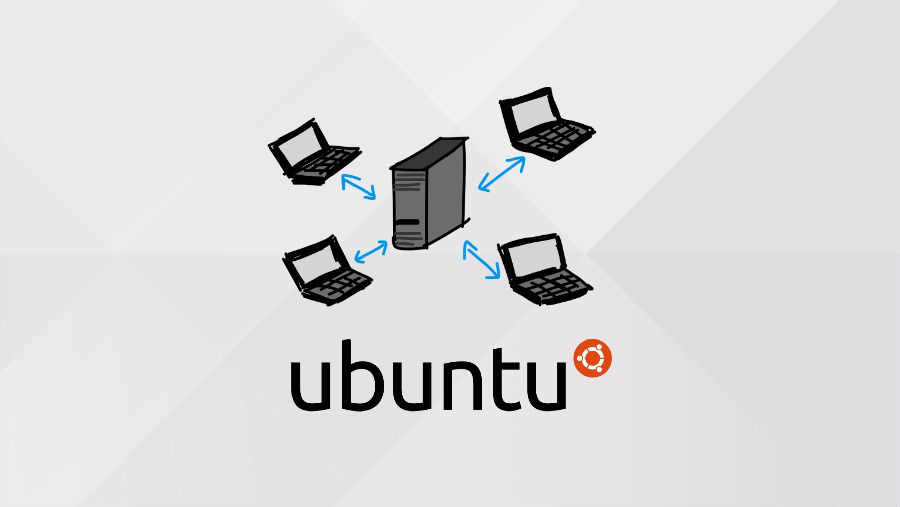
How to install systemd on Ubuntu 14.10 and Official Ubuntu 14.10 Flavors. Switching init systems on Ubuntu 15.04. As we know that the latest release of Debian 8.0 Jessie and Ubuntu 15.04 “Vivid Vervet” comes with systemd instead of Upstart. However Ubuntu 14.10 and the official flavors still use Upstart. But, you can easily install […]
Install LSwitcher 0.9.9 On Ubuntu – Pin Apps From Unity Launcher
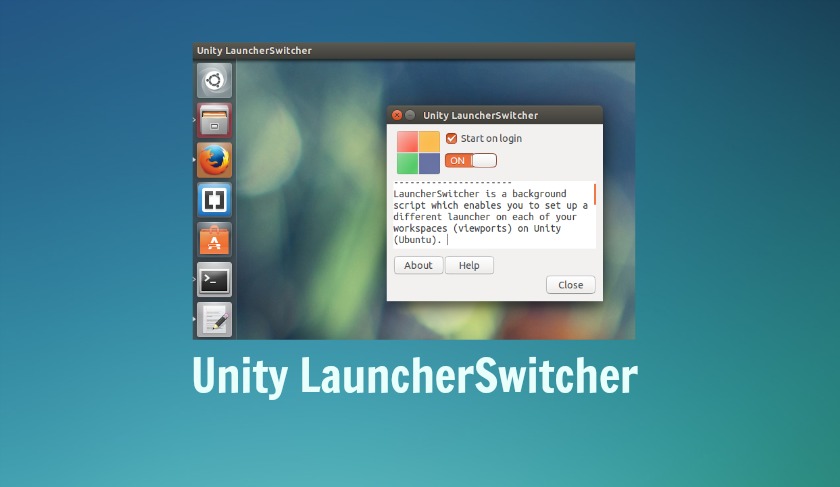
Customize Unity Launcher on Ubuntu System – Pin apps from the Unity Launcher. Install LauncherSwitcher (LSwitcher 0.9.9) on Ubuntu 15.04, Ubuntu 14.10 and Ubuntu 14.04. The easiest way to add the application to Unity Launcher is to go to the Dash and type the Application name. Then from the Dash, drag the application and drop […]