
How to install Grub Customizer 4.0.6 on Ubuntu 15.04, Ubuntu 14.10, Ubuntu 14.04, Ubuntu 12.04 and Derivatives. Grub Customizer is a graphical interface to configure the GRUB2/BURG settings and menu entries. It can also be used to move, remove or rename menu entries and edit the contents of menu entries or create new ones. It […]
How To
How-to tutorials for Ubuntu, Linux, Android, WordPress, websites and more. Learn about Ubuntu Linux how to solve problems, errors, manage updates, fix issues and add functions & features.
Install App Grid 0.215 – Software Center Alternative For Ubuntu Systems
How to install App Grid 0.215 on Ubuntu 15.04 and Ubuntu 14.10 Systems. AppGrid is an Ubuntu Software Center alternative that can be used to install apps for Ubuntu Systems. App Grid delivers stunning startup speed. It has a clean and simple design which makes App Grid a joy to use. It comes with an […]
Install Notepadqq Text Editor on Ubuntu 15.04, Ubuntu 14.10 and Ubuntu 14.04

How to install Notepadqq Text Editor on Ubuntu 15.04, Ubuntu 14.10 and Ubuntu 14.04. Download and install Notepadqq 0.46.2 on Debian 7, Debian 8 and derivative systems. By default, the Notepad++ is only available for Windows. Luckily, you can install Notepadqq, Notepad++ alternative for Linux Ubuntu. Let us learn how to intall and use Notepad++ […]
Download & Install LibreOffice 4.3.7 via PPA on Ubuntu and Debian Systems
Download and install LibreOffice 4.3.7 via PPA. Here’s how to install LibreOffice 4.3.7 (Office Suite) on Ubuntu 15.04, Ubuntu 14.10, Ubuntu 14.04, Ubuntu 12.04 and Derivatives. LibreOffice is a free and open source office suite for Linux Systems – Ubuntu and other Linux Distros. LibreOffice comes with many powerful tools and applications: Writer, the word […]
Install & Upgrade to Mozilla Firefox 37.0.2 on Ubuntu 15.04, Ubuntu 14.10 & Ubuntu 14.04
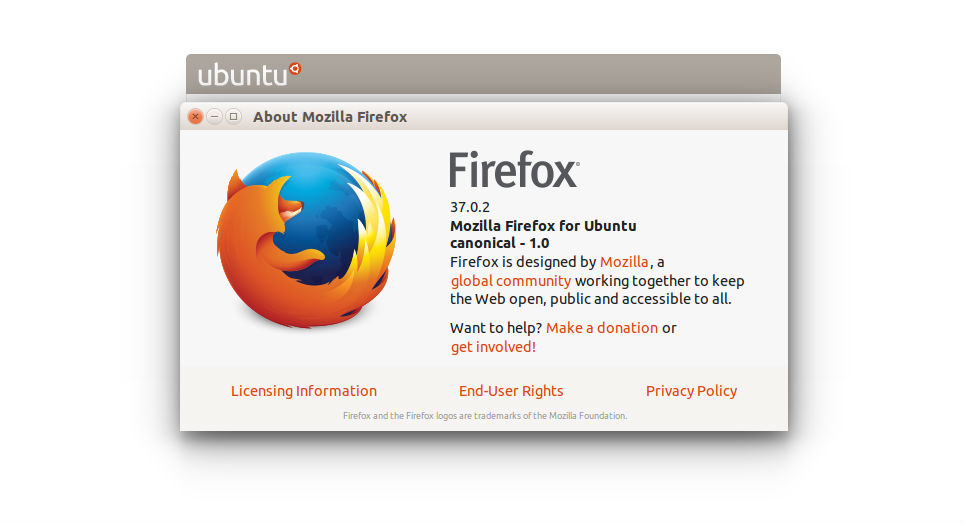
Mozilla Firefox 37.0.2 for Linux Ubuntu download. Install and upgrade to Mozilla Firefox 37.0.2 on Ubuntu 15.04, Ubuntu 14.10, Ubuntu 14.04 and Derivatives. Canonical has added Firefox 37.0.2 to the default repositories of the Ubuntu systems. To install Firefox 37.0.2 on Ubuntu 15.04, Ubuntu 14.10, Ubuntu 14.04, Ubuntu 12.04, Linux Mint 17.1, Linux Mint 17, […]
How To Fix Ubuntu 15.04 USB-Creator Vulnerability
Canonical has released Ubuntu 15.04’s first vulnerability fix. Here’s how to update and fix Ubuntu 15.04 usb-creator vulnerability or Ubuntu 15.04 startup-disk creator vulnerability. Canonical has published details of the first vulnerability identified and methods to fix it in Ubuntu 15.04 (Vivid Vervet). The vulnerability is known as usb-creator vulnerability. It is a security issue […]