

How to install SuperTuxKart Game on Ubuntu via PPA. SuperTuxKart Halloween Update brings SuperTuxKart 0.9.3 rc1. The game brings new tracks, new arenas, new effects and a lot of improvements behind the scenes. SuperTuxKart is finally on Android and one can get the game on Play Store or by downloading the apk from the website […]
Install Notes Up Markdown Editor on Linux Ubuntu
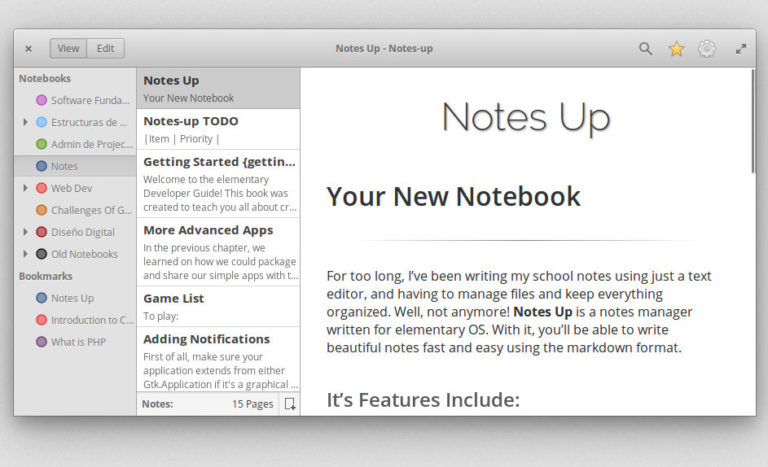
Install Notes Up Markdown Editor on Ubuntu. Notes Up is one of the best markdown editor for Linux Ubuntu; Markdown editor on Linux with WYSIWYG function. Markdown notes and manager is written for elementary OS. With it, you’ll be able to write beautiful notes fast and easy using the markdown format. It’s Features Includes multiple […]
Install Mesa Drivers On Ubuntu 17 Via Mesa PPA

How to Install Mesa 17.2.4 in Ubuntu 17.10 and Ubuntu 16.04 via PPA. Mesa 17.2.4 PPA is available for Ubuntu 16.04, Ubuntu 17.10 and Ubuntu Derivatives. Install Mesa 17.2.4 in Ubuntu Run the following commands in terminal to install Mesa 17.2.4 in Ubuntu 17.10 and Ubuntu 16.04 via PPA: sudo apt-get update sudo add-apt-repository ppa:ubuntu-x-swat/updates […]
Visual Studio Code 1.18 Released – Install Visual Studio Code on Linux Ubuntu
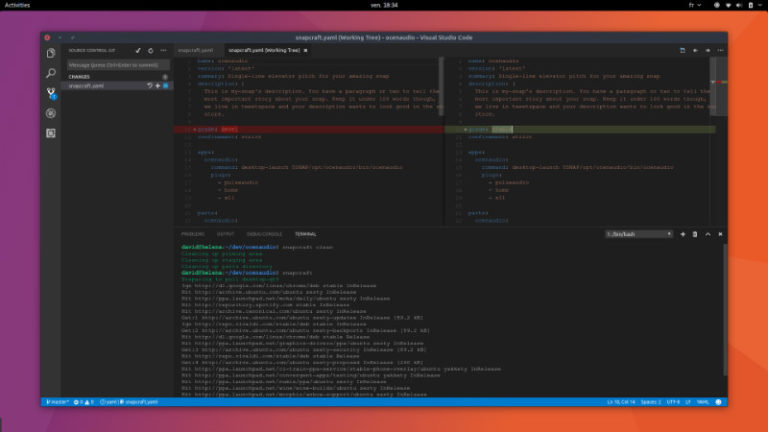
Visual Studio Code 1.18 released. Install Visual Studio Code on Linux Ubuntu. October 2017 Visual Studio Code brings support for multi-root workspaces is now enabled by default in the Stable release. Git status in File Explorer support to the File Explorer to show modified, added, conflicting, and ignored files in a different color and with […]
Atom 1.22 Released – Install Atom Text Editor on Linux Ubuntu
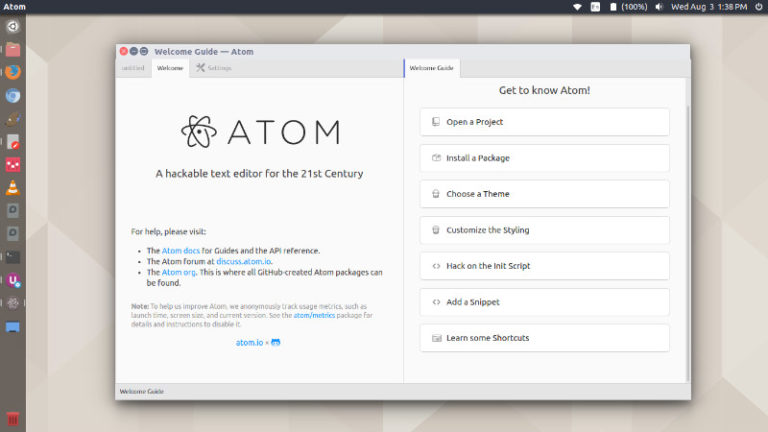
Atom 1.22 released. Install Atom Text Editor on Linux Ubuntu using the command “sudo add-apt-repository ppa:webupd8team/atom”. Atom is a desktop application built with HTML, JavaScript, CSS, and Node.js integration. It runs on Electron, a framework for building cross platform apps using web technologies. Atom 1.22 Atom 1.22 includes a number of fixes to performance and […]
Opera 49 Released – Install Opera 49 Web Browser On Ubuntu Linux
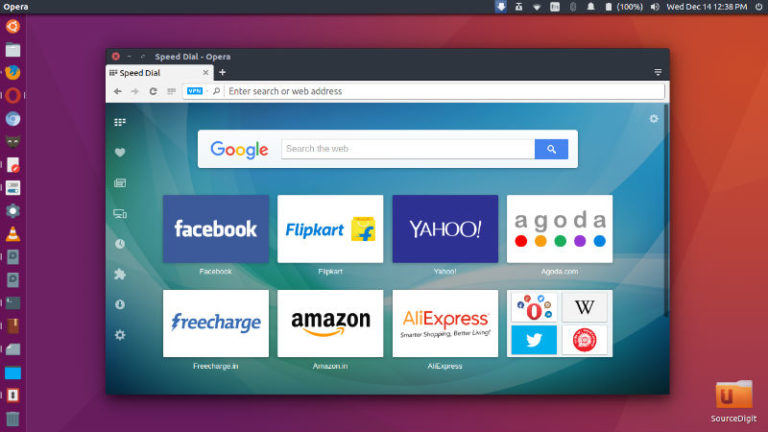
Opera 49 adds snapshot tool with editing tools. Opera 49 comes with a direct VR Player and the browser has been sharpened to look its best on HiDPI screens. Opera 49 Features Opera 49 offers a snapshot tool with editing features, including a selfie camera, to help you add raw emotion to your screenshot. Capture […]