
LibreOffice 5.3.7 released. How to Install LibreOffice 5.3.7 on Ubuntu Systems. Upgrade to LibreOffice 5.3.7 on Ubuntu using Terminal commands. LibreOffice 5.3.7 Bugs fixed compared to 5.3.7 rc1: correct number of one decimal in fraction of seconds [Eike Rathke] correct number of one decimal in fraction of seconds [Eike Rathke] LibreOffice uses wrong attribute for […]
Install Enlightenment Desktop On Ubuntu via Enlightenment PPA

How to install the Enlightenment Desktop Environment E22 on Ubuntu 17. Install Enlightenment Desktop Ubuntu via Enlightenment PPA. Enlightenment E22 Desktop Environment brings various changes and improvements, such as: Greatly improved Wayland support Improvements to new gadget infrastructure Added a sudo/ssh askpass utility gui Meson build system Tiling policy improvements Integrated per-window volume controls Install […]
Audacity 2.2.0 Released – Install Audacity in Ubuntu via Terminal
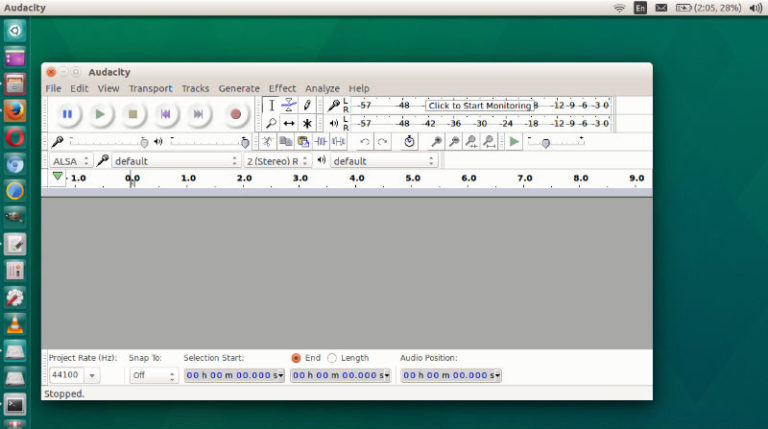
Install Audacity in Ubuntu via Terminal; Here’s how to install Audacity 2.2.0 via PPA in Ubuntu 17.10 and Ubuntu 17.04. Audacity is free, open source, cross-platform audio software for multi-track recording and editing. Audacity can record live audio through a microphone or mixer, or digitize recordings from other media. It can easily import sound files, […]
Install Brackets 1.11 Code Editor On Linux Ubuntu

Install Brackets code editor for Linux Ubuntu. Brackets is an open source code editor for the JavaScript, HTML and CSS, written for Web. With focused visual tools and preprocessor support, Brackets is a modern text editor that makes it easy to design in the browser. It’s crafted from the ground up for web designers and […]
Shutter 0.94 Released – Install Shutter on Ubuntu via Command Line
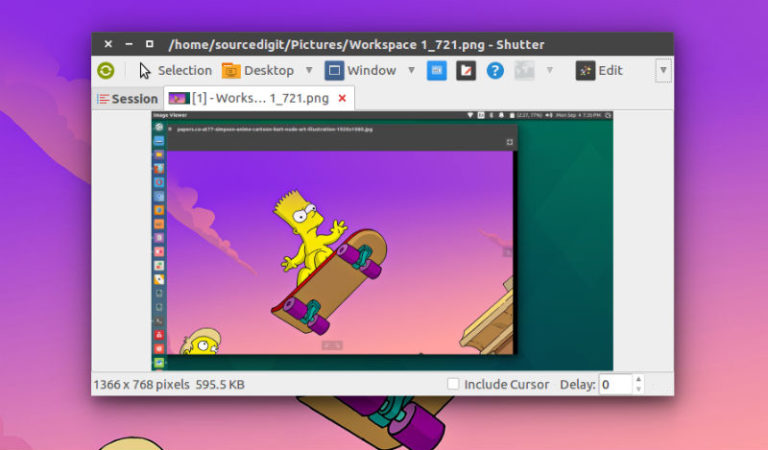
How to install Shutter via Ubuntu command line; how to use Shutter on Ubuntu. Ubuntu screen capture tool Shutter can be used to take screenshot on Linux Ubuntu Systems. Shutter 0.94 release brings Dropbox upload and Imgur upload function. Shutter is a feature-rich screenshot program. You can take a screenshot of a specific area, window, […]
Install Green Recorder in Ubuntu 17.10 – Screen Recorder for Linux Ubuntu

Install Green Recorder in Ubuntu 17.10. Green Recorder is a screen recorder for Linux Ubuntu Desktop. It supports Wayland & Xorg. Green Recorder app is built using Python, GTK+ 3 and ffmpeg. It supports recording audio and video on almost all Linux interfaces. Also, Green Recorder is the first desktop program to support Wayland display […]