
Install G’MIC plugin for GIMP image editor in Ubuntu Linux. G’MIC is a full featured GIMP Plugin for image processing. The latest release, G’MIC 2.0 comes with a new versatile interface, based on Qt. It also brings smart coloring, an original automatic line-art coloring filter. G’MIC is an open-source project that provides a variety of […]
Wine 2.10 Released – Install The Latest Wine Version On Ubuntu
Wine 2.10 is released. Install the latest release of Wine on Ubuntu Linux Systems. Wine 2.10 comes with an initial version of the Android graphics driver. It also brings various fixes such as dictionary support in WebServices and a number of Direct2D fixes. Install Wine Run the following commands in Terminal to install Wine. Please […]
Update To Linux Kernel 4.12
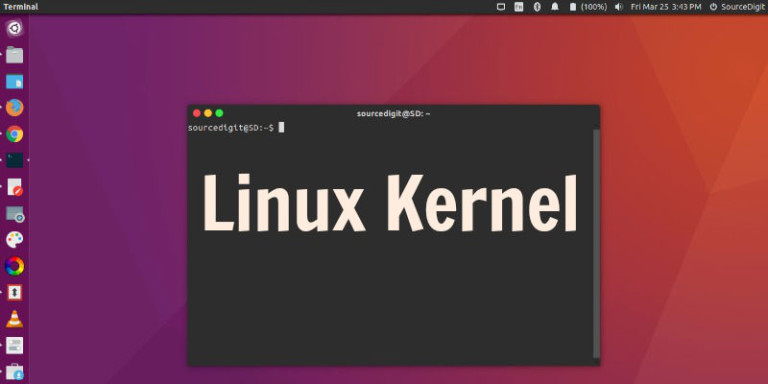
Update to Linux Kernel 4.12. Download and install release candidates of the Linux 4.12 Kernel – v4.12-rc1 mainline build, v4.12-rc2 mainline build, v4.12-rc3 mainline build and v4.12-rc4 mainline build. Announcing the latest v4.12-rc4 mainline build, Linux Torvalds said: Things remain fairly calm for 4.12, although not quite as calm as it appeared earlier in the […]
How To Adjust Screen Brightness In Linux Ubuntu
How to adjust screen brightness in Linux Ubuntu Systems. Install Brightness Controller Utility and easily control brightness of Linux Ubuntu screen. Brightness Controller allows you to control Brightness of your Primary and Secondary Display in Linux. It is a software based dimmer. It allows you to control the brightness of your monitor to a better […]
KDE Plasma 5.10 Released – Download & Install KDE Plasma 5.10

KDE Plasma 5.10 brings Folder View which is the the new default Desktop. It brings some icons by default and allows users to put whatever files or folders they want easy access to. New media controls has been included on lock screen which pauses music on suspend. Software Centre Plasma Search (KRunner) now suggests to […]
Terminal Commands to Check Memory Usage in Linux Ubuntu Systems

How to check memory usage in Ubuntu 14.10, Ubuntu 14.04 and Linux systems. Display system memory status in Ubuntu. Useful examples of ‘free’ command to check memory usage in Linux Ubuntu system. Useful examples of ‘free’ command to check memory usage in Linux Ubuntu system. Free command displays the amount of free and used memory […]