
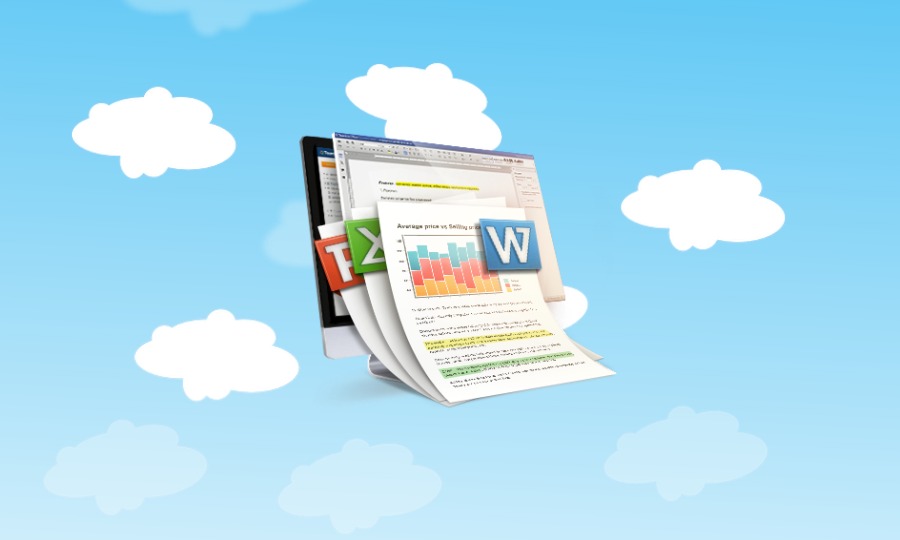
Office suite for Linux Ubuntu Systems. Install ONLYOFFICE Document Editors version 4.2 on Ubuntu Linux. Users can install ONLYOFFICE on Ubuntu 16.10, Ubuntu 16.04, Ubuntu 14.04, Ubuntu 15.04 and other Ubuntu Derivatives. ONLYOFFICE Document Editors is a feature-rich office and productivity suite that is a great tool for offline document editing and collaboration. The application […]
How To Install & Use Facebook Messenger On Ubuntu Linux

How to install and use Facebook Messenger on Ubuntu Linux Systems. Install Messenger for Desktop on Linxu Ubuntu, the unofficial Facebook Messenger client for Linux Ubuntu. Messenger for Desktop is a simple & beautiful desktop client for Facebook Messenger. Chat without distractions on OS X, Windows and Linux. Messenger for Desktop can be used to […]
Install GnuCash 2.6.15 Accounting Software On Ubuntu
GnuCash 2.6.15 released. Install GnuCash personal financial-accounting software on Ubuntu Linux Systems. GnuCash is designed to be easy to use, yet powerful and flexible, GnuCash allows you to track bank accounts, stocks, income and expenses. As quick and intuitive to use as a checkbook register, it is based on professional accounting principles to ensure balanced […]
Calibre 2.74 Released; Install Calibre Ebook Reader On Ubuntu

Calibre 2.74 released. Learn how to update Calibre and how to install Calibre 2.74 ebook reader (via Calibre Ubuntu PPA) on Ubuntu 16.10, Ubuntu 16.04 and other Ubuntu Derivatives. Calibre is a free and open source e-book library management application developed by users of e-books for users of e-books. Calibre 2.X version is the most […]
How To Listen Internet Radio On Ubuntu 16.04
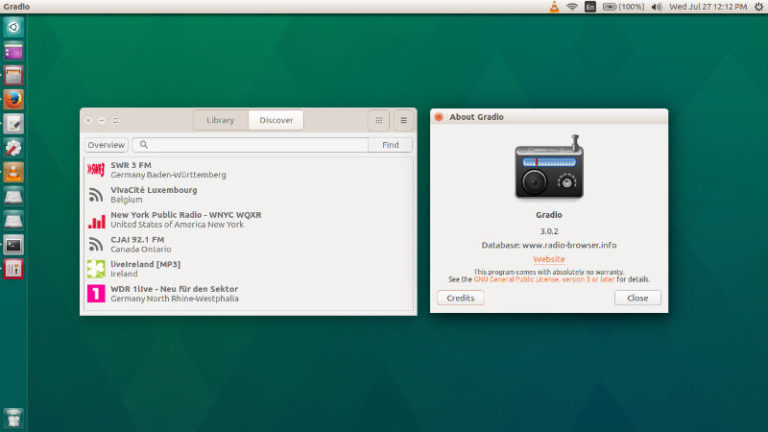
Internet Streaming Radio for Linux Ubuntu. Install Gradio to listen Internet Radio on Ubuntu. Gradio is a GTK3 App for finding and listening Internet Radios on Linux Ubuntu Systems. It can easily play Internet Radio streams, via online. Gradio Features: Search radio stations (worldwide) Add them to your library Vote for radio stations Visit their […]
Ubuntu Unattended-Upgrades – Install Ubuntu Automatic Updates via Command Line

How to install security updates in Ubuntu. Download and install “unattended-upgrades” security updates in Ubuntu, from command line (Terminal). Use apt-get to install security updates on Ubuntu Linux. unattended-upgrades The unattended-upgrades package can be used to automatically install updated packages, and can be configured to update all packages or just install security updates. Automatic Updates […]