
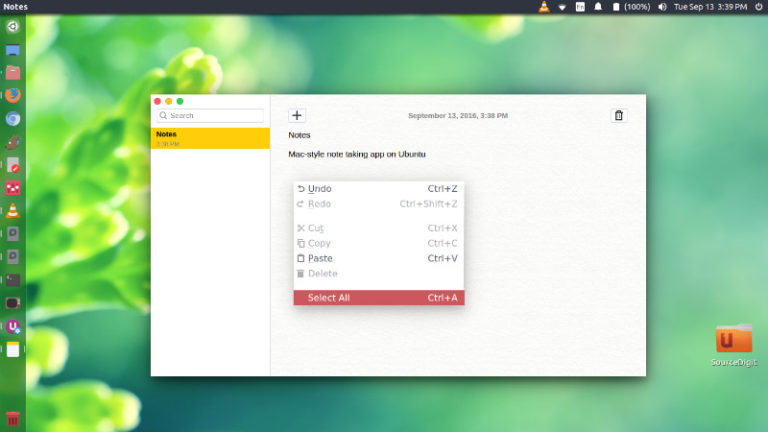
Apple Notes app for Ubuntu PC. How to install Mac-style note taking app Notes in Ubuntu 16.04. Use Apple Notes app on Ubuntu Systems. Notes is an open-source, cross-platform note taking application. Download and Install the Notes app Installing the Notes app is very easy. Download the application from the official website http://www.get-notes.com/download and once […]
How To Ubuntu: List Network Adapters – Ubuntu List All Network Interfaces
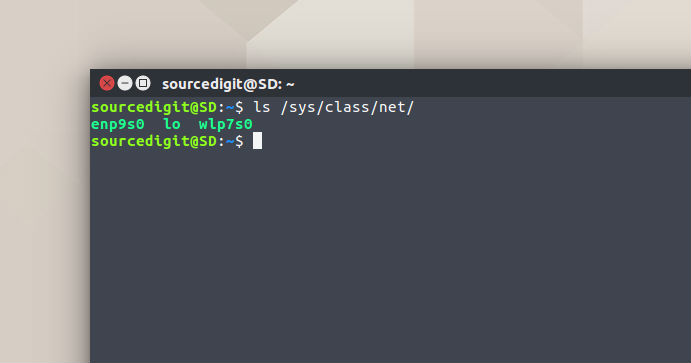
How to Ubuntu: List network adapters. How to find network interface name in Ubuntu. Ubuntu list all network interfaces. Find network interface card details on Ubuntu. Find Network Card Name On Ubuntu Linux Before you start to execute commands to find the status of Network Interface/Card, you will have to known the correct name of […]
Note Taking Application For Ubuntu Linux – Install QOwnNotes On Ubuntu 16.04
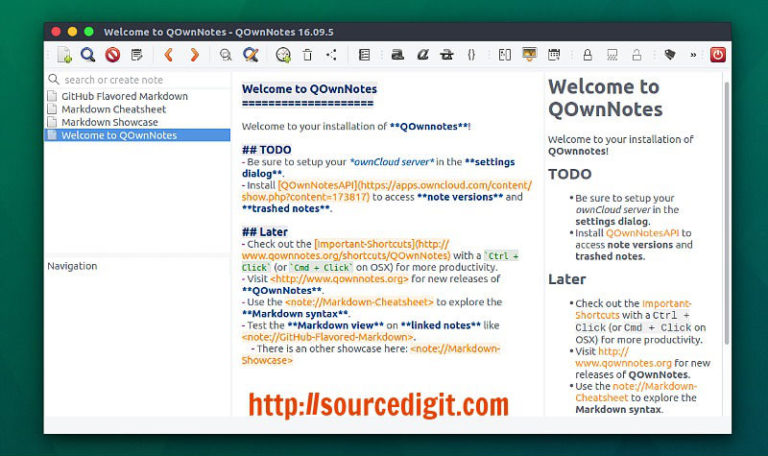
Install QOwnNotes on Ubuntu 16.04 Systems. QOwnNotes is a note taking application and to-do list manager for GNU/Linux. QOwnNotes is similar to a plain-text notepad with markdown support for Linux that works together with ownCloud Notes. Features Notes can be created, edited, viewed and removed List of notes is shown The notes folder can […]
How To Access Google Drive On Ubuntu 16.04
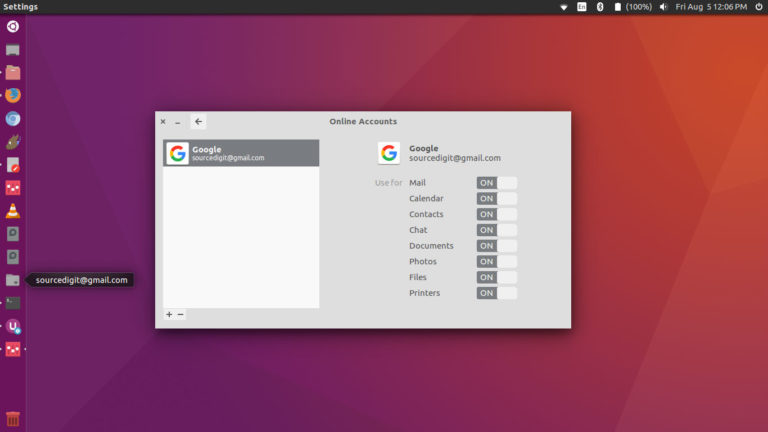
How to access Google Drive on Ubuntu 16.04. Install ‘Gnome Online Account’ package on Ubuntu. It works as Google Drive client for GNU/Linux Ubuntu Systems. Once installed, Gnome Online Account can be configured to access online account using the application. Access Google Drive in Ubuntu 16.04 Gnome Online Account (GOA) provides a centralized service that […]
How To Install Telegram Desktop On Ubuntu 16.10
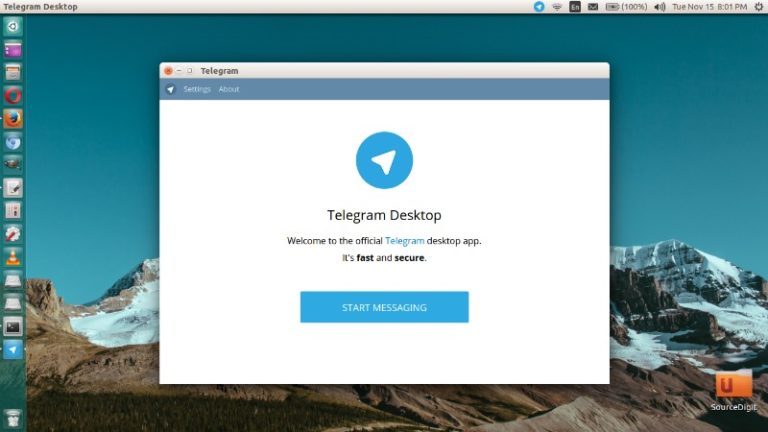
Telegram Desktop on Ubuntu Linux Systems. How to install Telegram Desktop on Ubuntu 16.10, Ubuntu 16.04 via PPA. Telegram is a cloud-based messaging service that lets you access your messages from multiple devices. Telegram can be used to share files across the network. It can also be used to send any documents of any type […]
How To Install Linux Kernel 4.8.7 (Stable) On Ubuntu & Linux Mint
Upgrade to Linux Kernel 4.8.7. How to install Linux Kernel 4.8.7 on Ubuntu and Linux Mint Systems. Linux Kernel 4.8.7 comes with various improvements and fixes, a total of 122 files, with 1096 insertions and 541 deletions. The Linux Kernel 4.8.7 brings an updated drivers for Intel i915 and Radeon GPUs and also for wireless […]