

Here is my list of the best WordPress AI Plugins to try. These free AI Plugins for WordPress includes WordPress AI content generator, WordPress AI search plugin and OpenAI and ChatGPT WordPress plugin. Read more: 1. AI Engine Using AI Engine WordPress plugin you can create your own chatbot like ChatGPT or generate content or […]
5 Tools To Search For Free Domain Name Availability In India

Before you start up with free website hosting and domain name registration in India, you must check for free domain name availability in India? Here are some of the best tools to search domain name ideas and unique domain name list. 5 Tools To Find Free Domain Name In India 1. Go Daddy One of […]
How To Find Process By Name Or Pid In Linux Ubuntu
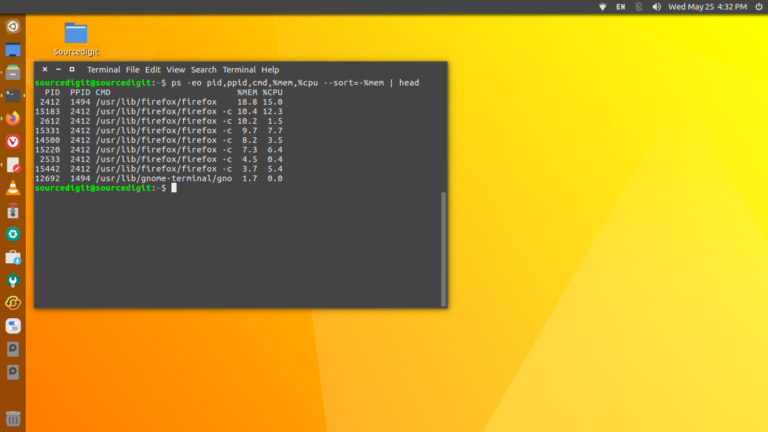
How to find id of a process in Ubuntu using Terminal? Command to get Linux process id by name or to find process id in Ubuntu terminal. On Linux, get pid of process by name in Terminal. Get Pid Of Process Linux – By Name The most suitable and easy way to find process id […]
10 Best Icons & Themes for Ubuntu 23.04
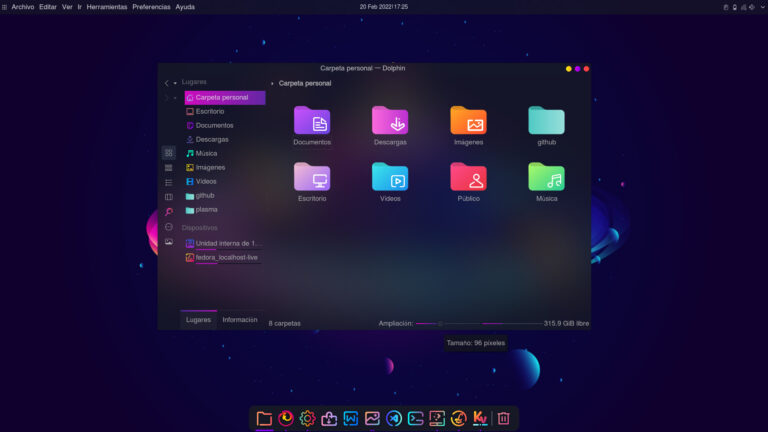
Download best theme for Ubuntu 23.04 and best icons for Ubuntu 23.04 and best theme for Ubuntu terminal. 1. Flat Icons 2. Papirus Icons 3. Breeze-openSUSE Dark Icons 4. Windows Eleven 5. Tela Icons 6. Reversal Icons 7. White Sur Icons 8. Deepin Icons 9. Candy Icons 10. Colloid Icon Which one are you installing?
How to Install Git on Ubuntu 23 and Ubuntu 22 Systems

You can install git on Ubuntu using the APT package manager on Ubuntu 22.04 LTS (Jammy Jellyfish) and earlier releases. To install git on Ubuntu, follow the steps given below: First, update the Ubuntu repositories of all dependencies and upgrade the system for any pending upgrades. Nex install the latest stable version of git from […]
How To Run Flatpak App From Terminal In Ubuntu Linux
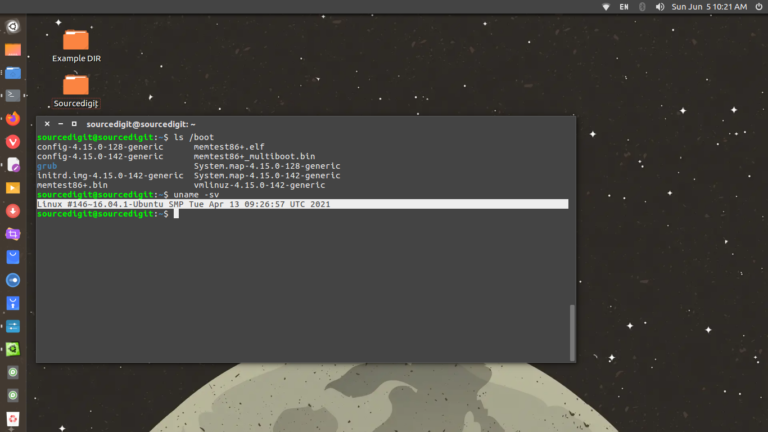
In this tutorial we will explain how to use flatpak on Linux Ubuntu and How to run flatpak app from terminal. We will also see were are flatpak apps installed on the System. How To Run Flatpak App From Terminal To run a Flatpak application from the command line: flatpak run Application ID or APP_FQDN […]