
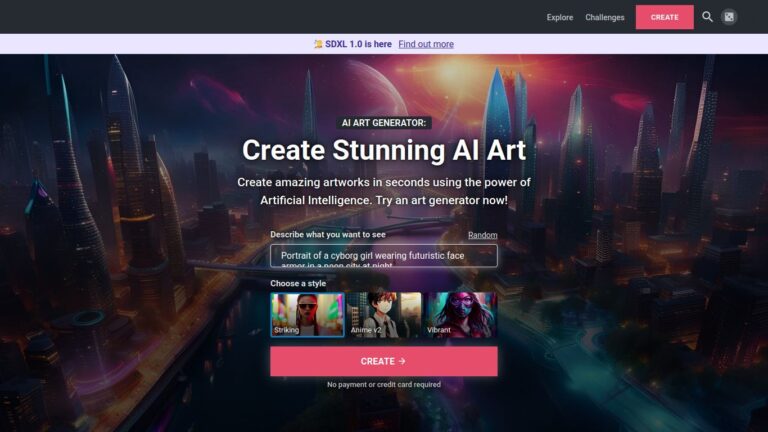
Here is the best AI image generator free without Login. Yes! You can use this AI image generator from text free no sign up, online. Read to find about the best AI image generator without watermark and credits. Simply visit the website, write a prompt – a detailed description of the image — and you […]
5 Tools To Make AI Avatar From Photo Online Free

If you want to make avatar from photo online free, you can use these 5 best AI avatars generators. You can easily make a vtuber avatar or AI video game avatar using the generator. 1. Magic AI Avatars A mobile app, Magic AI Avatars allows you to generate AI avatars for free. Users can create […]
How To Copy And Paste In Linux Terminal Without Mouse
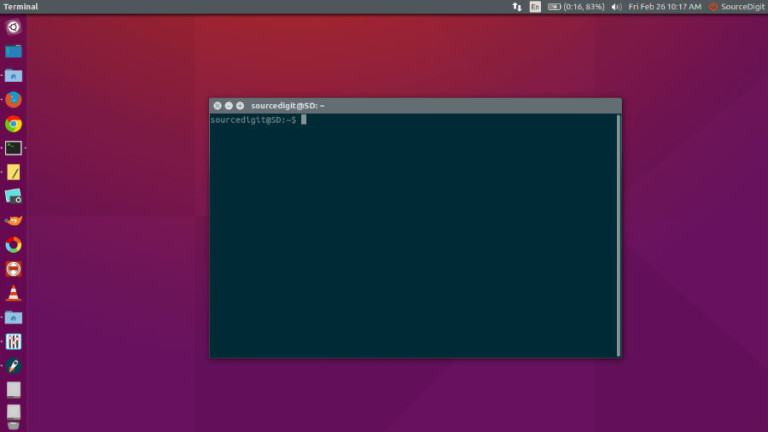
How to copy and paste in Linux terminal without mouse? Learn how to copy in Linux terminal or how to copy and paste files in Ubuntu using terminal. In most of the application, keyboard shortcuts for Cut, Copy and Paste are Ctrl + X, Ctrl + C and Ctrl+V respectively. But in Linux Ubuntu Terminal, […]
Best SEO Extension For Chrome – Semrush, Ahrefs Chrome Extension And Others
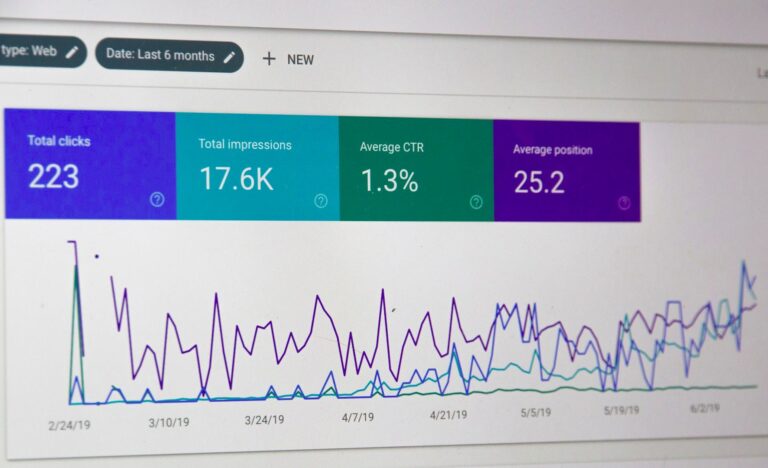
Keyword research and competitor analysis can be done using the free SEO extension for Chrome such as Semrush chrome extension and AHREFS chrome extension. Here are the 10 best Google Chrome Extensions for SEO. 1. MozBar MozBar from Moz is an all-in-one SEO toolbar for research on the go. MozBar gives you instant metrics while […]
How To Remove Old Linux Kernels From Ubuntu Command Line

How to remove old Linux Kernels from Ubuntu? You can delete old Kernels via Ubuntu command line terminal or manually remove old Kernels. Remove Old Unused Kernels in Linux Before you remove old unused Kernels in Linux, you will need to check and verify all the installed Kernel. To do so, run the command “$ […]
5 Best WordPress AI Plugins You Must Use

Here is my list of the best WordPress AI Plugins to try. These free AI Plugins for WordPress includes WordPress AI content generator, WordPress AI search plugin and OpenAI and ChatGPT WordPress plugin. Read more: 1. AI Engine Using AI Engine WordPress plugin you can create your own chatbot like ChatGPT or generate content or […]