

Phototonic Image viewer and organizer for Linux Ubuntu Systems. Install Phototonic 1.6.17 on Ubuntu 15.04 and Ubuntu 14.04. Phototonic is a fast and functional image viewer and organizer, inspired by the traditional image viewer design (i.e. thumbnails and viewer layouts). Phototonic 1.6.17 is created in Qt and C++ and is released under GNU General Public […]
Install Gnome-Pie Application Launcher on Ubuntu 15.04 & Ubuntu 14.04
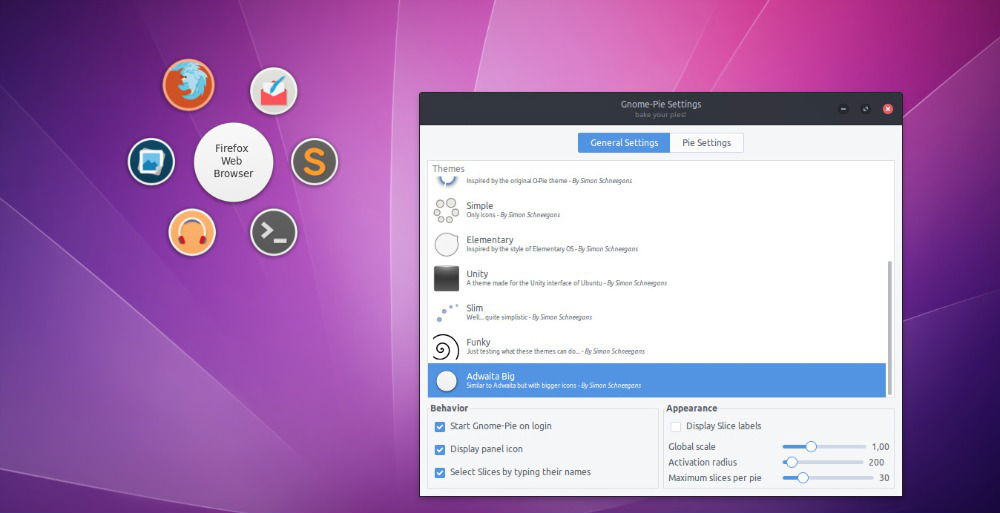
How to install Gnome-Pie Application Launcher on Linux Ubuntu 15.04, Ubuntu 14.04 and Ubuntu 14.10. Install and update Gnome-Pie Application Launcher on Ubuntu Unity Desktop. Gnome-Pie a slick application launcher for Linux. It’s eye candy and pretty fun to work with. It offers multiple ways to improve your desktop experience. The circular application launcher is […]
Install Komodo Edit 9.2 On Ubuntu 15.04 & Ubuntu 14.04
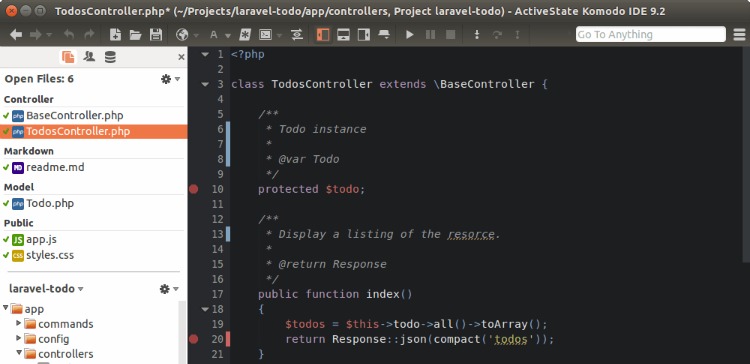
Install Komodo Edit 9.2 in Ubuntu 15.04 and Ubuntu 14.04 Systems. Komodo Edit a free, fast and multi-language code editor. Komodo Edit text editor is the free and Open-Source counterpart of Komodo IDE for coding in various web languages such as Python, PHP, Ruby, Perl, HTML, CSS and JavaScript. Komodo IDE/Edit 9.2 also comes with […]
Install Telegram Desktop Messaging App on Ubuntu 15.04 & Ubuntu 14.04
Telegram Desktop 0.8.48 (Telegram client for Linux). Install Telegram Desktop 0.8.48 on Ubuntu 15.04, Ubuntu 14.04 and Derivatives. Telegram Desktop messaging app is the official Telegram client for Linux Ubuntu Systems. Telegram is a messaging app with a focus on speed and security, it’s super fast, simple and free. You can use Telegram on all […]
Terminal Commands To Install Firefox 39.0.3 on Ubuntu 15.04 & Ubuntu 14.04
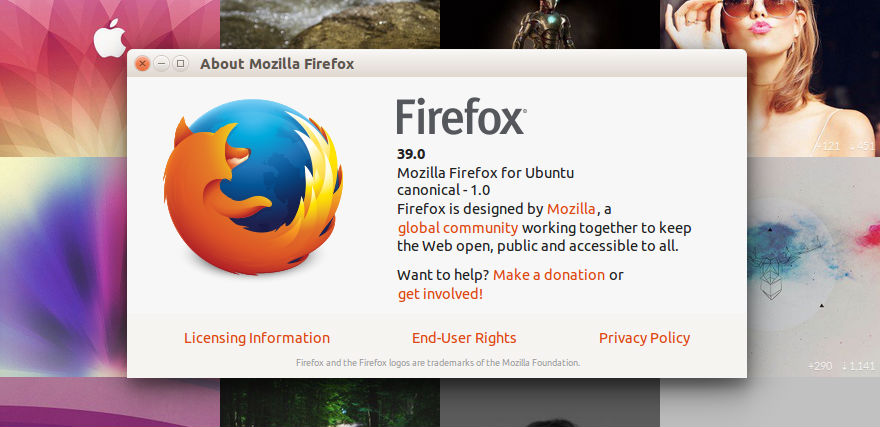
Download and install the latest Firefox 39.0.3. Terminal commands to install Firefox 39.0.3 on Ubuntu 15.04, Ubuntu 14.04 and Derivatives. Although the latest release version, Firefox 39.0.3 brings only various security fixes and improvements, the Firefox version 39.0+ includes the following changes. 1. New Share Hello URLs with social networks Project Silk: Smoother animation and […]
How to Set Shutter As The Defaut Screenshot Tool in Gnome3/Unity/KDE
How to set Shutter as the default screenshot grabbing tool in Gnome3/Unity/KDE desktop environments. Shutter is a popular screenshot tool available for Linux Ubuntu systems. The latest version Shutter 0.93, includes Dropbox integration and support for vgy.me. If you haven’t installed the latest version Shutter 0.93, follow the tutorial to install Shutter 0.93 on Ubuntu […]