

Linux video editing software 2023. Here is the collection of best video editors for Linux Ubuntu. These best professional video editing software for Linux Ubuntu is used for uploading to YouTube. The Best Video Editing Software for Linux Ubuntu 1. OpenShot OpenShot is a cross-platform video editor, with support for Linux, Mac, and Windows. Using […]
Best Firefox Addons 2023 – Firefox Addons for YouTube Download and Privacy
The 10 best Firefox addons 2023. Here is the collection of the best Firefox addons for privacy, best Firefox addons for YouTube download and best Firefox addons for downloading videos. 1. AdBlocker for YouTube AdBlocker for YouTube™ removes all annoying ads from YouTube. Not only it removes video and display ads from YouTube, it also […]
Check Kernel Version And Find OS Version In Linux Ubuntu
How to check kernel version in Ubuntu? Here is the command to check kernel version in Linux and command to find os version in Linux Ubuntu. How To Check Kernel Version In Ubuntu ‘uname’ prints information about the machine and operating system it is run on. If no options are given, ‘uname’ acts as if […]
How to Install PuTTY on Linux Command Line
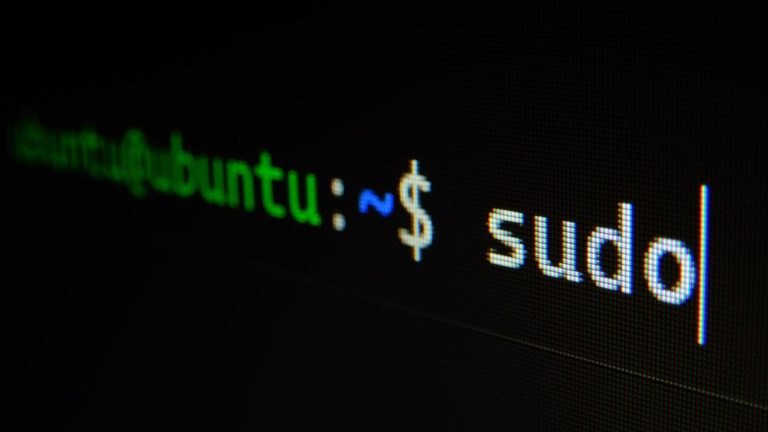
How to install PuTTY on Linux Ubuntu Systems. Here is the terminal command to install PuTTY Linux command line. PuTTY on Linux PuTTY Linux vesion is a graphical terminal program that supports the SSH, telnet, and rlogin protocols and connecting to serial ports. It can also connect to raw sockets, typically for debugging use. How […]
Know Your Top 20 Cloud Migration Checklist to Start Moving Your Data Into The Cloud

Before you move your data into the cloud, you need to make sure that it is migrated properly. If you are just getting started with the practice of moving data from one place to another, you might want to check out this list of the Top 20 Cloud Migration Checklist for newbies. This list will […]
How To See Linux History Command With Timestamp And User
How to see the history command with timestamp in Linux. Users can see history command in Linux with date; Linux history command with timestamp and user. Linux History Command With Timestamp And User To enable timestamps in the history command, you have to export the HISTTIMEFORMAT variable using the following command: export HISTTIMEFORMAT=”%F %T ” […]