
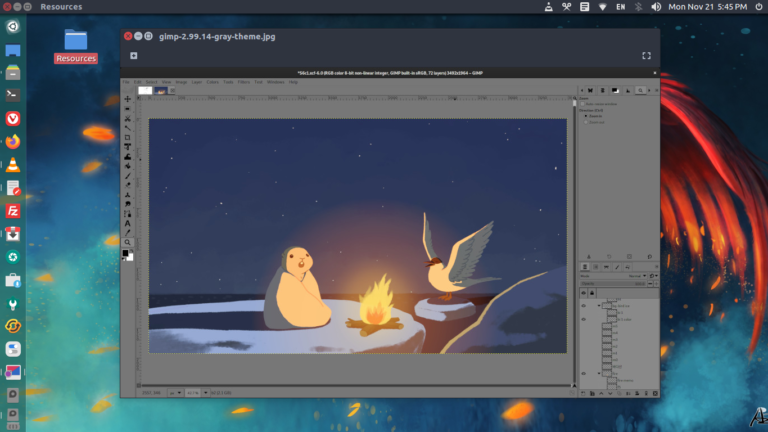
How to install GIMP image editor in Ubuntu 22.10 and Ubuntu 22.04. Learn how to install GIMP using terminal or install GIMP via Ubuntu command line. GIMP 2.99.14 now comes with a “Gray” theme based on a 18.42% luminance middle-gray background, which should be a good neutral environment for professionnal color work. Saving with RLE […]
How To Uninstall Package In Ubuntu Using dpkg
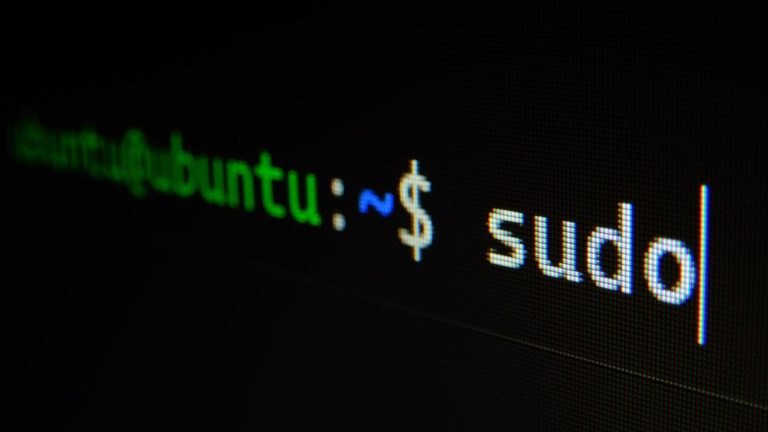
Ubuntu uninstall package and dependencies. Learn how to uninstall apt package in Ubuntu and remove all installed packages Ubuntu terminal. How To Uninstall Package In Ubuntu Using DPKG The dpkg is a tool to install, build, remove and manage Debian packages. Before you uninstall packages, you will have to get a list of installed packages. […]
How to Install VLC Media Player via PPA on Ubuntu 22.10
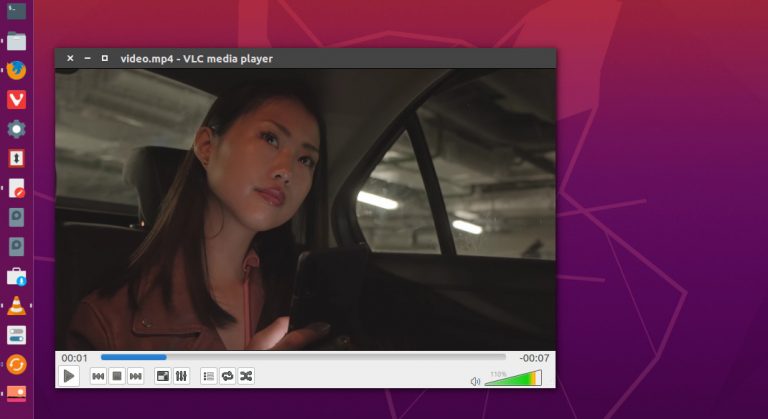
Here is how to install VLC in Ubuntu using terminal; install VLC Ubuntu 20.04 terminal, Ubuntu 22.04 and Ubuntu 22.10. Install VLC Media Player via PPA on Ubuntu 22.10 Ubuntu users can install the latest VLC 3.0.18 (and various required dependencies) for Xenial & newer. Run the following commands to install the latest VLC Media […]
Install KeePassXC 2.7.4 Password Manager For Linux Ubuntu
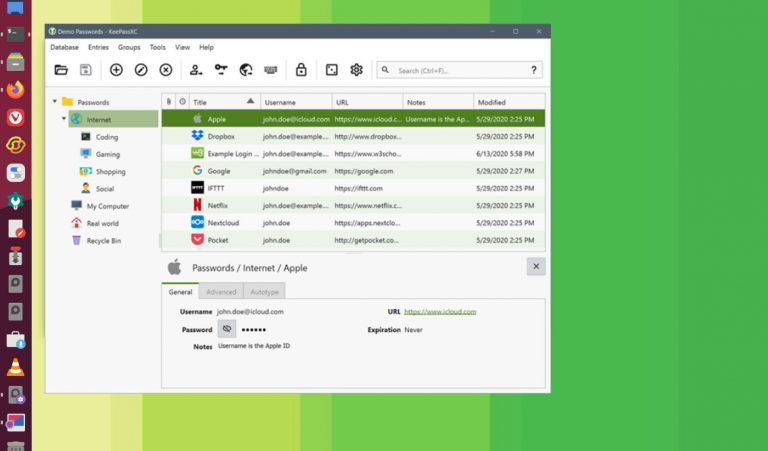
Install KeePass in Ubuntu Linux, the best password manager for Linux Ubuntu. KeePassXC 2.7.4 password manager for Linux now implements KDBX 4.1 and can unlock via Windows Hello and/or Apple Watch. KeePassXC stores and manages all kinds of sensitive information and personal data, such as usernames, passwords, URLs, attachments, and notes in an offline, encrypted […]
Site Editing: The Future of Building With WordPress
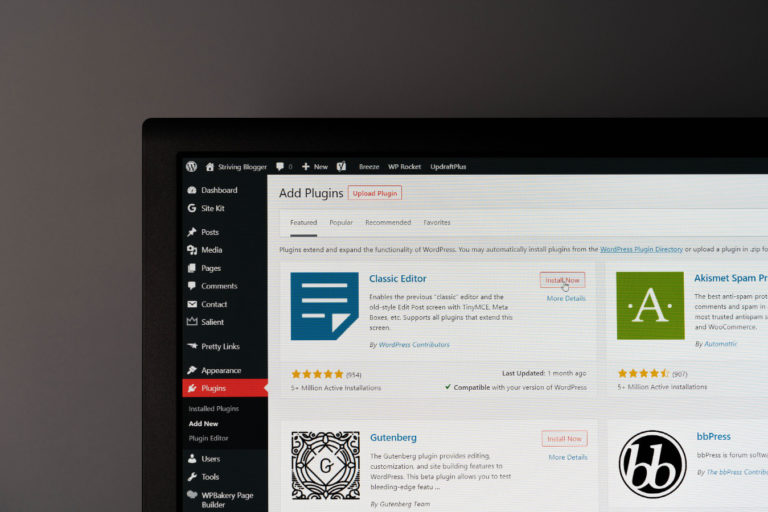
WordPress has recently offered its users a new 5.9 version that can dramatically transform the future of website design. Full Site Editing or FSE allows website builders to change their sites’ layout and design, as well as create and customize themes. In this article, we will explore this cutting-edge feature of WordPress that transforms the […]
Download Ubuntu 22.10 Kinetic Kudu Default Wallpaper
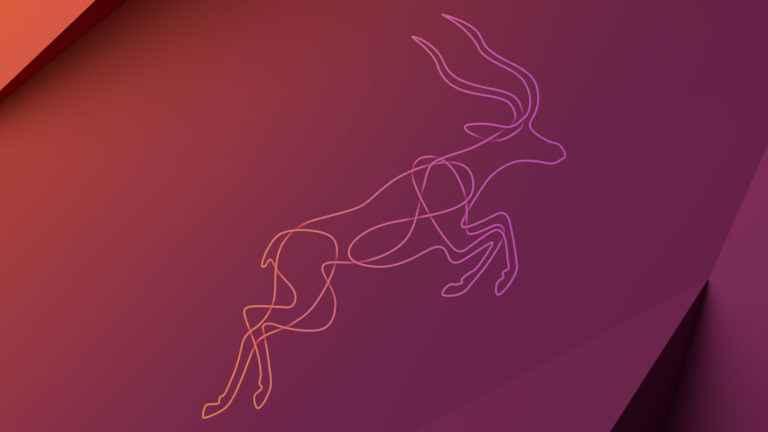
Download Ubuntu 22.10 Kinetic Kudu default wallpaper. Ubuntu 22.10’s default wallpaper has been revealed. Ubuntu 22.10 Kinetic Kudu will be released on 20 October 2022. Download Ubuntu 22.10 Kinetic Kudu Default Wallpaper https://discourse.ubuntu.com/t/kinetic-kudu-22-10-wallpaper-competition/30319 Ubuntu 22.10 Kinetic Kudu Release Cycle https://discourse.ubuntu.com/t/kinetic-kudu-release-schedule/27263 Ubuntu 22.10 Kinetic Kudu will be released on 20 October 2022 with final support until […]