
• Skip to primary navigation
  • Skip to main content
  • Skip to primary sidebar
Source Digit

Source Digit

Linux, Ubuntu Tutorials & News, Technology, Gadgets & Gizmos

  • Home
  • How To
  • Ubuntu
  • Instagram
  • Blogging
  • Android
  • WordPress
  • +More
    • Cloud Computing
    • Gadgets
    • Social Media
    • Technology
  • Write for Us
Home / Archives for Install BitTorrent Client Ubuntu

Install BitTorrent Client Ubuntu

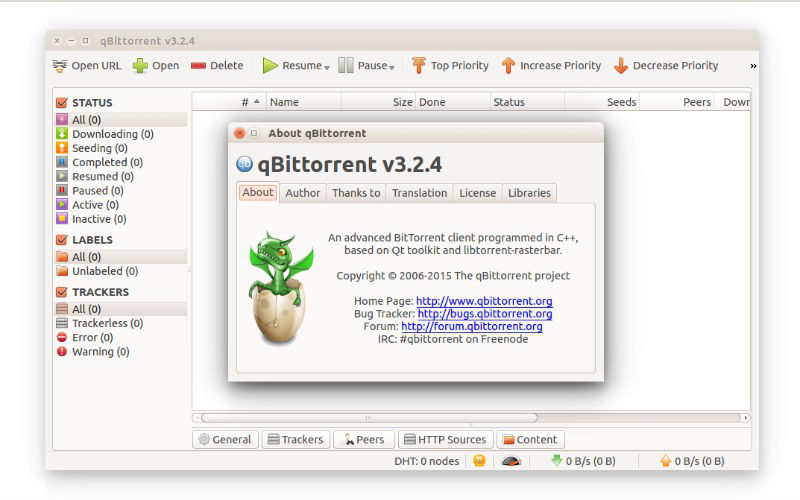
Install qBittorrent BitTorrent Client On Ubuntu 16.04

qBittorrent 3.3.5 for Linux Ubuntu Systems. Install qBittorrent BitTorrent Client on Ubuntu 16.04 Systems. The qBittorrent BitTorrent Client is a powerful alternative to µTorrent. qBittorrent is a powerful BitTorrent Client supports torrents queueing and prioritizing and simultaneous search in most famous BitTorrent search sites. qBittorrent supports all Bittorrent extensions such as DHT, Peer Exchange, Full […]

Install Deluge BitTorrent Client in Ubuntu 15.04 & Ubuntu 14.04
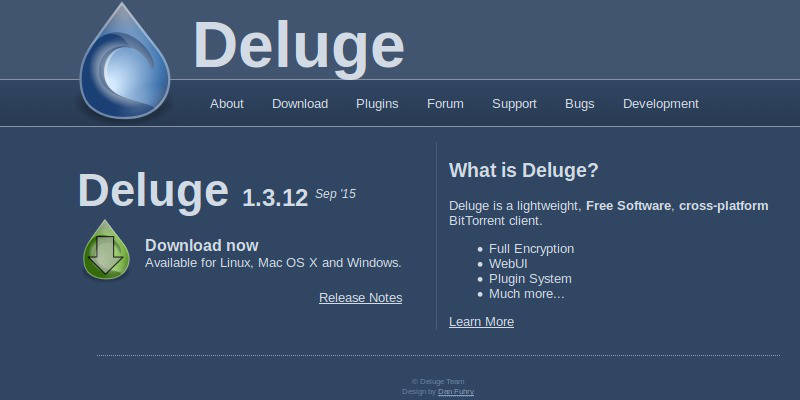
Install Deluge BitTorrent client in Ubuntu 15.04 and Ubuntu 14.04. Deluge is a full-featured ​BitTorrent client for Linux, OS X, Unix and Windows. It uses ​libtorrent in its backend and features multiple user-interfaces including: GTK+, web and console. It has been designed using the client server model with a daemon process that handles all the […]

Primary Sidebar

Latest Posts

Delete Directory And Contents Recursively Without Prompt On Linux

Check User Login History In Ubuntu Linux Command Line

Use Locate Command To Find File In Linux Terminal By Name

How To Change Terminal Color In Ubuntu Command Line

How To Run Fsck Manually In Linux To Fix Unexpected Inconsistency

How To Fix Broken Packages On Ubuntu From Terminal

Re Execute The Previous Command In Linux Ubuntu Command Line

How Much RAM Is Needed For Ubuntu PC

How To Find Large Files And Directories In Linux Command Line

How To Use Clear Command History In Linux Terminal

© 2026 Source Digit • Linux, Ubuntu Tutorials & News, Technology, Gadgets & Gizmos

  • Home
  • About
  • Privacy Policy
  • Terms & Conditions
  • Contact Us
  • Sitemap