
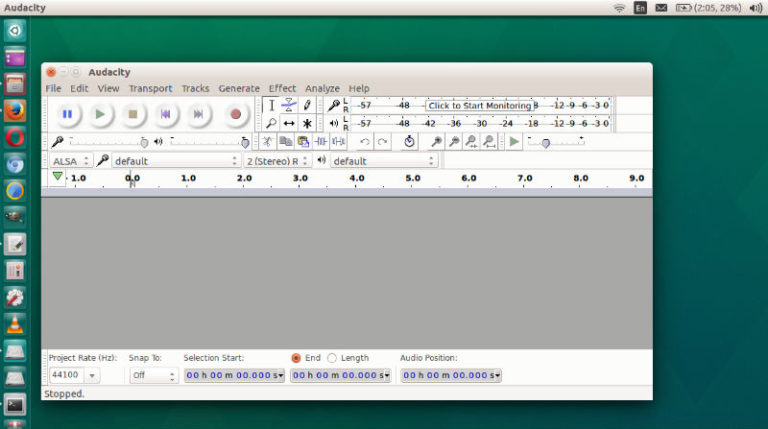
Audacity 2.3.2 has been released. Here is how to install Audacity audio editor on Ubuntu Linux Systems. This release of Audacity audio editor for Ubuntu Linux replaces all previous versions. Audacity now includes the LAME MP3 encoder and there is a new Select button in the track panel to select the whole track. Over 20 […]
Ubuntu
Latest Ubuntu news updates, Ubuntu tutorials and tips for Ubuntu Linux. Learn to use one the most popular Linux distros. Get the updates and latest releases for Ubuntu.
How To Update A Specific Package In Ubuntu
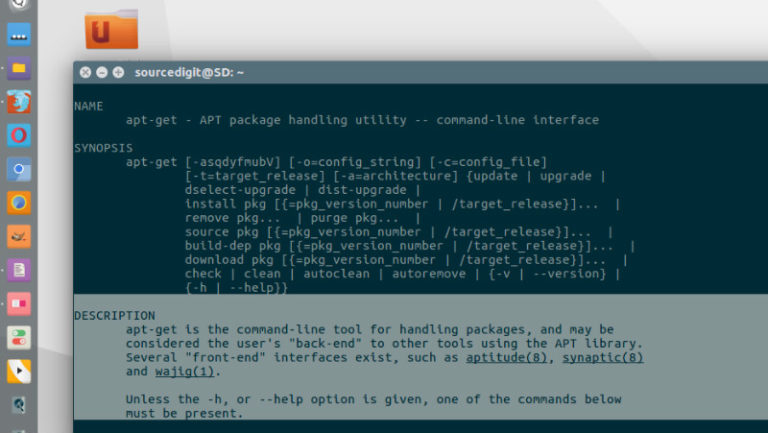
How to update a specific package in Ubuntu; apt-get upgrade to specific version. Using one of the apt-get upgrade options “apt-get install –only-upgrade”, users can apt-get update only one repository. They can easily update a single package in Ubuntu. Update A Specific Package In Ubuntu You just need to do apt-get install –only-upgrade . This […]
Keepass 2.42 – Keepass Password Manager For Linux Ubuntu

KeePass 2.42 released. Here is how to install KeePass password manager for Linux Ubuntu. KeePass 2.42 is a stable release. It is recommended to upgrade from any previous 2.x version to 2.42. KeePass 2.42 mainly features user interface and integration enhancements, and various other minor new features and improvements. Hashes and signatures for integrity checking […]
How To Install Qmmp 1.3.2 Winamp Like Music Player in Ubuntu
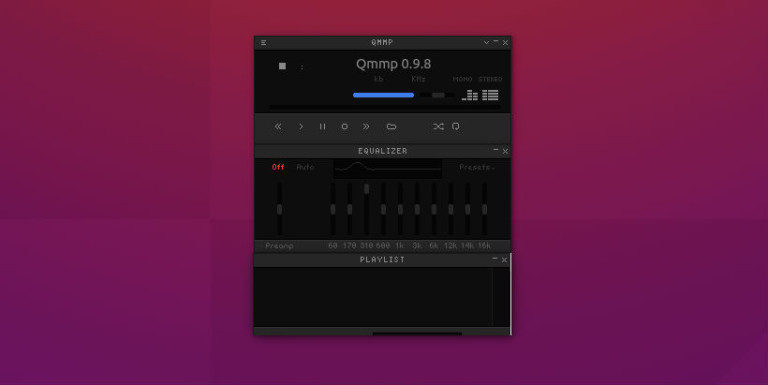
Qmmp music player 1.3.2 released! How to install Qmmp music player in Ubuntu Linux. Qmmp, a Qt-based music player with winamp or xmms like interface. Qmmp Music Player comes with an improved WASAPI support and fixed cursors support in the skinned user interface. Qmmp is a popular multimedia player similar to Winamp music player. Qmmp […]
Install Darktable 2.6 Photography Software In Linux Ubuntu
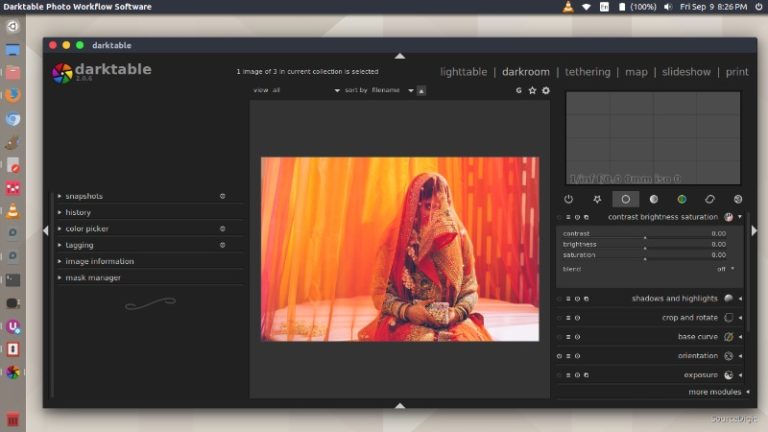
Darktable 2.6.1 released – Install Darktable 2.6.1 in Linux Ubuntu Systems. Darktable is an open source photography workflow application and raw developer . A virtual lighttable and darkroom for photographers. It manages your digital negatives in a database, lets you view them through a zoomable lighttable and enables you to develop raw images and enhance […]
Install Linux Kernel 5.1 RC7 on Ubuntu
Install Linux Kernel 5.1 RC7 on Ubuntu Systems. On Ubuntu, update Kernel via apt-get terminal command. Writing about the features of Kernel 5.1, Phoronix explains {briefly} about the new features released with the announcement of Kernel 5.1, Below are some of the notable features and improvements: Intel Fastboot is finally enabled by default after developers […]