
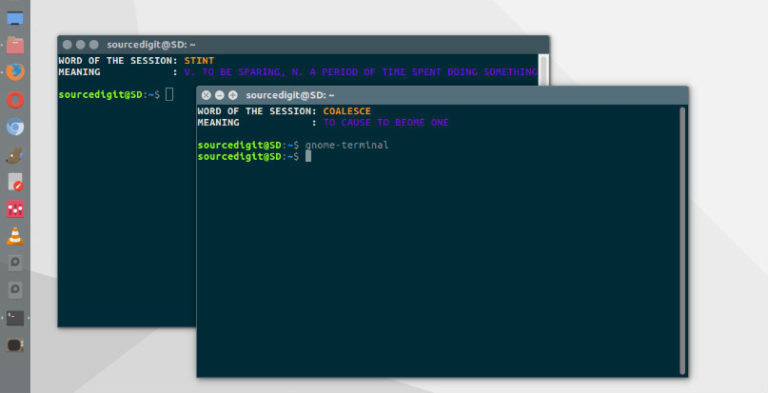
How to open multiple terminals in Ubuntu Linux. How to run two instance of terminal in Ubuntu – display more than 1 terminal simultaneously. Learn about methods to open multiple instances of the bash Terminal in Ubuntu. Method 1 Go to the menu bar and click on the File menu and then select the Open […]
Ubuntu
Latest Ubuntu news updates, Ubuntu tutorials and tips for Ubuntu Linux. Learn to use one the most popular Linux distros. Get the updates and latest releases for Ubuntu.
Install GNU Emacs on Ubuntu Linux
Install GNU Emacs on Ubuntu Linux. GNU Emacs is an extensible, customizable, free/libre text editor — and more. At its core is an interpreter for Emacs Lisp, a dialect of the Lisp programming language with extensions to support text editing. Features of GNU Emacs: Content-aware editing modes, including syntax coloring, for many file types. Complete […]
How To Use Task Manager In Ubuntu
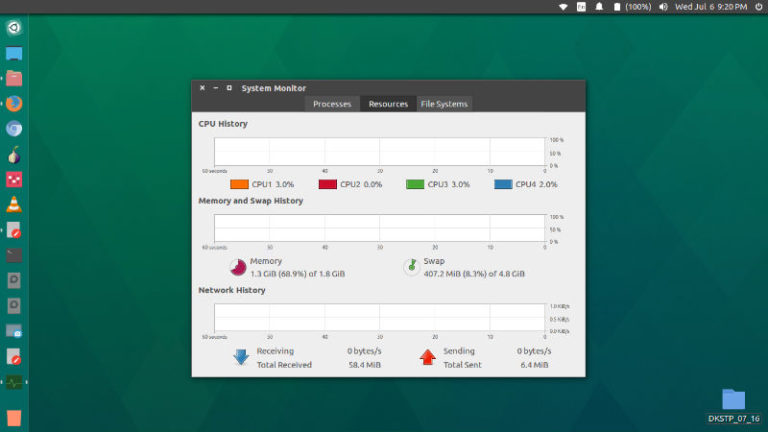
How to use Task Manager in Ubuntu. How to open Task Manager in Ubuntu Linux Terminal. Use Ctrl+Alt+Del for Task Manager in Ubuntu Linux to kill unwanted tasks and programs. Just like Windows have Task Manager, Ubuntu has a built-in utility called System Monitor which can be used to monitor or kill unwanted system programs […]
Ffmpeg 4.1 Al-Khwarizmi – How To Install FFmpeg On Ubuntu Linux
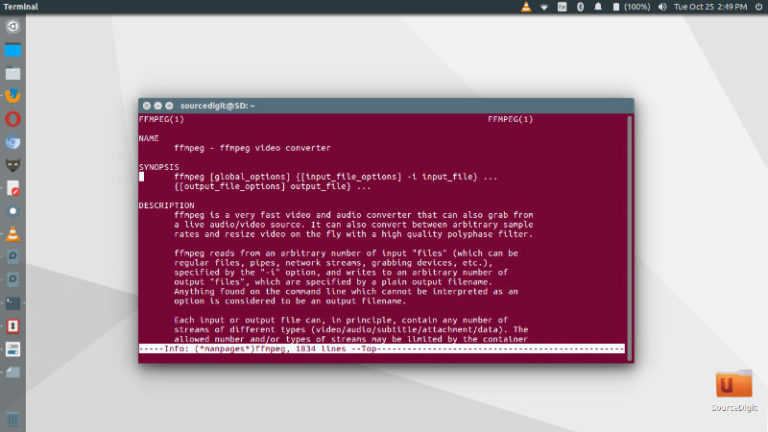
How to install FFmpeg on Ubuntu Linux. FFmpeg is a command line tool to convert multimedia files on Linux Ubuntu Systems. FFmpeg is the leading multimedia framework, able to decode, encode, transcode, mux, demux, stream, filter and play pretty much anything that humans and machines have created. It supports the most obscure ancient formats up […]
Update Linux Kernel on Ubuntu – Compile and Install Linux Kernel
How to update Linux Kernel on Ubuntu. On Linux Ubuntu, update Kernel using apt-get command. Commands to compile and install Linux Kernel on Ubuntu Systems. Linux Kernel 5 RC6 Announcing the release of Linux Kernel 5 RC6, Linus Torvalds wrote: “It’s Sunday afternoon, which means it’s time for the usual release candidate. Things are fairly […]
Fix E: Could not get lock /var/lib/dpkg/lock – Unable to lock the directory
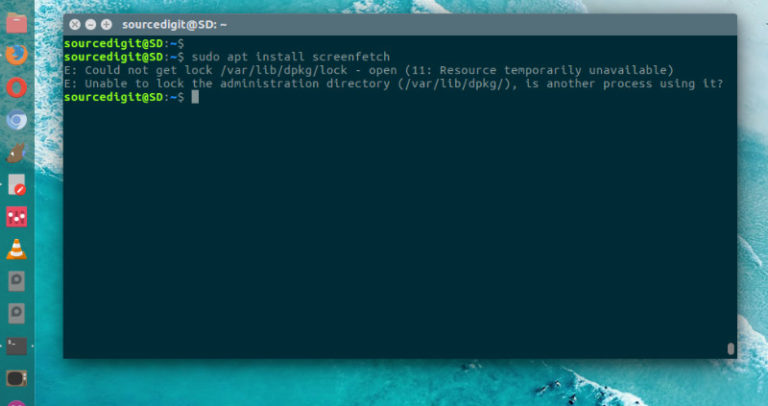
How to fix error “E: Could not get lock /var/lib/dpkg/lock – open (11: Resource temporarily unavailable). E: Unable to lock the administration directory (/var/lib/dpkg/), is another process using it?” The problem arises when a specific process locks the dpkg resource. To solve it, search for process that’s holding up the resource and kill it. To […]