
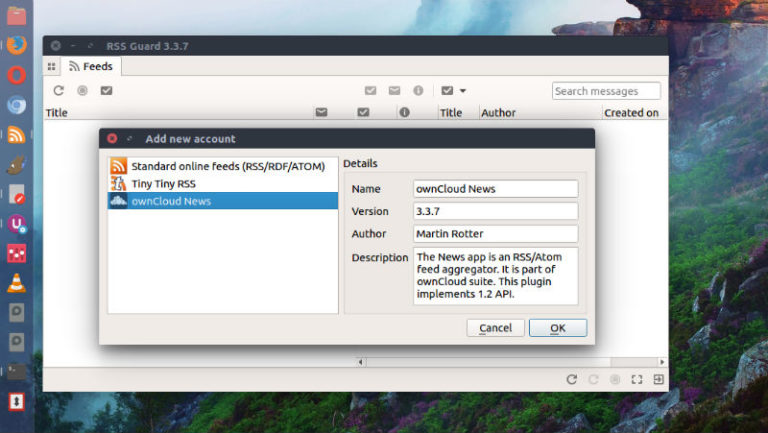
Liferea Feed Reader 1.12.4 released. Install Liferea Linux feed reader and news aggregator on Ubuntu Linux Systems. Liferea Ubuntu desktop feed reader/news aggregator that brings together all of the content from your favorite subscriptions into a simple interface that makes it easy to organize and browse feeds. Its GUI is similar to a desktop mail/newsclient, […]
Ubuntu
Latest Ubuntu news updates, Ubuntu tutorials and tips for Ubuntu Linux. Learn to use one the most popular Linux distros. Get the updates and latest releases for Ubuntu.
Install Wine 3.6 on Ubuntu Linux via Terminal Commands

Install Wine 3.6 on Ubuntu Linux via Terminal commands. The Wine development release 3.6 is now available for users. It brings support for PNG format icons, support for 1D textures with more infrastructure for high DPI support and OLE data cache improvements. Apart from these changes, it also brings various bug fixes. Bugs fixed in […]
How To Install Krita 4.0.4 in Ubuntu Linux via Appimage
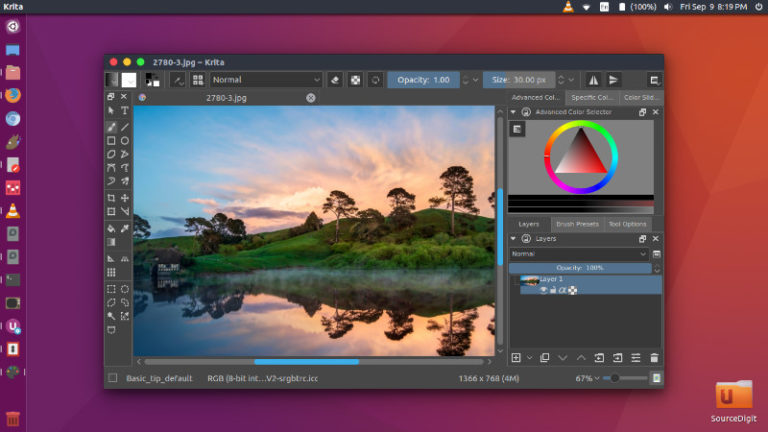
Install Krita on Linux Ubuntu using Appimage or Krita Lime PPA. Krita is an open source painting program for Linux Systems. Krita 4.0.4 is the last stable release and the release contains several bug fixes and improvements: Krita 4.0.4 Krita team releases Krita 4.0.4, a bug fix release of Krita 4.0.0. This is the last […]
GIMP 2.10.4 Released – Install GIMP Image Editor On Ubuntu
How to Install GIMP 2.10.4 in Ubuntu 18.04. Command to install GIMP via Ubuntu Terminal; this tutorial explains installing GIMP via terminal. GIMP 2.10.4 is released with many improvements and changes. GIMP 2.10.4 The latest update of GIMP’s new stable series delivers bugfixes, simple horizon straightening, async fonts loading, fonts tagging, and more new features. Simple […]
Install Linux Kernel 4.18-rc3 on Ubuntu Linux
Upgrade and install Linux Kernel 4.18-rc3 on Ubuntu Systems. Linux 4.18-rc3 Kernel is released with Linux Kernel 4.18-rc3 was announced by Linus Torvalds. He writes: I’m back at home, over jetlag, and back to the usual “Sunday afternoon” release schedule. So there it is, in all the usual places. And things look fairly normal – […]
Wine 3.11 Released – How To Install Wine 3.11 in Ubuntu Linux
Wine 3.11 Released – Install Wine on Ubuntu 18.04. The Wine 3.11 brings the following changes: More debugger support for Wow64 processes. Support for sha256/sha384 hashes in ECDSA signatures. Better reporting of hyper-threaded CPUs. Improvements to the standard Task Dialog. Various bug fixes. Install Wine 3.11 on Ubuntu Run the following commands in terminal to […]