
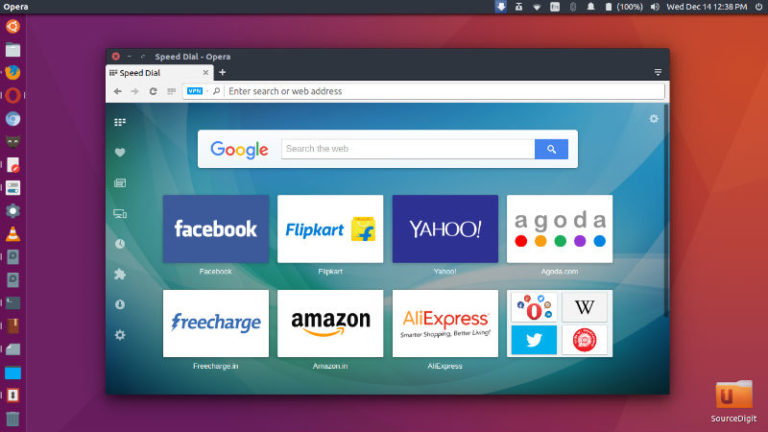
How to install Opera in Ubuntu 18.04 using terminal. Opera 53 build revamps the appearance of tabs and the address bar. Chromium was updated to version 66.0.3359.139. Opera Features Stay safer and more private – Opera keeps your browsing safe, so you can stay focused on the content. Our secure browser protects you from fraud […]
Ubuntu
Latest Ubuntu news updates, Ubuntu tutorials and tips for Ubuntu Linux. Learn to use one the most popular Linux distros. Get the updates and latest releases for Ubuntu.
Krita 4.0.3 Released – Install Krita via PPA in Ubuntu 18.04
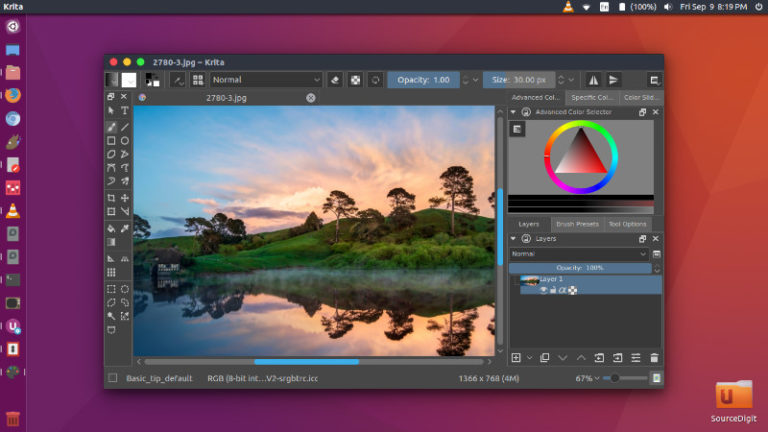
Krita 4.0.3 released. How to install Krita 4 via PPA in Ubuntu 18.04. Learn how to upgrade Krita; installing the latest version of Krita on Linux Ubuntu. Krita 4.0.3 Improvements & Change Animation Fix canvas update issues when an animation is being rendered to the cache BUG:392969 Fix playback in isolated mode BUG:392559 Fix saving […]
Install LibreOffice 6.0 via PPA in Ubuntu Linux
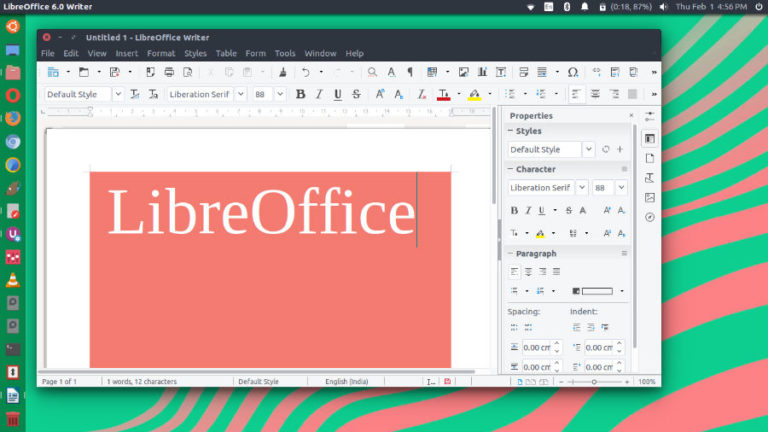
Install LibreOffice 6.0 via PPA in Ubuntu Linux. Install LibreOffice 6.0 on Ubuntu 16.04, Ubuntu 17.04, Ubuntu 16.10, Ubuntu 17.10 and other Ubuntu Derivatives. The Document Foundation announces LibreOffice 6.0: power, simplicity, security and interoperability from desktop to cloud The new major release adds a large number of significant new features to the core engine […]
SMPlayer 18.4 Released – Install SMPlayer On Linux Ubuntu
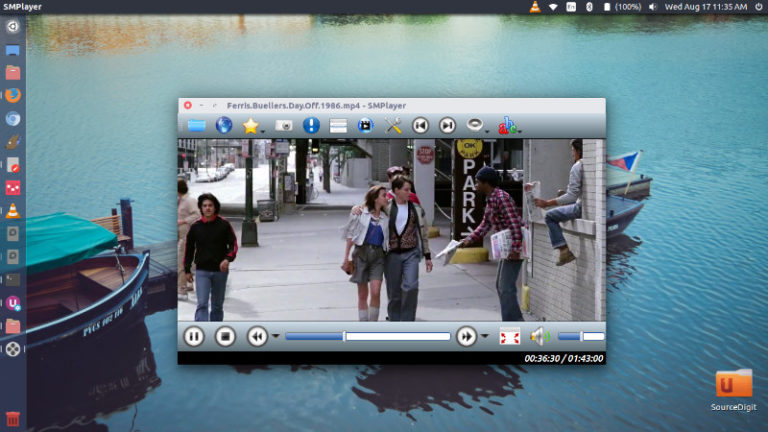
SMPlayer 18.4 has been released. Install SMPlayer media player for Linux Ubuntu Systems. SMPlayer music player comes with with built-in codecs that can play virtually all video and audio formats. It can also play Youtube videos, search and download subtitles, and includes other features like a thumbnail generator and audio and video filters. One of […]
How To Install Liferea Feed Reader 1.12.3 On Ubuntu Linux
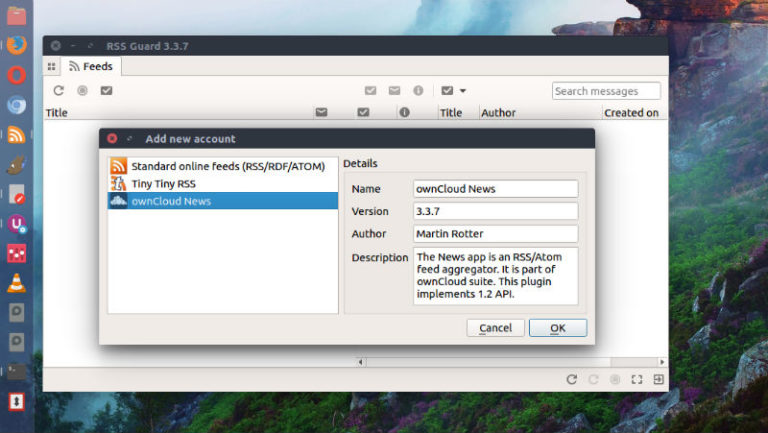
Liferea Feed Reader 1.12.3 released. Install Liferea Linux feed reader and news aggregator on Ubuntu Linux Systems. Liferea Ubuntu desktop feed reader/news aggregator that brings together all of the content from your favorite subscriptions into a simple interface that makes it easy to organize and browse feeds. Its GUI is similar to a desktop mail/newsclient, […]
How To Install Cantata 2.3.0 In Ubuntu

How to install Cantata 2.3.0 in Ubuntu. Cantata music player is a Qt5 Graphical MPD Client for Linux Ubuntu Systems. Cantata music player supports the following features: Supports Linux, macOS, and Windows. Multiple MPD collections. Highly customisable layout. Songs (optionally) grouped by album in play queue. Context view to show artist, album, and song information […]