
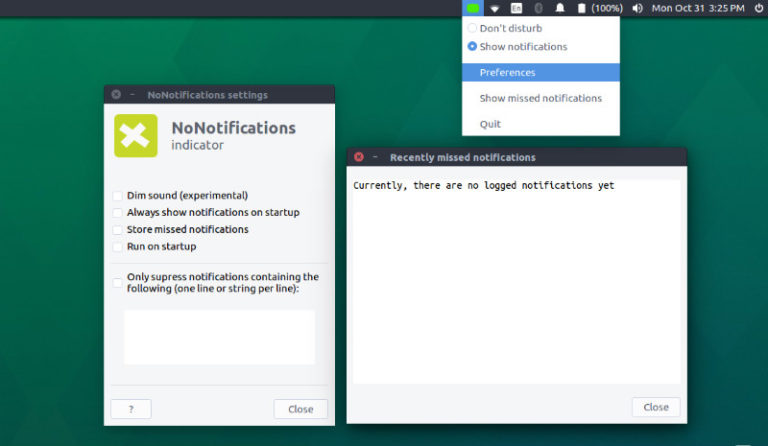
Install NoNotifications Ubuntu Indicator on Ubuntu 16.10 and Ubuntu 16.04 and customize Ubuntu Desktop notification. nonotifs (NoNotifications)indicator for Ubuntu temporarily suppress notifications of notify-osd (notify-send). The latest version of NoNotifications indicator brings an option that allows to only suppress notifications containing specific stings. This can be very useful when you wish to disable notifications from […]
Ubuntu
Latest Ubuntu news updates, Ubuntu tutorials and tips for Ubuntu Linux. Learn to use one the most popular Linux distros. Get the updates and latest releases for Ubuntu.
Wine 1.9.22 Released – How To Install Wine On Ubuntu via PPA
How to install Wine 1.9.22 in Ubuntu 16.10. Learn how to install Wine in Ubuntu via ubuntu-wine/ppa. The Wine development release 1.9.22 is now available and can be installed on Ubuntu Systems. Wine (originally an acronym for “Wine Is Not an Emulator”) is a compatibility layer capable of running Windows applications and games on several […]
How To Install & Enable SSH Service On Ubuntu 16.10

Learn how to install Secure SHell “SSH” in Ubuntu and learn how to enable SSH Service in Ubuntu 16.10. Ubuntu users can configure OpenSSH Server “sshd_config file” and edit connection settings. SSH (“Secure SHell”) is a protocol for securely accessing one computer from another. Despite the name, SSH allows you to run command line and […]
How To Install Deluge BitTorrent Client On Ubuntu 16.04
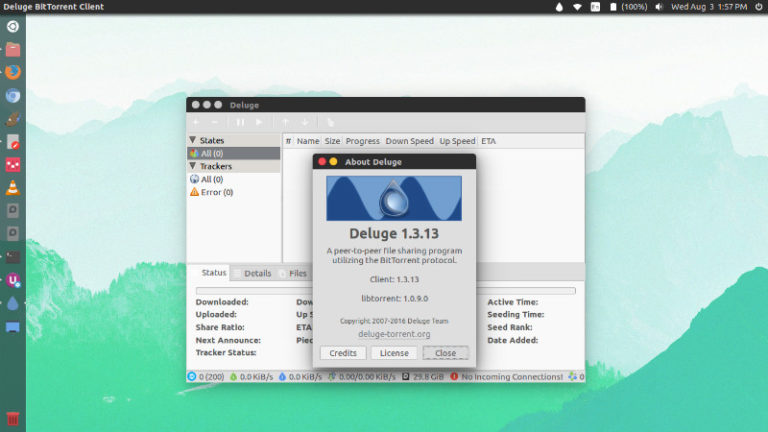
How to install the latest Deluge BitTorrent Client on Ubuntu 16.04/16.10. Install Deluge BitTorrent Client in Ubuntu, using PPA. Deluge is a fully-featured cross-platform BitTorrent client. Deluge contains the common features to BitTorrent clients such as Protocol Encryption, DHT, Local Peer Discovery (LSD), Peer Exchange (PEX), UPnP, NAT-PMP, Proxy support, Web seeds, global and per-torrent […]
View Ubuntu System Information In Commandline – Install dstat Monitoring Tool on Ubuntu Linux
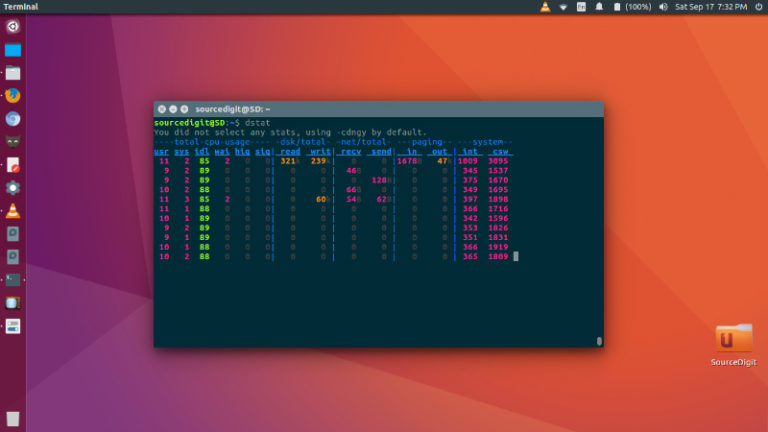
Install dstat Monitoring tool on Ubuntu Linux system. Dstat allows you to view all of your system resources in real-time. Dstat is a versatile replacement for vmstat, iostat, netstat and ifstat. Dstat overcomes some of their limitations and adds some extra features, more counters and flexibility. Dstat is handy for monitoring systems during performance tuning […]
Install Evernote Client “NixNote 2” In Ubuntu 16.10
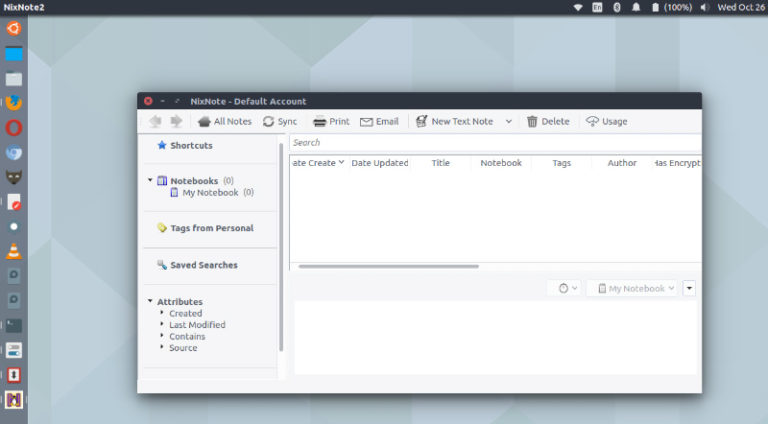
Install Evernote client “NixNote 2” in Ubuntu 16.10 and Ubuntu 16.04 Systems. NixNote is a clone of Evernote for Linux Ubuntu Systems. This unofficial client of Evernote for Linux is written in C++ using the Qt framework which ensures a better performance and a reduced memory usage. There are many Evernote features supported by NixNote […]