

How to fix the Dirty COW vulnerability on Linux Ubuntu Systems. Canonical has patched Dirty COW Kernel Bug in all Ubuntu OSes and Ubuntu users urged to update their systems immediately. The Dirty COW vulnerability could have allowed local users to write any file they can only be read. The Dirty Cow security flaw was […]
Ubuntu
Latest Ubuntu news updates, Ubuntu tutorials and tips for Ubuntu Linux. Learn to use one the most popular Linux distros. Get the updates and latest releases for Ubuntu.
Install WMail – Linux Desktop Client For Gmail & Google Inbox
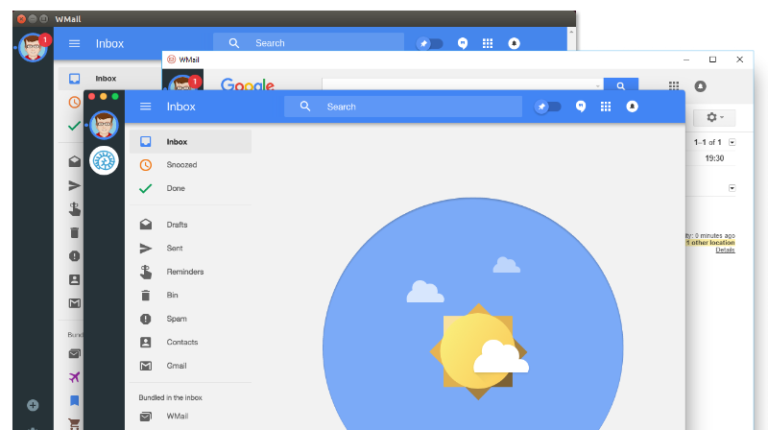
WMail is a Linux desktop client for Gmail and Google Inbox. WMail Gmail client for Linux Ubuntu Systems is designed to work with multiple accounts. It allows you to switch instantly and easily between any amount of accounts. There are no limits, no waiting, no losing your tabs or getting lost between which account you’re […]
Install Corebird Twitter Client On Ubuntu 16.10 Desktop
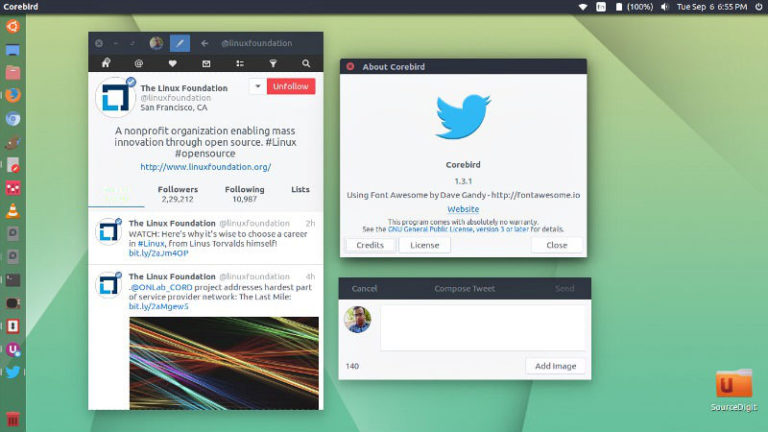
Install Corebird Twitter Client on Ubuntu 16.10 Desktop. Corebird 1.3.3 is the latest release of Corebird Twitter Client for Linux Ubuntu Systems. It support longer tweets and brings a dark mode UI. Corebird 1.3.3 is the latest release and brings the following changes: Support longer tweets in a few more places Properly escape ampersand characters […]
Install RSS Feed Reader On Ubuntu 16.10

Install RSS Feed Reader on Ubuntu 16.10 and Ubuntu 16.04 Systems. RSS Guard is powerful RSS feed reader for Ubuntu Linux Systems. RSS Guard is simple, light and easy-to-use RSS/ATOM feed aggregator developed using Qt framework which supports online feed synchronization. RSS (Rich Site Summary), also known as Really Simple Syndication is used to publish […]
How to Take Screenshot of Ubuntu Login Screen In Ubuntu 16.10
How to take screenshot of Ubuntu Login Screen in Ubuntu 16.10, Ubuntu 16.04, Ubuntu 14.04 and other Ubuntu Derivatives. To take screenshot of Ubuntu login screen, you will need ImageMagick. If you do not have ImageMagick installed, run the following command in terminal to install ImageMagick. sudo apt-get update sudo apt-get install imagemagick Once installed, […]
How To Install Linux Kernel 4.8.4 In Ubuntu
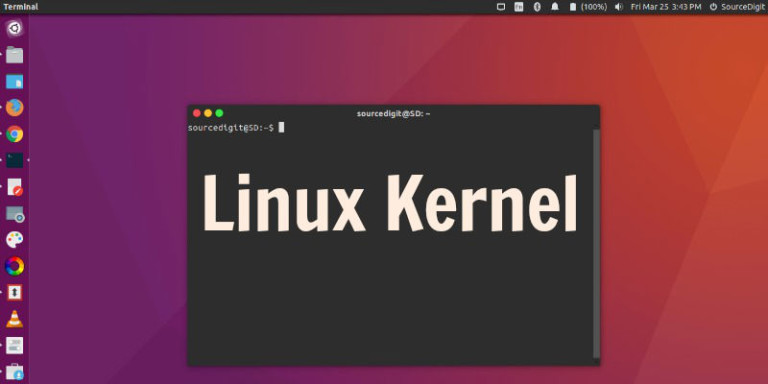
How to install or upgrade to Linux Kernel 4.8.4 on Ubuntu 16.10, Ubuntu 16.04 and Linux Mint Systems. Linux kernel 4.8.4 is the latest stable release of Kernel for Ubuntu Linux Systems. Linux Kernel 4.8.4 has been released with EXT4 and Btrfs improvements and an updated Broadcom wireless drivers. Linux kernel 4.8.4 is now the […]