
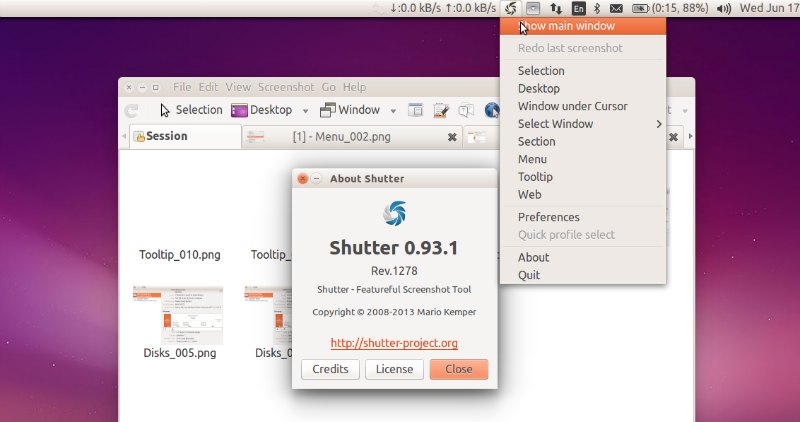
Install the latest Shutter Screenshot Tool (Shutter 0.93.1) in Ubuntu. Upgrade to Shutter 0.93.1, install Shutter 0.93.1 Screenshot Tool in Ubuntu 15.04, Ubuntu 14.10 and Ubuntu 14.04. Shutter is the best feature-rich screenshot program for Ubuntu Linux. With it, you can take a screenshot of a specific area, window, your whole screen, or even of […]
Ubuntu
Latest Ubuntu news updates, Ubuntu tutorials and tips for Ubuntu Linux. Learn to use one the most popular Linux distros. Get the updates and latest releases for Ubuntu.
How To Install digiKam 4.10 in (K)Ubuntu 15.04, (K)Ubuntu 14.10 and (K)Ubuntu 14.04
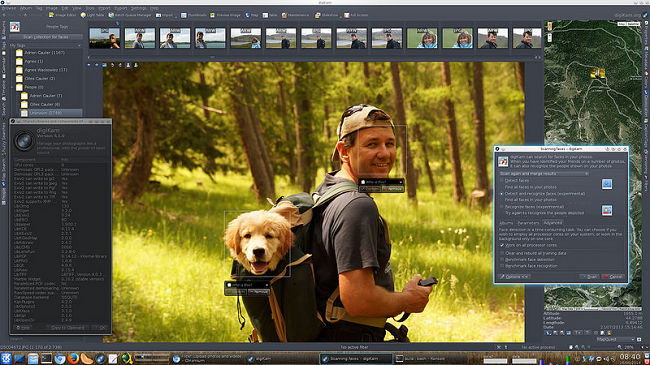
pgrade to digiKam 4.10 in (K)Ubuntu. Install digiKam 4.10 in (K)Ubuntu 15.04, (K)Ubuntu 14.10 and (K)Ubuntu 14.04. digiKam is an advanced digital photo management application for Linux, Windows, and Mac-OSX. With DigiKam you can : import pictures organize your collection view items edit and enhance create (slideshows, calendar, print, …) share your creations (using social […]
Install Cinnamon 2.6 Desktop Environment in Ubuntu 15.04, Ubuntu 14.10 and Ubuntu 14.04
Linux Mint Cinnamon 2.6 (Romeo) on Linux Ubuntu. Install Cinnamon 2.6 Desktop Environment in Ubuntu 15.04, Ubuntu 14.10, Ubuntu 14.04 and Derivatives. Core improvements in the Cinnamon 2.6.x: Desktop freezes: Cinnamon now uses a newer “cogl” API. This change is known to prevent some of the causes of desktop freezes observed in earlier releases. In […]
Install Vivacious Colors Icons on Ubuntu 15.04, Ubuntu 14.04, Ubuntu 14.10 and Linux Mint
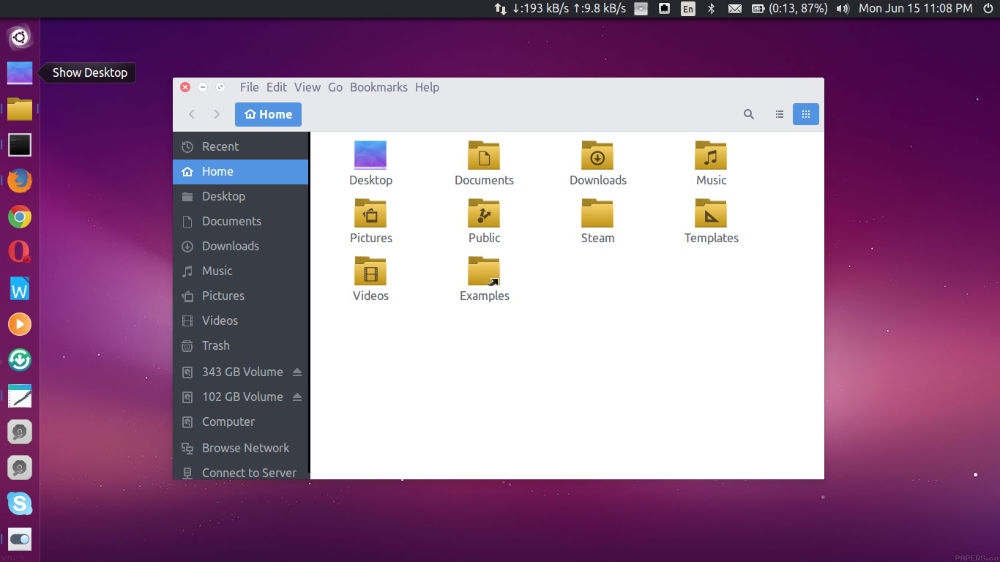
Customize Ubuntu and install custom themes on Ubuntu and Linux Mint. How to install Vivacious Colors Icons on Ubuntu 15.04, Ubuntu 14.04, Ubuntu 14.10 and Linux Mint. The Vivacious Colors is based on Vibrancy Colors icon theme framework and application icons come in multiple shapes and are fully SVG. The Vivacious uses Plasma Next icons […]
Install Komodo Edit 9 in Ubuntu 15.04, Ubuntu 14.04 & Ubuntu 14.10
Install Komodo Edit 9 in Ubuntu 15.04 and Ubuntu 14.04 Systems. Komodo Edit text editor is the free and Open-Source counterpart of Komodo IDE. Komodo Edit a free, fast and multi-language code editor. Some of the exciting features of Komodo Edit are: Multi-Language Editor Auto-complete & Calltips Multiple Selections Toolbox Projects & Places Manager Track […]
Install Handbrake 0.10.2 DVD Ripper & Transcoder in Ubuntu 15.04 and Ubuntu 14.04

How to install Handbrake 0.10.2 in Ubuntu 15.04 and Ubuntu 14.04. Handbrake is a popular video transcoder and DVD ripper for Linux Ubuntu Systems. HandBrake is an open-source, GPL-licensed, multiplatform video transcoder. HandBrake is a tool for converting video from nearly any format to a selection of modern, widely supported codecs. Handbrake can process most […]