
How to install Kernel 4.0 RC4 on 32 bit and 64 bit Ubuntu 14.10, Ubuntu 14.04 and Derivatives. Linux Kernel 4.0 RC4 has been released with ARM updates, architecture improvements and networking fixes. You can install Kernel 4.0 RC4 on Ubuntu 15.04/14.10/14.04, Linux Mint 17 and other Ubuntu derivative systems. To install Linux Kernel 4.0 RC4, […]
Ubuntu
Latest Ubuntu news updates, Ubuntu tutorials and tips for Ubuntu Linux. Learn to use one the most popular Linux distros. Get the updates and latest releases for Ubuntu.
How to Find and Remove Duplicate Files on Linux Ubuntu 14.04/14.10

How to find duplicate files on Linux Ubuntu. Search and remove duplicate files on a Linux Ubuntu systems. FSlint can be used to find duplicate files on a Linux filesystem. To install FSlint on Ubuntu, Debain and Ubuntu Derivatives, follow the installation commands given below: Ubuntu To install FSlint on Ubuntu, run the following command: […]
Install FF Multi Converter in Ubuntu 14.04/14.10 – Convert Audio/Video/Image/Documents in Ubuntu
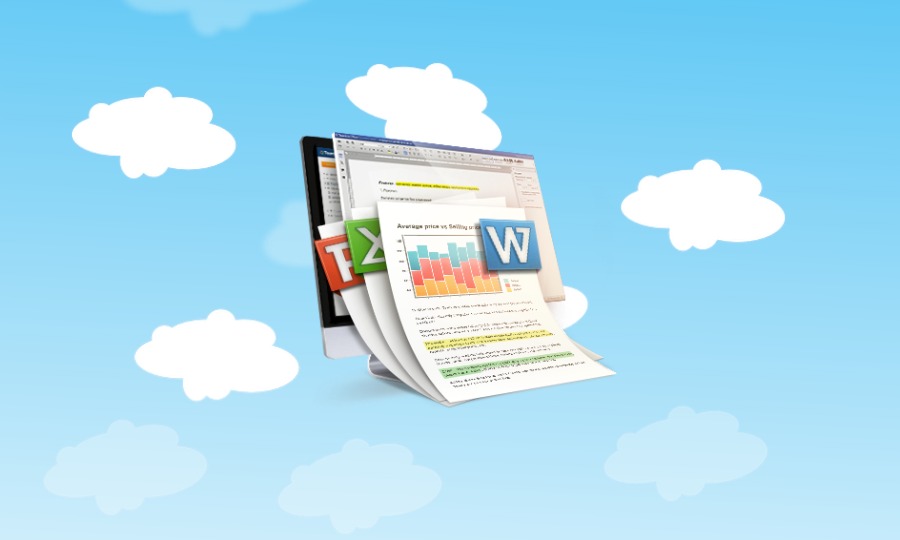
How to convert audio/video/image files in Ubuntu. Install FF Multi Converter in Ubuntu 14.04/14.10. Convert audio, video, image and documents/files with FF Multi Converter. FF Multi Converter is a simple graphical application which enables you to convert audio, video, image and document files between all popular formats, using and combining other programs. It uses ffmpeg […]
How to Install LibreOffice 4.4 in Ubuntu 14.04
How to Install LibreOffice 4.4 in Ubuntu 14.04. How to upgrade to LibreOffice 4.4 in Ubuntu 14.04, Ubuntu 14.10 and Ubuntu Derivatives. LibreOffice 4.4 is the most beautiful LibreOffice ever. LibreOffice 4.4 has been released with major UI revamps. Download & Install LibreOffice 4.4 1. Before you begin, remove the previous version of LibreOffice installed […]
Install PlayonLinux and Run Microsoft Windows Programs on Linux Ubuntu
Install Windows software on Linux Ubuntu/Mint. Here’s how to run Windows programs and softwares on Linux Ubuntu/Mint Systems. Install PlayonLinux in Ubuntu/Linux Mint via PPA and run Microsoft Windows programs on Linux Ubuntu. PlayOnLinux software allows you to easily install and run/use numerous games, software and apps designed to run with Microsoft Windows. In simple […]
How To Install Syncthing 0.10.26 On Ubuntu 14.10 and Ubuntu 14.04
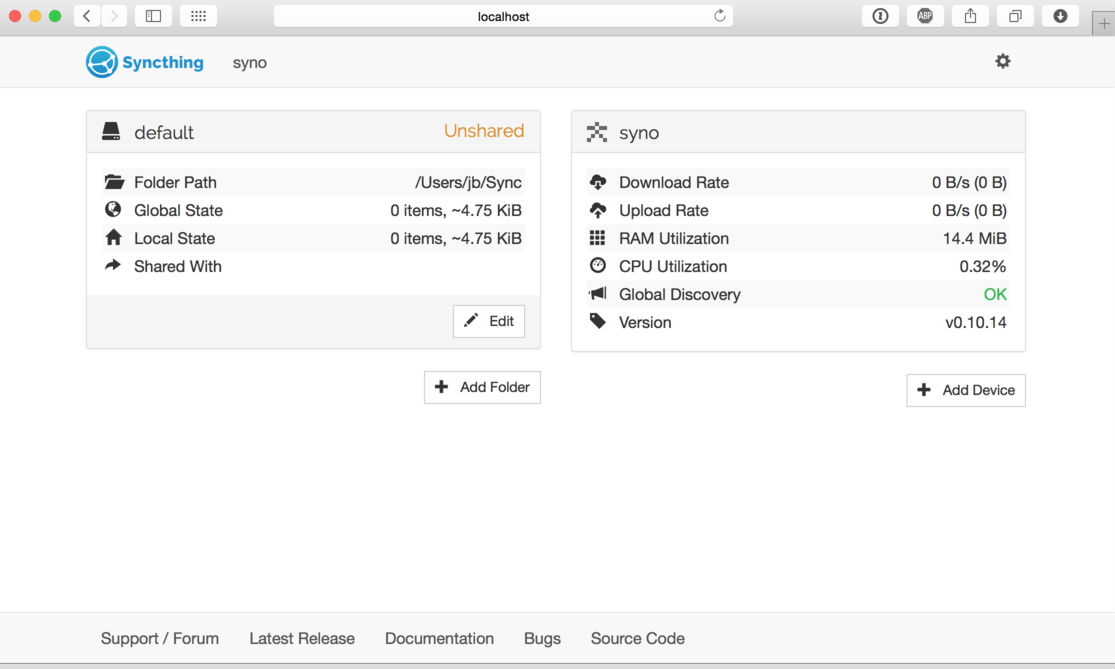
How to install Syncthing 0.10.26 on Ubuntu 14.10 and Ubuntu 14.04. Syncthing is an open-source file synchronization client/server application. It allows users to easily synchronize files and directories between different computers in a secured, encrypted manner. Syncthing is still in development, although a large number of features have already been implemented: Web GUI. Configure and […]