
Here is how to install Xtreme Download Manager XDM on Ubuntu Linux Systems. The latest release of Xtreme Download Manager is the XDM 2018 Version 7.2.8.
Xtreme Download Manager
Xtreme Download Manager is a powerful tool to increase download speed up-to 500%, save streaming videos from YouTube, DailyMotion, Facebook, Vimeo, Google Video and 1000+ other websites, resume broken/dead downloads, schedule and convert downloads. XDM seamlessly integrates with Google Chrome, Mozilla Firefox Quantum, Opera, Vivaldi and other Chroumium and Firefox based browsers, to take over downloads and saving streaming videos from web.
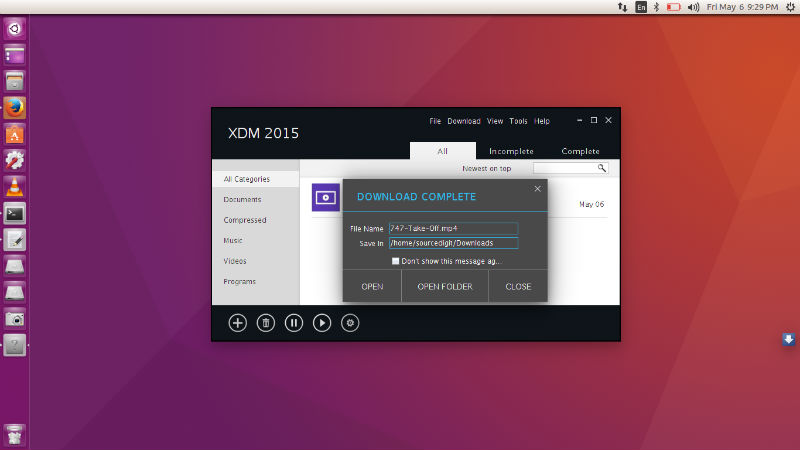
XDM has a built in video converter which lets you convert your downloaded videos to different formats so that you can watch then on your mobile or TV (100+ devices are supported).
Xtreme Download Manager can download 5 time faster. XDM can accelerate downloads by up to 5 times due to its intelligent dynamic file segmentation technology. Unlike other download managers and accelerators XDM segments downloaded files dynamically during download process and reuses available connections without additional connect and login stages to achieve best acceleration performance.
The Xtreme Download Manager works with all browsers. XDM supports all popular browsers including Google Chrome, Firefox Quantum, Vivaldi, Opera and many other browsers on Windows, Linux and OS X.
Install Xtreme Download Manager
Run the following commands in terminal to install Xtreme Download Manager 2018 on Linux 32 Bit Systems:
sudo apt-get update
sudo wget https://sourceforge.net/projects/xdman/files/xdm-2018-x86.tar.xz/download
cd xdm-2018-x86
sudo ./install.sh
Run the following commands in terminal to install Xtreme Download Manager 2018 on Linux 64 Bit Systems:
sudo apt-get update
https://sourceforge.net/projects/xdman/files/xdm-2018-x64.tar.xz/download
cd xdm-2018-x64
sudo ./install.sh
Please note that XDM requires Java Runtime 1.6 (Java SE 6 / Openjdk6 ) or Higher.