
Install GNU Nano Text Editor on Ubuntu Linux. GNU nano was designed to be a free replacement for the Pico text editor, part of the Pine email suite from The University of Washington. It aimed to “emulate Pico as closely as is reasonable and then include extra functionality”.
The following improvements are available in nano version 2.6:
- Trailing whitespace can be snipped from justified paragraphs.
- Better feedback when a file is unwritable or a directory inaccessible.
- Bindable functions for deleting a word to the left and to the right.
- A bindable function for saving the current file without prompting for its name.
- Commenting/uncommenting lines with a single keystroke (M-3).
- Resizing the window does not exit from help viewer nor file browser.
- On some terminals Ctrl+Left and Ctrl+Right jump to previous and next word.
- A steadier movement of the highlight in the file browser.
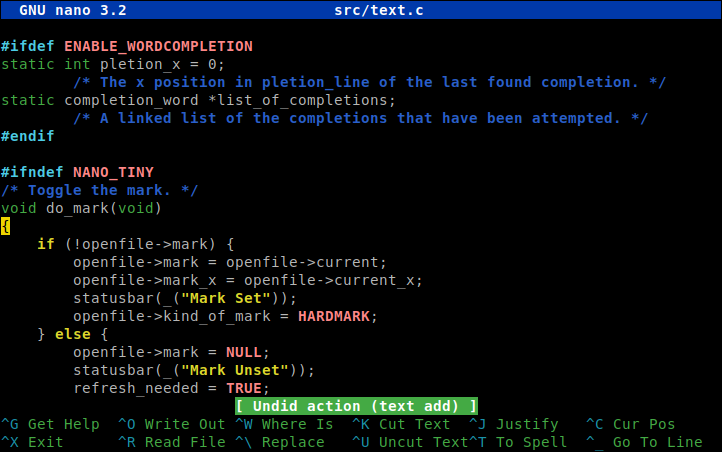
Where to get GNU nano.
1. Web sites
The nano source tarballs can be downloaded from the following web sites:
2. RPM packages (RedHat, OpenSuse, and derivatives)
3. Deb packages (Debian and derivatives):
Debian users can check out the current nano packages for:
You can also have a look at the Package Pool to see all the available binary and source packages.
4. By GIT (for the brave).
For the ‘bleeding edge’ current version of nano, you can use GIT to download the current source code. Note: believe it or not, by downloading code that has not yet stabilized into an official release, there could quite possibly be bugs, in fact the code may not even compile! Anyway, see the nano GIT document for info on anonymous GIT access to the nano source.