
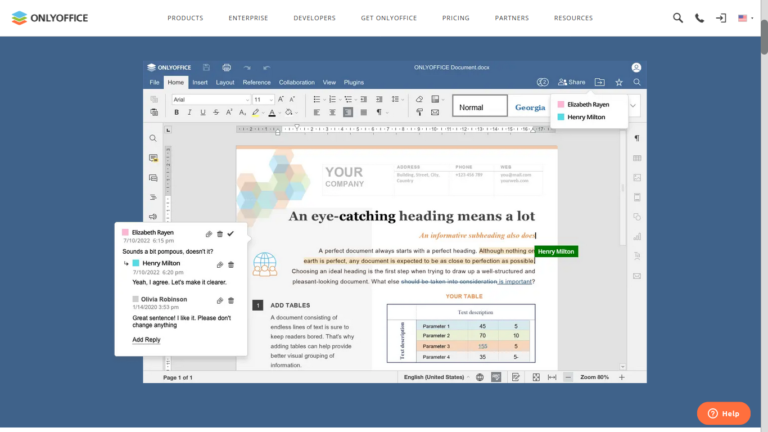
Install OnlyOffice desktop editor for Linux. OnlyOffice is the best MS Office alternative for Ubuntu Linux Systems. Some of the most exciting features of OnlyOffice are: Speaking of the latest release, ONLYOFFICE Docs 8.0 Improves Collaboration and Adds New UI for Plugins. Some key highlights of this release of ONLYOFFICE Docs include: Install OnlyOffice Desktop […]
How To
How-to tutorials for Ubuntu, Linux, Android, WordPress, websites and more. Learn about Ubuntu Linux how to solve problems, errors, manage updates, fix issues and add functions & features.
Install LibreOffice 24.2 – Latest LibreOffice Version On Ubuntu
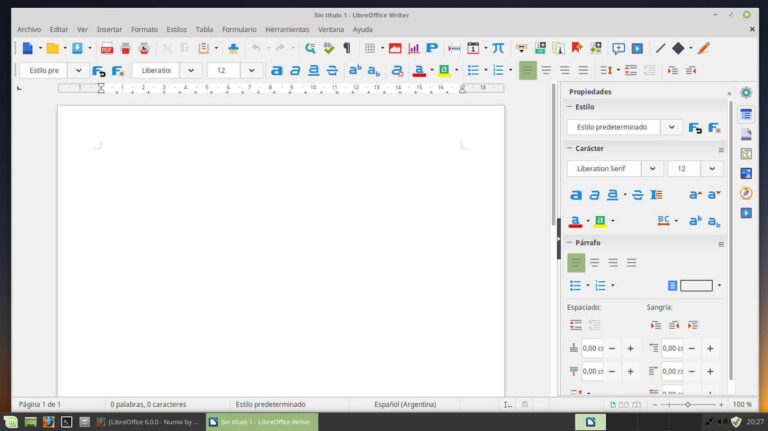
Here is how to download and install the LibreOffice latest version in Ubuntu command line. LibreOffice 24.2 is the latest version for Ubuntu Systems. The LibreOffice 24.2 comes with limited new features and some of the remarkable ones are: Go to the official LibreOffice download page and download the latest version. You can use the […]
How to Install Firefox as Deb on Ubuntu Linux

Install Firefox as Deb on Ubuntu Linux. Users can install the latest version of Firefox browser – Firefox Version 122.0 on Linux Ubuntu systems via Deb. Install Firefox .deb package for Debian-based distributions To install the .deb package through the APT repository on Debian and Ubuntu based systems, do the following: Import Snap/Flatpak Firefox Profile […]
How To Change Hostname In Linux Ubuntu Terminal
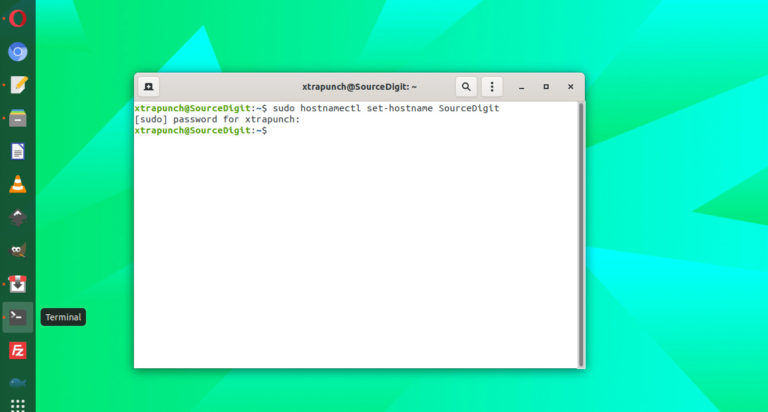
In Linux change hostname without reboot using hostnamectl set-hostname command. Learn how to change hostname in Linux terminal. What is hostname A hostname is a name of label which is assigned to a machine and this label is used to identify the machine on the network. Each device has a unique hostname in the network. […]
How To Check Linux 32 Or 64-Bit In Command Line
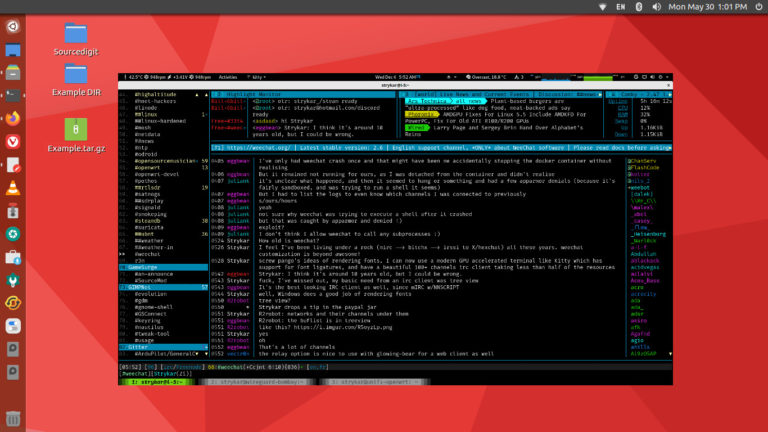
Let us learn how to check Linux 32 or 64-bit in command line and how to check OS version in Linux using command line? Check linux 32 or 64-bit command line To find out if your Linux installation is 32 bit or 64 bit, run the command: uname -i Uname -i gives you the hardware-platform. […]
How To Clear Cache and Swap Memory In Linux Ubuntu

How to check cache memory in Linux. Here are the commands to clear cache in Linux Ubuntu or clear memory in Linux. On Linux, clear cache without root using the following commands or clear swap memory in Linux. You must understand that a buffer is an area of memory used to temporarily store data while […]