
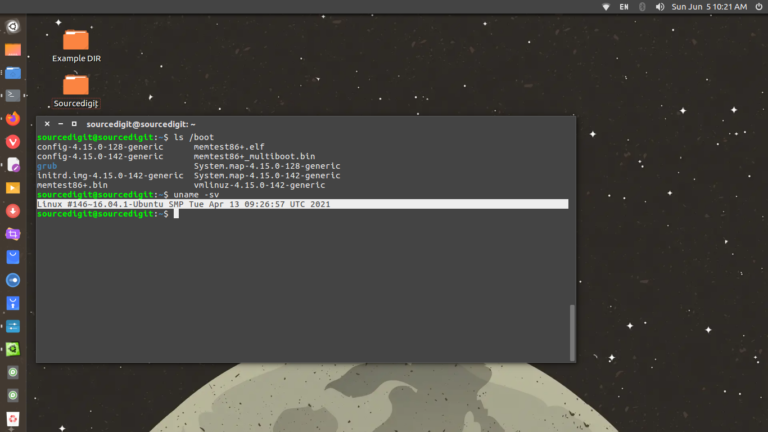
In this tutorial we will explain how to use flatpak on Linux Ubuntu and How to run flatpak app from terminal. We will also see were are flatpak apps installed on the System. How To Run Flatpak App From Terminal To run a Flatpak application from the command line: flatpak run Application ID or APP_FQDN […]
How To
How-to tutorials for Ubuntu, Linux, Android, WordPress, websites and more. Learn about Ubuntu Linux how to solve problems, errors, manage updates, fix issues and add functions & features.
Update and Install The Latest Thunderbird 115 for Linux Ubuntu
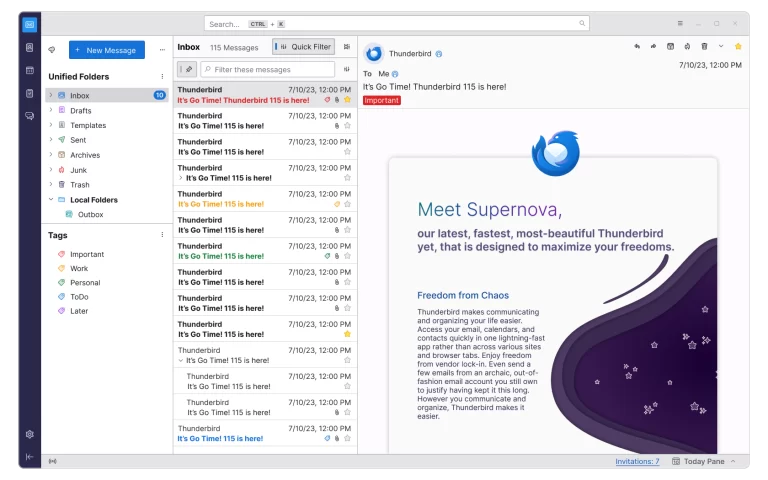
Thunderbird for Linux is the best email client for Linux 2023. Here is how to install Thunderbird on Ubuntu Linux via command line or Ubuntu terminal. Thunderbird 115 “Supernova” The latest release brings Supernova UI with updated 3-Pane window with updated folder, message list, and message display panes; updated Quick Filter, Calendar and Address Book […]
How To Find Process Id In Linux
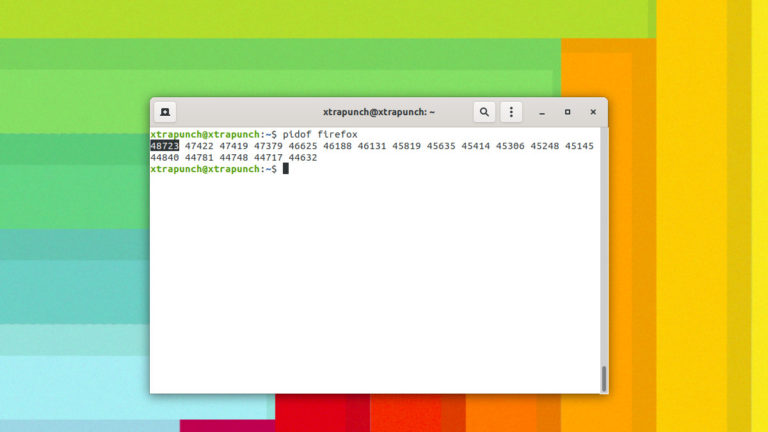
Wondering how to find process id in Linux and check running process in Ubuntu terminal, read to find how to find process id in Linux? Get Pid Of Process In Linux Ubuntu You can find the PID of processes running on the system using the below nine command. pidof The pidof command is used to […]
How To Sign Up For Threads App – Android And iPhone
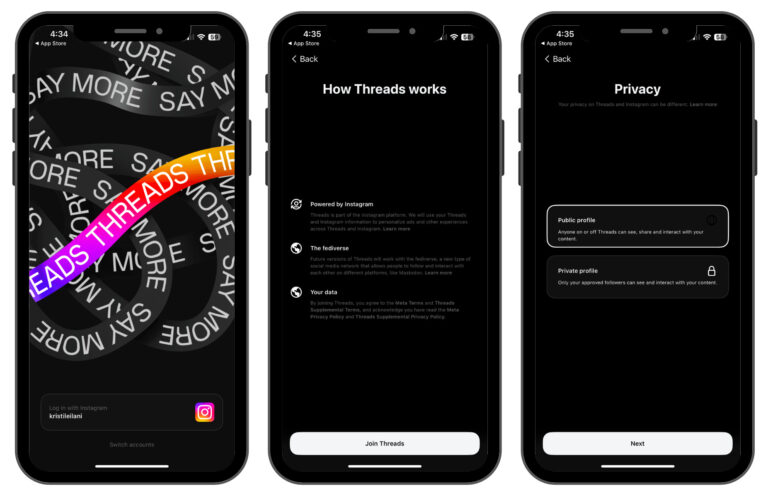
This post explains how to use Threads Instagram App? Learn how to sign up for Threads app on Android and iPhone and what is the Instagram Threads app’s post limits. How To Sign Up For Threads App – Android And iPhone Follow the steps given below to sign up for Threads App on Android or […]
Opera Web Browser Brings AI for Web Search – AI for Linux Ubuntu
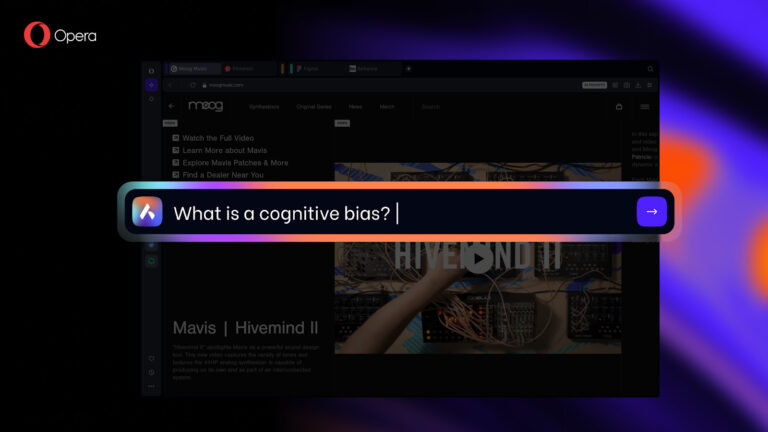
Opera web browser brings AI for web search, AI for Linux Ubuntu Systems. Users can download GPT enables web browser for UNIX systems. Opera One – AI-infused Web Browser for Linux Ubuntu The official press release says: Opera One introduces the first truly native browser AI, Aria, and boasts a new Modular Design, a redesigned […]
How To Check Linux Command History In Linux With Timestamp And Date
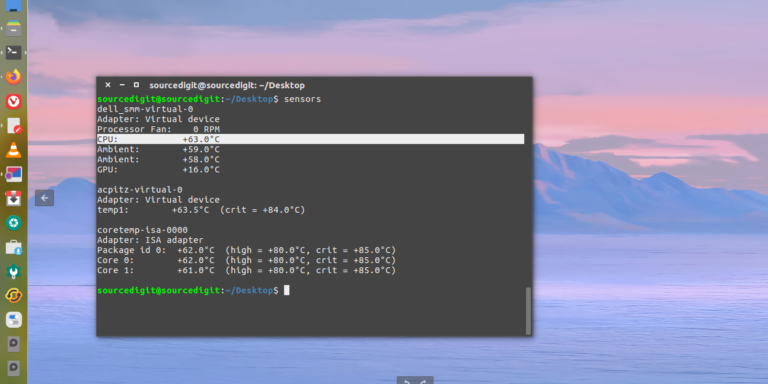
You can check Linux command history with timestamp. Let us learn how to check command history in Linux with date for all users. Linux History Command With Timestamp And User To enable timestamps in the history command, you have to export the HISTTIMEFORMAT variable using the following command: export HISTTIMEFORMAT=”%F %T ” In the above […]