

How to install Handbrake 0.10.2 in Ubuntu 15.04 and Ubuntu 14.04. Handbrake is a popular video transcoder and DVD ripper for Linux Ubuntu Systems. HandBrake is an open-source, GPL-licensed, multiplatform video transcoder. HandBrake is a tool for converting video from nearly any format to a selection of modern, widely supported codecs. Handbrake can process most […]
How To
How-to tutorials for Ubuntu, Linux, Android, WordPress, websites and more. Learn about Ubuntu Linux how to solve problems, errors, manage updates, fix issues and add functions & features.
Install Vivaldi 1.0.196.2 Web Browser On Ubuntu 15.04, Ubuntu 14.04 and Derivatives
Install Vivaldi 1.0.196.2 web browser on Linux Ubuntu 15.04, Ubuntu 14.04 and Derivatives. Vivaldi web browser is a Chromium-based open-source Internet browser. The latest version of Vivaldi (Vivaldi Snapshot 1.0.196.2) web browser brings spatial navigation improvement, Mac build fixes and Windows 64bit Vivaldi get auto-update feature. Vivaldi web browser is a Chromium-based open-source Internet browser. […]
Install Wine 1.7.45 on Ubuntu 15.04, Ubuntu 14.04 and Derivatives
Run MS Windows applications and softwares on Linux Ubuntu Systems. Here’s how to install Wine 1.7.45 on Ubuntu 15.04, Ubuntu 14.04 and derivatives. Wine (Wine Is Not an Emulator) is an open source command-line software that runs Windows Programs on Linux Ubuntu Systems. Wine is capable of translating Windows API calls into POSIX calls on-the-fly […]
Install Avidemux 2.6.10 Video Editor on Ubuntu 15.04 and Ubuntu 14.10
How to install Avidemux 2.6.10 Video Editor on Ubuntu 15.04 and Ubuntu 14.10. Avidemux 2.6.10 is an open-source video editor for Linux Ubuntu Systems. Avidemux is a popular cross-platform tool for video editing, written in C++ and using Qt for its GUI. It allows the user to cut, filter and encode videos easily, having support […]
Install MATE 1.10 Desktop Environment on Ubuntu 15.04, Ubuntu 14.04 & Derivatives
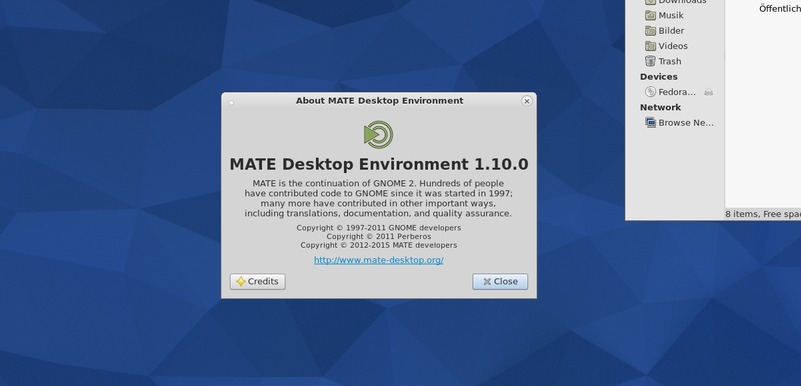
Install MATE 1.10 Desktop Environment on Linux Ubuntu 15.04, Ubuntu 14.04, Ubuntu 14.10, Linux Mint and Derivatives. The Mate Desktop is shipped by default on Fedora, Arch Linux, Linux Mint and BSD Systems. The recently released Mate Desktop 1.10 has been released with new features and bug-fixes. Some of the prominent changes and features are: […]
Install Double Commander File Manager on Ubuntu 15.04, Ubuntu 14.04 and Derivatives
Install Double Commander 0.6.3 PPA on Linux Ubuntu. Terminal commands to install Double Commander File Manager on Ubuntu 15.04, Ubuntu 14.04 and Derivatives. The Double Commander is a cross platform open source file manager with two panels side by side. It is inspired by Total Commander file manager. Some key features of Double Commander file […]