

Kodi “Leia” 18.6 released. Here is how to install Kodi Media Player on Ubuntu Linux. Kodi (formerly known as XBMC) is an award-winning free and open source (GPL) software media player and entertainment hub that can be installed on Linux, OSX, Windows, iOS and Android, featuring a 10-foot user interface for use with televisions and […]
Firefox 76 Released – Install Firefox On Ubuntu Linux

Install the latest Firefox on Ubuntu Linux. Here is how to download and install the latest web browser – Mozilla Firefox – on Linux Ubuntu Systems. Firefox 76 With today’s release, Firefox strengthens protections for your online account logins and passwords, with innovative approaches to managing your accounts during this critical time: Firefox displays critical […]
How to Install Inkscape – Vector Graphics Editor for Ubuntu Linux
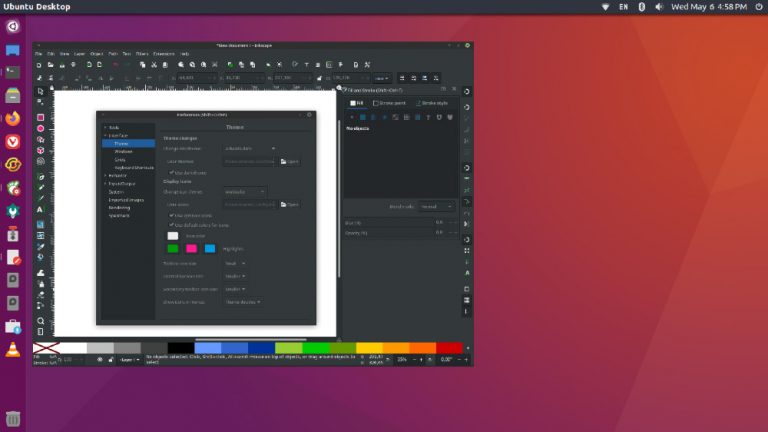
How to install Inkscape on Ubuntu Linux. Inkscape is a vector design tool and vector graphics editor for Ubuntu Linux. It offers a rich set of features and is widely used for both artistic and technical illustrations such as cartoons, clip art, logos, typography, diagramming and flowcharting. It uses vector graphics to allow for sharp […]
Install Celluloid – formerly GNOME MPV – on Ubuntu Linux
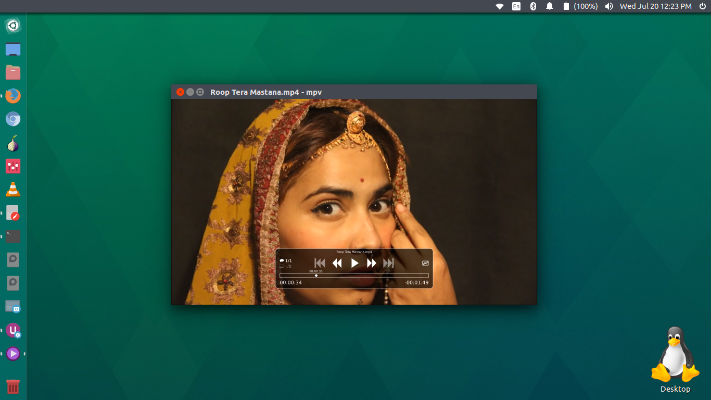
Install Celluloid (formerly GNOME MPV) on Ubuntu Linux Systems. Celluloid (formerly GNOME MPV) is a simple GTK+ frontend for mpv. It aims to be easy to use while maintaining high level of configurability. Celluloid is capable of using mpv’s configuration files as-is. Keybindings can be set up using mpv’s input configuration file. Celluloid Celluloid is […]
Check Which Process Is Using More Memory In Linux Ubuntu

How to check which process is using more memory in Linux Ubuntu. Display Linux memory usage by process; on Linux how much memory is a process using. This post explains how to check memory usage of particular process in Linux using Terminal commands: Ubuntu users can easily see running processes in Linux Terminal using ps […]
Install Opera 68 Web Browser – Comes With Built-In Instagram Feature

Install Opera web browser in Linux Ubuntu. Opera 68 is released with built-in Instagram sidebar. Enabling the Instagram feature in the Opera browser To start using Instagram in Opera, just click the Instagram icon in the sidebar on the left and log into your Instagram account. Then you’re all set: you can use the social […]