
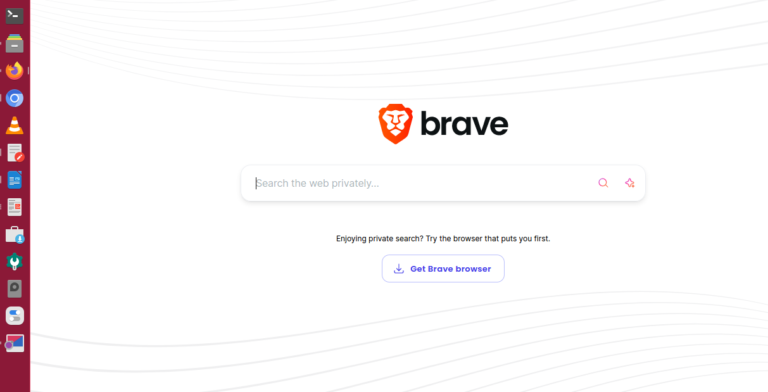
Brave is regarded as the best web browser for private browsing. If you are looking for the safest web browser for privacy, install Brave on Linux Ubuntu. As per the official statement: “Brave Search is the world’s most complete, independent, private search engine. By integrating Brave Search into its browser, Brave offers the first all-in-one […]
The Best Free AI Chrome Extensions For Productivity

Bring artificial extension to Chrome with these best free AI extensions for Chrome browser. Here is the collection of the best free AI Chrome extension for productivity, for students and teachers. Here are the 10 best free AI Chrome extensions which you should be using. 1. Compose AI Compose AI is a AI-powered writing tool […]
How To Check USB Connected Devices In Linux Terminal
Here are the 3 useful command to list all USB devices in Linux terminal. Read to find out how to check usb connected devices in Linux Terminal. By default, when a storage device is plugged into the system, it mounts automatically in the /media/ directory. Detect USB Devices – Find USB Device Name There are […]
How To Extract Zip File In Ubuntu Terminal

How to unzip a zip file in Linux to a folder. Read this post to learn about unzip command in Linux with examples to extract zip file in terminal. To use the unzip command, first install the unzip utility using the following command: Unzip command is used to extract the .zip file only and by […]
How To Update and Install Linux Kernel 6.10 via Mainline Kernel PPA
Here is how to update, download and install Linux Kernel 6.10 in Ubuntu 24.04, Ubuntu 23.10 and Ubuntu 23.04 Systems, via official Kernel Mainline PPA. To download Linux Kernel 6.10 via Mainline Kernel PPA, you can visit https://kernel.ubuntu.com/mainline/v6.10.4/ and download the required Kernel module files. For Kernel 10.6.4, download the appropriate kernel files for your […]
How To Free Up Memory Linux Without Rebooting
If you want to free up memory Linux without rebooting, you can do this by clearing cache and swap memory in Linux Ubuntu using terminal. You must understand that a buffer is an area of memory used to temporarily store data while being moved from one place to another. Whereas, a cache is a temporary storage area […]