
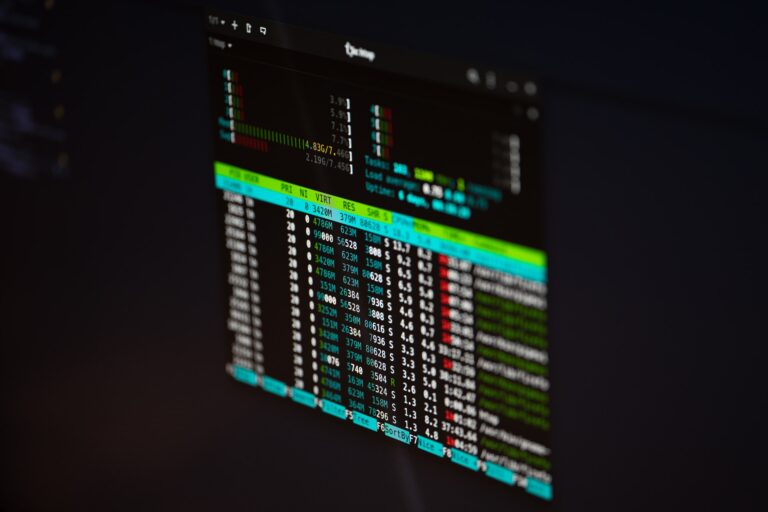
Want to check architecture in Linux command line? Here is how to check is your Linux 32 or 64 bit in command line. Let us learn how to check Linux 32 or 64-bit in command line and how to check OS version in Linux using command line? Check linux 32 or 64-bit command line To […]
How To Clear Buff Cache Memory In Linux

This post explains how to clear buff/cache memory in Linux to free up memory in Linux without rebooting. Before you clear memory in Linux to free resources and free memory without rebooting, you must understand that a buffer is an area of memory used to temporarily store data while being moved from one place to another. […]
Lightweight Web Browsers for Old Linux PC Computers
Here are the 5 lightweight Web Browsers for Linux Ubuntu Systems which are amongst the fastest browsers for old PC (old computers). 1. Lynx Lynx is a text-based web browser designed for low-end systems or devices with limited hardware resources. Surprisingly, Lynx is the oldest web browser still being maintained, since 1992. Lynx browser is […]
Find USB Device Path In Linux Ubuntu Command Line
How to find usb device path in Linux Ubuntu? You can also find USB serial port in Linux using these commands. There are various commands to list USB devices Linux tty and find USB device path. By default, when a storage devices is plugged into the system, it mount automatically in the /media/ directory. Detect […]
Install The Latest Clementine Music Player For Linux Ubuntu

Clementine is a modern music player and library organizer for Linux Ubuntu Systems. The Clementine music player is inspired by Amarok 1.4 Clementine includes some of the powerful features such as: Install Clementine On Debian, Ubuntu and Mint You can download and install the latest version of Clementine on Ubuntu from the official PPA: Once […]
Check Which Process Is Taking More Memory In Linux Ubuntu Command Line
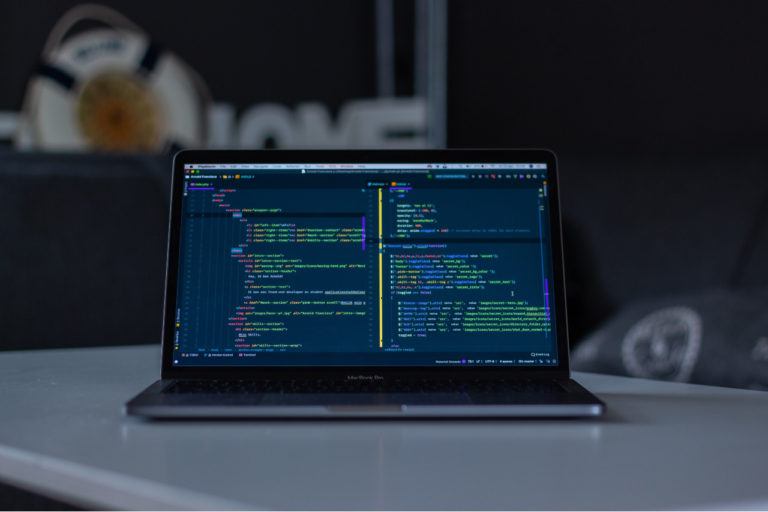
Check which process is taking more memory in Linux Ubuntu command line. This way you can check using command to find top 10 memory consuming process in Linux. BONUS TIP : You can retrieve Linux memory usage by process in human readable format. Command to monitor memory usage in Ubuntu There are several commands which […]