
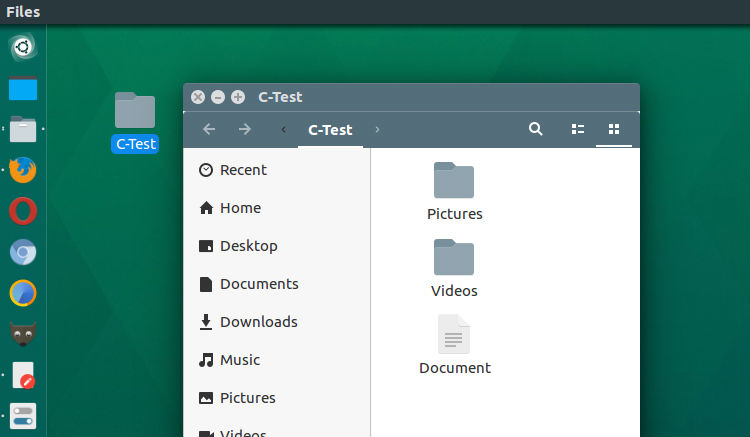
Install Classifier file organizer on Ubuntu Linux. It is an advanced file manager for Linux Ubuntu that organize files in your directory instantly, by classifying them into different folders. Install Classifier File Organizer The Classifier file organizer can easily be installed and used on Ubuntu Linux Systems. Run the following commands to install the Classifier […]
Linux Kernel 3.16.42 Released – Install Kernel 3.16.42 On Ubuntu
Linux Kernel 3.16.42 released. Install and update to Linux Kernel 3.16.42 on Ubuntu Systems. Kernel 3.16.42 is a big update and features more than 300 new features and 500+ fixes. All users of the 3.16 kernel series should upgrade. Announcing the release of Linux Kernel 3.16.42, Ben Hutchings writes: The updated 3.16.y git tree can […]
Install Python On Ubuntu Via Command Line

How to install Python 3.6 on Ubuntu Linux; Install Python via Ubuntu command line. Also learn how to run Python in Ubuntu Systems. Python 3.6.0 is the newest major release of the Python language, and it contains many new features and optimizations. What’s New In Python 3.6 Among the new major new features in Python […]
How To Install Audacity On Linux Ubuntu Terminal
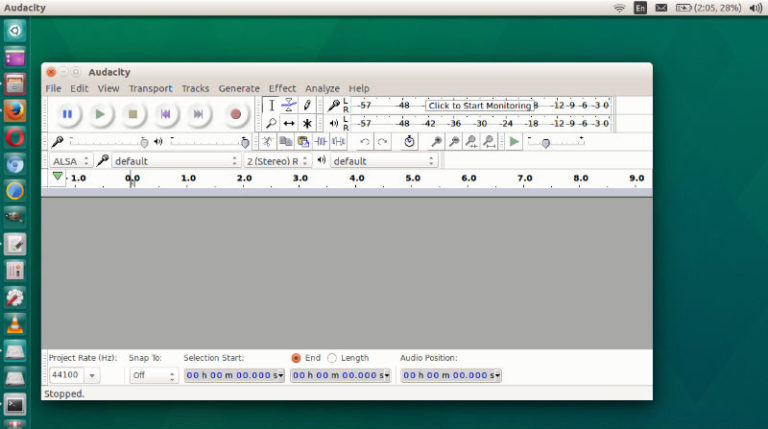
How to install Audacity on Linux; Install Audacity on Ubuntu via Terminal. Audacity is a free, open source, cross-platform audio software for multi-track recording and editing. Audacity is an open source, cross-platform audio editor and recorder that aims to process the most popular audio formats, podcasts included. Audacity will not disappoint if you need a […]
How To Install Wireshark 2.2.5 in Ubuntu 16.10
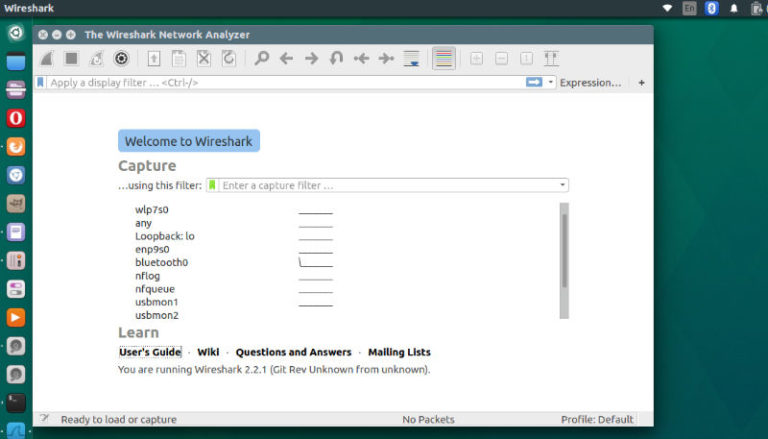
How to Install Wireshark 2.2.5 in Ubuntu 16.10 and Ubuntu 16.04 Systems. Wireshark is a network protocol analyzer for Linux Ubuntu Systems. Wireshark features: Deep inspection of hundreds of protocols, with more being added all the time Live capture and offline analysis Standard three-pane packet browser Multi-platform: Runs on Windows, Linux, OS X, Solaris, FreeBSD, […]
Update To Linux Kernel 4.10.3 on Ubuntu Linux Systems
Update to Linux Kernel 4.10.3 on Ubuntu Linux Systems. Linux Kernel 4.10.3 brings various architecture and drivers’ changes. All users of the 4.10 kernel series must upgrade. Install Linux Kernel 4.10.3 Run the following commands in Terminal to install Linux Kernel 4.10.3 on 64 Bit Linux Ubuntu Systems: sudo apt-get update wget http://kernel.ubuntu.com/~kernel-ppa/mainline/v4.10.3/linux-headers-4.10.3-041003_4.10.3-041003.201703142331_all.deb wget http://kernel.ubuntu.com/~kernel-ppa/mainline/v4.10.3/linux-headers-4.10.3-041003-generic_4.10.3-041003.201703142331_amd64.deb […]