

Cinnamon 3.2 released. Here’s how to install Cinnamon 3.2 Desktop Environment on Ubuntu 16.10, Ubuntu 16.04 and Derivatives. Cinnamon 3.2 is released with QT 5.7+ and support for libinput touchpads as well as synaptics. Cinnamon 3.2 brings the ability to peek at desktop, to upload system information and to play a sound effect when showing […]
GIMP 2.8.18 Released – How To Install Gimp In Ubuntu Using Terminal
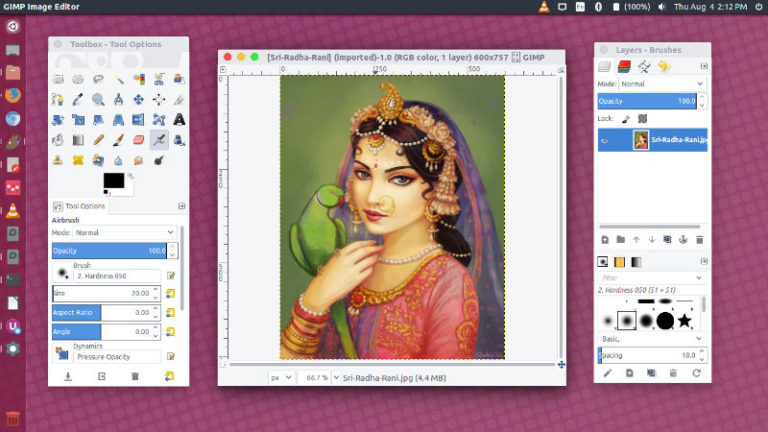
GIMP 2.8.18 released. Here’s how to install GIMP in Ubuntu using terminal. On Ubuntu 16.04, use “sudo apt-get install gimp” to install GIMP from Ubuntu terminal. GIMP is the most popular open-source photo manipulation software for Linux Ubuntu Systems. It is one of the most powerful alternative to Adobe Photoshop. GIMP 2.8.18 For Ubuntu Linux […]
How To Install Steam On Ubuntu Linux Systems

How to install Steam on Ubuntu 16.04 and Ubuntu 16.10 Systems using Terminal “sudo apt-get install steam” command. Steam is a multi-player platform used to distribute games and related media online for Linux Ubuntu Systems. Steam provides the user with installation and automatic management of softwares. To install Steam on Ubuntu Linux Systems, you will […]
Intel Graphics Installer For Linux Ubuntu; Install Intel Graphics Update Tool 2.0.3
Intel Graphics Installer for Linux Ubuntu. How to download and install Intel Graphics Update Tool 2.0.3 on Ubuntu Linux Systems. Intel Graphics Update Tool 2.0.3 is the latest release of the application. The Intel Graphics Update Tool for Linux* OS (formerly known as the Intel Graphics Installer for Linux*) was renamed starting from version 2.0.2, […]
How To Install Virtualbox 5.1.10 In Ubuntu
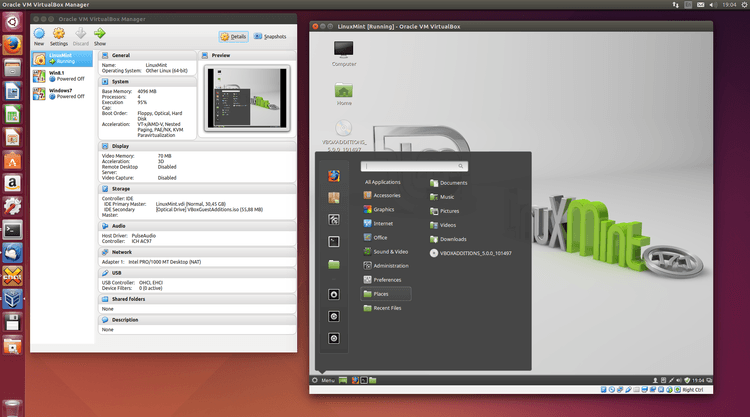
How to Install Virtualbox 5.1.10 in Ubuntu. Virtualbox is a full virtualizer for x86 hardware. Virtualbox 5.1.10 is the latest release which brings various GUI and API changes. VirtualBox 5.1.10 (released 2016-11-21) This is a maintenance release. The following items were fixed and/or added: GUI: the USB filter settings dialog should allow to specify the […]
Vivaldi 1.5 Released; Install Vivaldi Web Browser On Ubuntu Linux
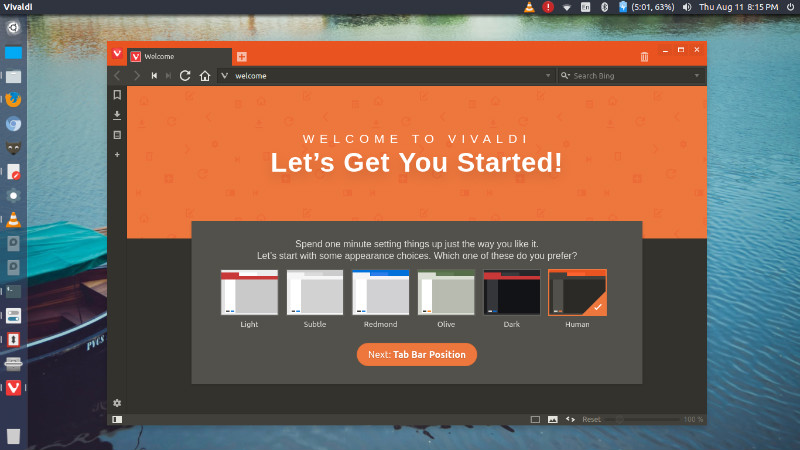
Vivaldi 1.5, the latest version of Vivaldi web browser for Linux Ubuntu includes a number of new features. It brings a new and improved tab functionality, reader mode and a smart-home lighting integration. Users can now select multiple tabs, apply commands to them in bulk, and drag the selected tabs into stacks. They can even […]