

How to check total disk space in Linux? Install SpaceView Indicator for Ubuntu, a tool to check hard disk partitions and disk space on Linux Ubuntu Systems. Using the SpaceView Indicator for Ubuntu, you can check folder size and also free up disk space using the information. SpaceView Indicator for Ubuntu, shows the computer’s devices […]
Ubuntu
Latest Ubuntu news updates, Ubuntu tutorials and tips for Ubuntu Linux. Learn to use one the most popular Linux distros. Get the updates and latest releases for Ubuntu.
Audacious 3.8.2 Released; Install Audacious Player On Ubuntu

Install Audacious Player 3.8.2 in Ubuntu 16.10 and Ubuntu 16.04 and Linux Mint Systems. Audacious Player 3.8.2 is a very small release with fixes for bug #691 and the vulnerability recently discovered in Game_Music_Emu. Audacious is an open source audio player for Linux Ubuntu Systems. A descendant of XMMS, Audacious plays your music how you […]
Install Krita 3.1 On Ubuntu 16.10 & Ubuntu 16.04
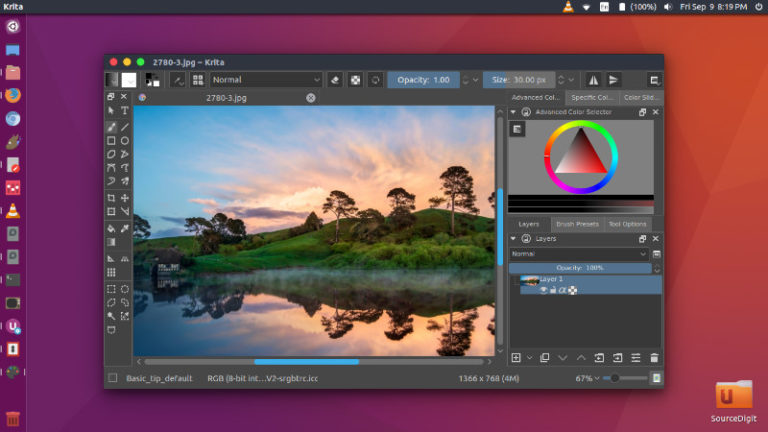
Install Krita 3.1 on Ubuntu 16.10 and Ubuntu 16.04 Systems. Krita is a powerful painting and image editing program for Linux Ubuntu Systems. Install Krita on Ubuntu using terminal commands or App Image. Krita 3.1.2, released on February 1st 2017, is the first bugfix release in the 3.1 release series. But there are a few […]
How To Enable The LibreOffice Ribbon; Enable Notebook Bar
How to enable the LibreOffice Ribbon. Leanr how to enable new MUFFIN (Ribbon) toolbar in LibreOffice 5.3 on Ubuntu 16.10 and Ubuntu 16.04 Systems. By default, the new MUFFIN toolbar is not available in LibreOffice as it is an experimental feature. To enable and use the new MUFFIN Ribbon toolbar, you will have to enable […]
Install LibreOffice 5.3 on Ubuntu Using Snap
How to install LibreOffice 5.3 on Ubuntu 16.10, Ubuntu 16.40, Using Snap Package. Install LibreOffice 5.3 on Ubuntu Linux Systems. LibreOffice 5.3 brings many new UI changes and features. LibreOffice 5.3 Features Writer has a new dialog for quickly jump to another page that is available through Edit > Go to Page and Ctrl+G. Keyboard […]
How To Install & Use Recordmydesktop – Screen Recorder App For Ubuntu
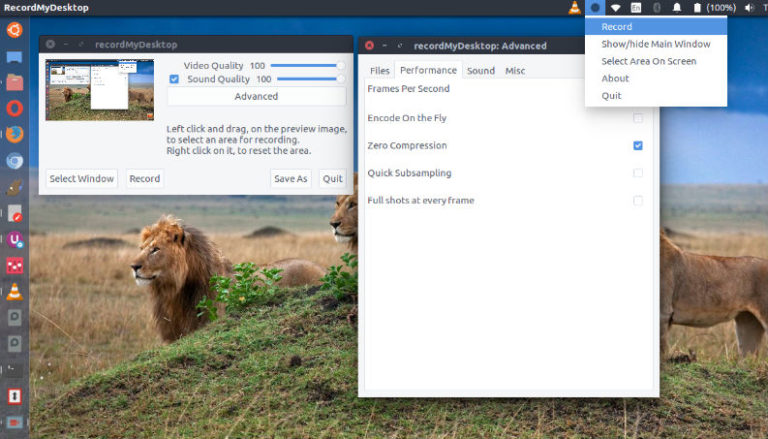
How to use recordmydesktop in Ubuntu, the simple screen recorder app for Ubuntu. Install recordmydesktop on Ubuntu Linux Systems to record whole desktop or a predefined are in (Ubuntu). recordmydesktop is a desktop session recorder for GNU/Linux and FreeBSD. The recordmydesktop application can record either the whole screen or a predefined area within it. It […]