

Imagine a world where flawless skin isn’t just a dream but a reality. A world where the signs of aging, sun damage, and unwanted hair are mere whispers from the past. Enter the Candela GentleMax Pro, a skincare revolution that goes beyond traditional methods, unlocking the secrets to radiant and youthful skin. Embracing the Evolution […]
How To
How-to tutorials for Ubuntu, Linux, Android, WordPress, websites and more. Learn about Ubuntu Linux how to solve problems, errors, manage updates, fix issues and add functions & features.
How To Find And Sort Files By Size In Linux Command Line
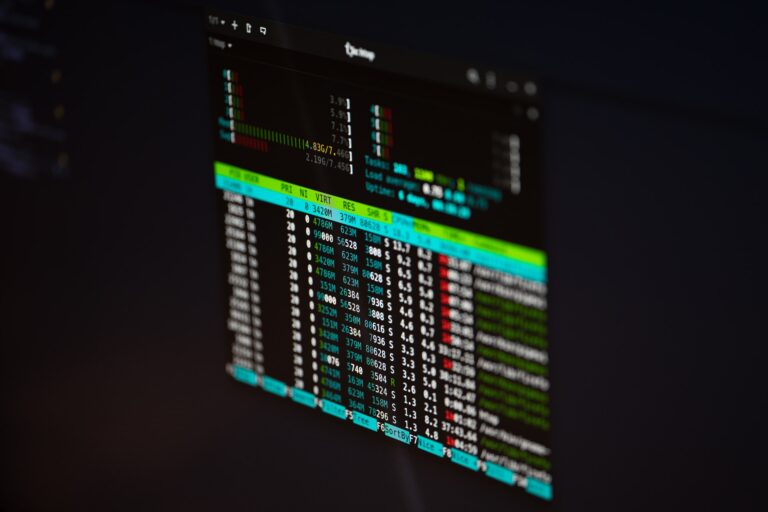
How to find and sort files by size in Linux command line. This tutorial explains on Linux, how to sort files by size descending or ascending. How To Find And Sort Files By Size In Linux You can use one of the following commands to find and sort files by size in Linux Ubuntu: $ […]
How To Find Large Files In Linux File System
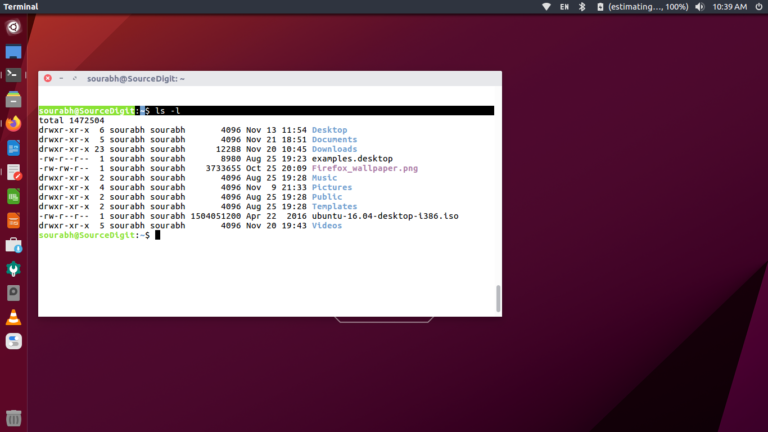
In this post we will learn how to find large files in Linux command line. You can use find/du command to find largest files Linux (recursive) or find largest directories in Linux terminal. The du command is used to get an estimate of file space usage, it displays the amount of disk space used by […]
Download Ubuntu 24.04 LTS ‘Noble Numbat’

Ubuntu 24.04 LTS ‘Noble Numbat’ is now released. Here is where to download Ubuntu 24.04 LTS ‘Noble Numbat’. Know what are the new features released with Ubuntu 24.04. Read along: Ubuntu 24.04 ‘Noble Numbat’ Ubuntu 24.04 LTS includes Linux kernel 6.8, the GNOME 46 desktop environment, Mesa 24.0 graphics stack, Raspberry Pi 5 support, Netplan […]
How to Install PeaZip Archive Manager in Ubuntu Linux Systems
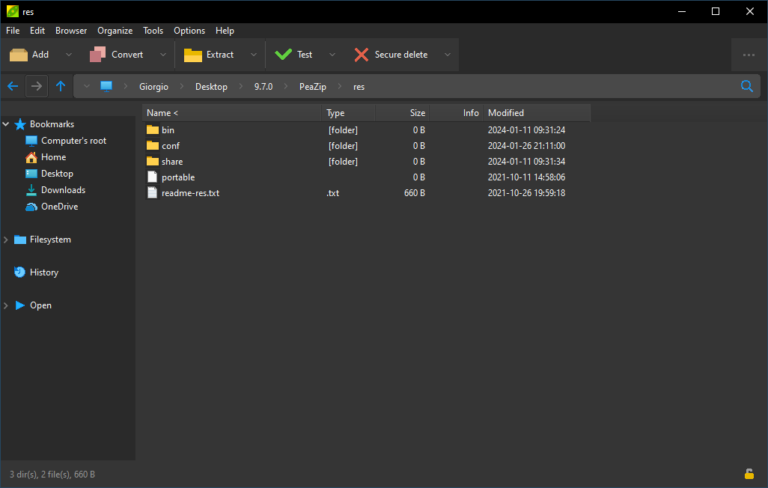
How to install PeaZip Archive Manager in Ubuntu Linux. PeaZip free file archiver utility that can open and extract RAR TAR ZIP files on Linux. PeaZip is a free file archiver utility and rar extractor for Linux, macOS, and Windows, which works with 200+ archive types and variants (7z, ace, arc, bz2, cab, gz, iso, […]
How To Compare Two Folders And Find Missing Files In Linux
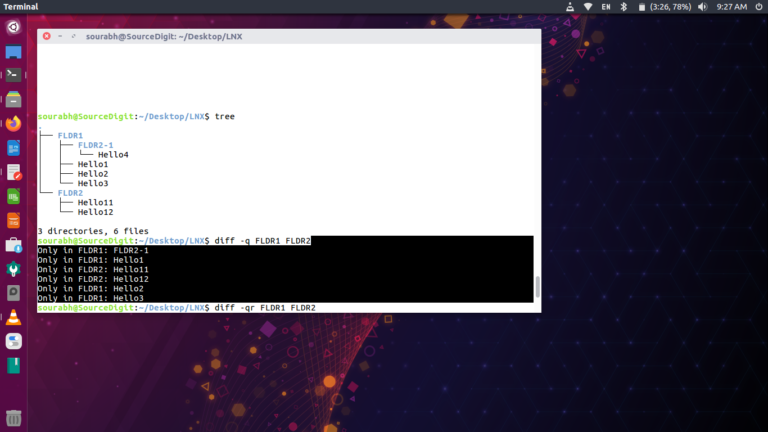
Here is how to compare two folders and find missing files Linux Ubuntu. You can use the diff command to compare directories in Linux command line. diff Command in Linux The Linux diff command is a powerful and useful utility for comparing two files. It can be used to compare text files, directories, and even […]