

How to use the at command in Linux for job scheduling. Read the post to learn how to use the at command in Linux to schedule one-time jobs The at command is a Linux utility used to schedule a command or script to run once at a specified time in the future. Unlike cron, which […]
How To Check Permissions Of A Directory In Linux Command
How to check permissions of a file in or a directory in Linux command. Decode what is chmod 777 command for directory or how to use chmod 777 command in Linux. File permissions determine who can access files and directories on a system and how.We can also say that file permissions specify who can do […]
Delete Directory And Contents Recursively Without Prompt On Linux

Which is the Linux command to delete all files in a folder recursively? On Ubuntu, how to remove all files and folders in current directory? rm Command To Remove All Files In A Directory To remove empty directories only, you can use the rm command with the -d flag or rmdir command: OR Note that […]
Check User Login History In Ubuntu Linux Command Line
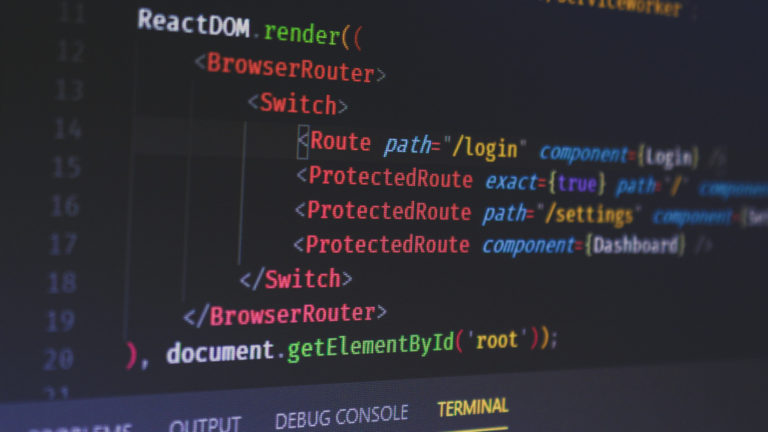
How to check system login and logout time for Linux Users. This post explains how to check user login history in Ubuntu Linux command line. The login information of any Linux Ubuntu System is stored in three places: 1. View history of all logged users To view the history of all the successful login on […]
Use Locate Command To Find File In Linux Terminal By Name
Here is a way to find file in Linux terminal by name. Yes. You can use Locate command to file in Linux Ubuntu System. The locate command in Linux is a powerful utility for quickly finding files and directories by name. Unlike the find command, which searches in real-time, locate uses a prebuilt database to […]
How To Change Terminal Color In Ubuntu Command Line
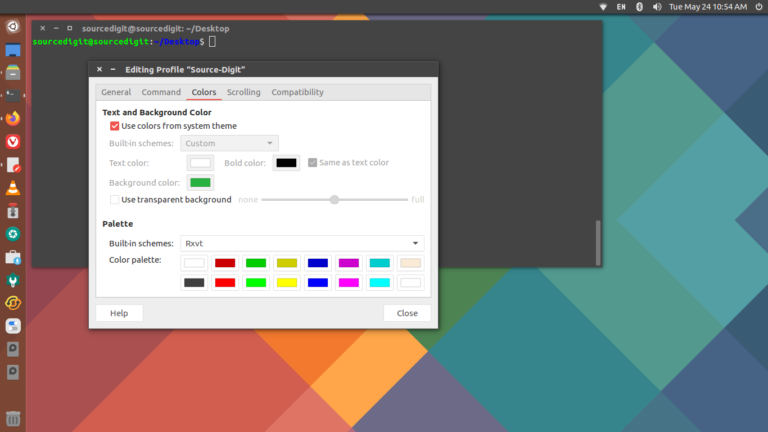
How to change terminal color in Ubuntu command line? Know what are the 8 terminal colors (Ubuntu terminal color code)? On Linux Terminal you’ve got 8 different terminal colors, which are – black , red , green , yellow , blue , magenta , cyan , and white. Here is a pro tip on how […]