
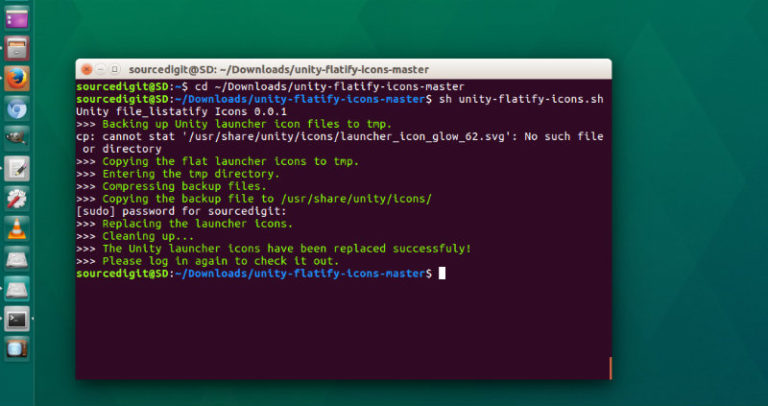
How to remove shadow from Ubuntu Unity Desktop icons. Install unity-flatify-icons shell script to flatten Ubuntu Unity’s launcher icons. It’s similar of using Ubuntu flat icons on the Desktop. We all love Unity, but it uses the background cube for icons on the Unity launcher panel. It looks pretty on Radiance and Ambiance themes, but […]
How To Install Mate Desktop Environment On Ubuntu
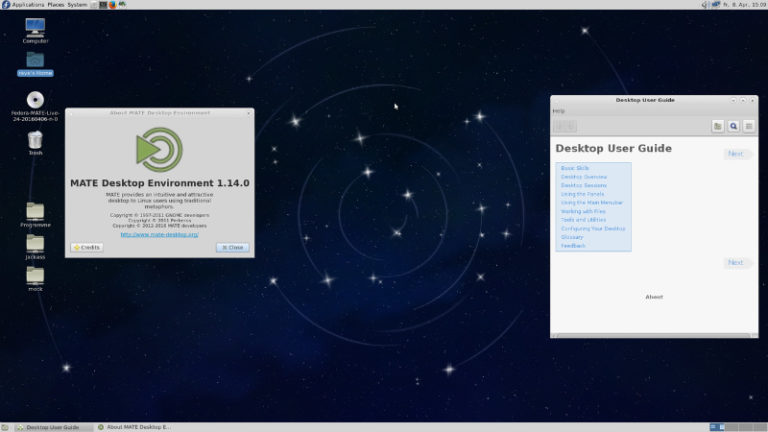
Mate Desktop Environment for Ubuntu. Learn how to install Mate Desktop Environment on Ubuntu 16.04, Ubuntu 15.04, Ubuntu 14.04, Ubuntu 15.10 and Ubuntu 14.10. The MATE Desktop Environment is the continuation of GNOME 2. It provides an intuitive and attractive desktop environment using traditional metaphors for Linux and other Unix-like operating systems. Install Mate Desktop […]
Install NitroShare LAN File Transfer Tool On Ubuntu 16.04
Install NitroShare on Ubuntu 16.04. NitroShare LAN File Transfer Tool (version 0.3.3) adds Nautilus and Nemo Extensions. NitroShare Network File Transfer Application allows transferring files over the local network. NitroShare is designed to make transferring files from one device to another extremely simple. Nitroshare Features: Simplicity – NitroShare was designed to be simple. The application […]
How To Install digiKam 5.1.0 Photo Editor On Ubuntu 16.04
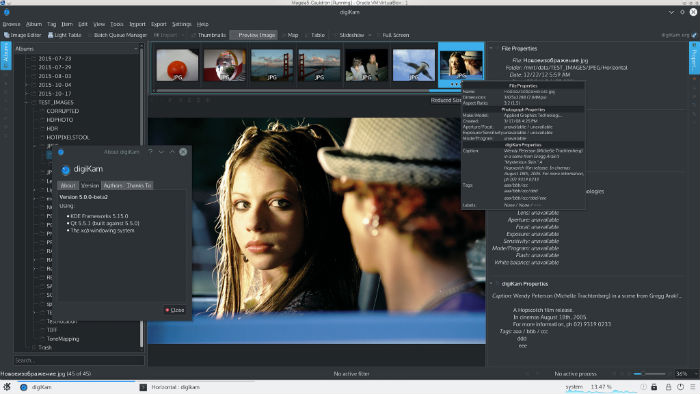
digiKam 5.1.0 photo management program released. Here’s how to install digiKam photo editor on Ubuntu 16.04. digiKam is an advanced digital photo management application for Linux, Windows, and Mac-OSX. digiKam is designed for editing images. It can be used to import, organize and export digital photos to and from your computer. digiKam is an advanced […]
Install Glances System Performance Monitoring Tool For Linux Ubuntu
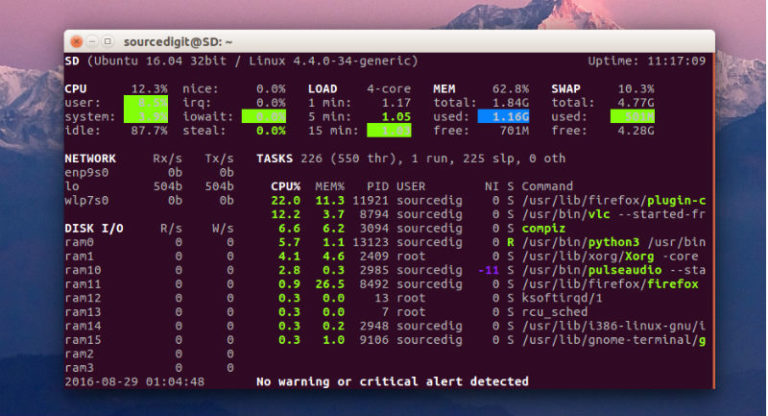
Glances is a system performance monitoring tool for Linux Ubuntu. Glances cross-platform monitoring tool presents a maximum of information in a minimum of space, ideally to fit in a classical 80×24 terminal or higher to have additional information. The application can adapt dynamically the displayed information depending on the terminal size. It can also work […]
Install FocusWriter Word Processor On Ubuntu 16.04
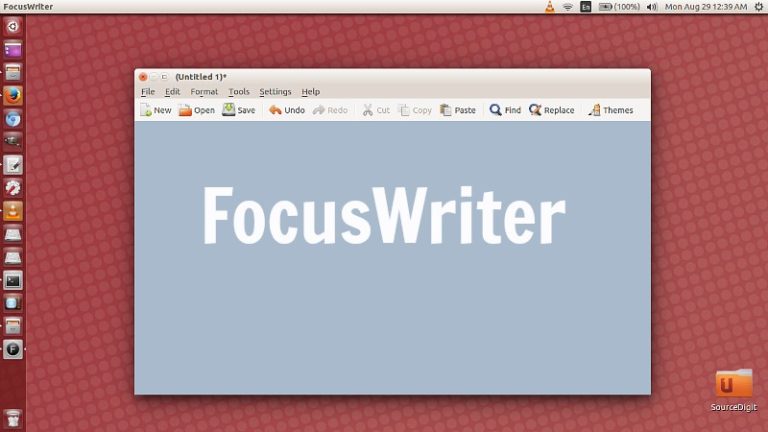
Install FocusWriter word processor in Ubuntu 16.04. FocusWriter is a distraction-free text editor for Ubuntu Linux Systems. FocusWriter is a simple, distraction-free writing environment. FocusWriter utilizes a hide-away interface that you access by moving your mouse to the edges of the screen, allowing the program to have a familiar look and feel to it while […]