
Ubuntu 25.04 ‘Plucky Puffin’ is now available to download. Ubuntu 25.04 marks a significant advancement, powered by the new Linux 6.14 kernel. It includes the GNOME 48 desktop environment with HDR support and enhanced Wayland functionality, along with Mesa 25.0 graphics drivers, which provide excellent support for AMD RDNA4 and Intel Xe2 Battlemage. Additionally, it […]
How to Login as Root User in Linux Terminal
How to login as root user in Linux Terminal? The “root” user (superuser full administrative privileges) can be accessed with Sudo root command in Linux Ubuntu. In Ubuntu, the “root” user is the superuser with full administrative privileges over the system. By default, the root account is disabled for security reasons. Instead, users can perform […]
How To List All Kernel Modules That Are Loaded In Ubuntu

In this tutorial we will learn how to list all Kernel modules that are loaded in Ubuntu Linux System. List All Kernel Modules That Are Loaded Ubuntu You can use the lsmod command to list all kernel modules that are loaded in Ubuntu. It gives the list of what kernel modules are currently loaded. The […]
Enable Ubuntu Auto Login Without Password

Here is how to enable automatic login in Ubuntu command line. Users can easily perform Ubuntu auto login without password using this trick. Enable automatic login in Ubuntu Linux Systems via command line, follow the steps given below. Automatic login, also known as auto-login is a way to login directly (automatically) without entering a password […]
Download Ubuntu 25.04 Official Default Wallpapers

Download Ubuntu 25.04 official wallpapers. The default wallpaper for Ubuntu 25.04 ‘Plucky Puffin’ has been released. You can download the Ubuntu 25.04 Wallpapers in dark, dimmed, and light variations. Ubuntu 25.04 The official Ubuntu page writes: “Not to be confused with the titular Linux mascot and seabird cousin, the penguin, puffins are another distinctively colorful […]
How To Fix Initramfs Error In Ubuntu Command Line
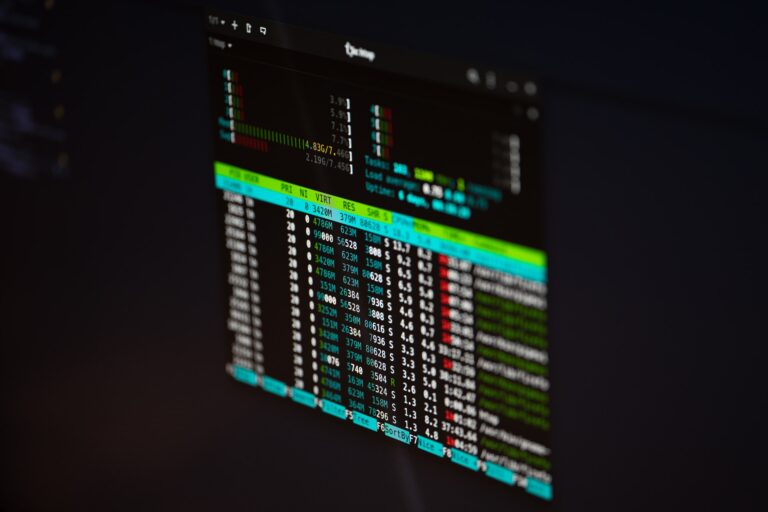
How to fix initramfs error in Ubuntu command line. This tutorial explains how to exit and recover from initramfs in Ubuntu and its Derivatives. Instead of loading normally, the “initramfs” error in Ubuntu typically indicates that your system is unable to find its root filesystem during the boot process. The “initramfs” error in Ubuntu can […]