
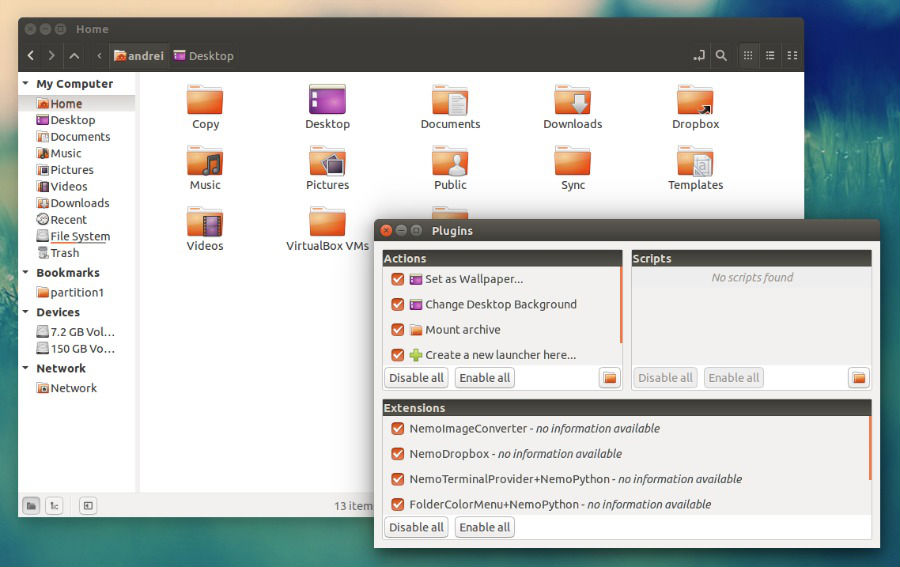
Install Nemo File Manager on Ubuntu 15.04 and Ubuntu 14.04. You can install Nemo 2.6 with Unity Patches and without Cinnamon Dependencies in Ubuntu Systems. Nemo 2.6 has added a plugin manager which allows easily enabling and disabling Nemo actions, extensions and scripts. It also comes with an improved thumbnail generation and an improved Preferences […]
Ubuntu 14.04
Install Grive (Google Drive Client) and Mount Google Drive in Ubuntu 14.04 & Ubuntu 15.04
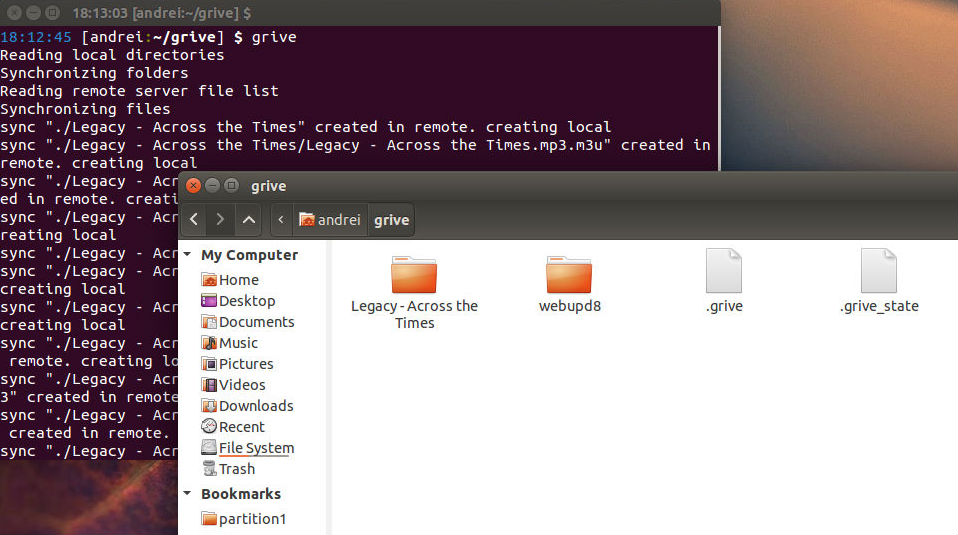
How to install Google Drive Client on Ubuntu 14.04 and Ubuntu 15.04. Install Grive (Google Drive Client) and mount Google Drive in Ubuntu 14.04 and Ubuntu 15.04 Systems. Grive 2 Google Drive client with support for new Drive REST API and partial sync feature. This is the fork of original “Grive” (https://github.com/Grive/grive) Google Drive client. […]
Install Birdie Twitter Client On Ubuntu 15.04 and Ubuntu 14.04

How to install Birdie Twitter Client on Ubuntu 15.04, Ubuntu 14.04 and Linux Mint. Birdie is a beautiful Twitter client for Linux Ubuntu. Birdie is the best Twitter client available for Linux Ubuntu. Birdie provide official packages for Ubuntu, Fedora, openSUSE, elementary OS and Arch Linux. Birdie comes with the following features: Birdie provides a […]
Install Docky Application Launcher On Ubuntu 15.04, Ubuntu 14.04 & Linux Mint
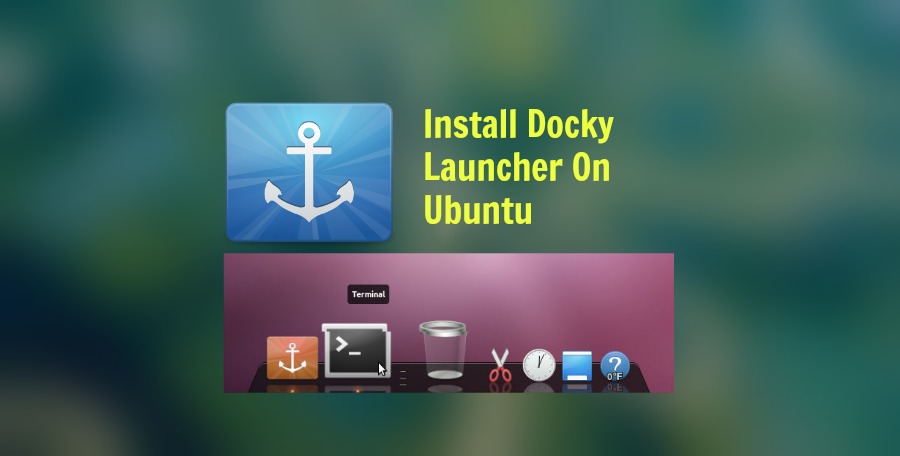
Install Docky Application Launcher on Ubuntu 15.04, Ubuntu 14.04 and Linux Mint Systems. The Docky Application Launcher is OS X-style Dock Launcher for Ubuntu 14.10/14.04/Linux Mint Systems. Docky is a dock for the GNOME desktop. It is very similar in functionality to Mac OS X’s Dock (application launcher). The Docky launcher can be installed on […]
Install Opera 31 Browser on 32/64 Bit Ubuntu Systems
How to install Opera browser on 32/64 bit Ubuntu 15.04, Ubuntu 14.04, Ubuntu 14.10 and Derivatives. Opera Developer 31.0.1876.0 comes with various fixes and features: New style of controls and buttons New Discover page New Settings page Tab crashes when FlashPlayer starts allocating a huge amount of memory Install Opera Browser on 32 Bit Ubuntu […]
Install LightZone 4.1 Image Editing Program on Ubuntu & Linux Mint
Install LightZone 4.1 on Ubuntu 15.04, Ubuntu 14.04 and Derivatives. LightZone is a digital darkroom program for Ubuntu and Linux Mint. LightZone image editing program is similar to DarkTable or Adobe Lightroom. It supports popular image formats, RAW included. The latest version LightZone 4.1 brings the following new features: User Interface You can now open […]