

Use these temporary email generator websites to create free email account without phone number verification. Best temp email services to get temporary email and password online. Read below to find about 10 best temp email services for free email account without phone number verification: As the digital world grows we often need to register our […]
How To
How-to tutorials for Ubuntu, Linux, Android, WordPress, websites and more. Learn about Ubuntu Linux how to solve problems, errors, manage updates, fix issues and add functions & features.
Back on Track: The Role of Oil Additives in Restoring Engine Health

Hey there, fellow automobile enthusiasts! If you’re anything like me, your car is more than just a mode of transportation. It’s your trusted companion on the road, your getaway vehicle from the chaos of everyday life. But what happens when that trusty engine starts sputtering and losing its vigor? Fear not! This is where the […]
How To Select And Delete All Unread Emails In Gmail App On Android And iPhone
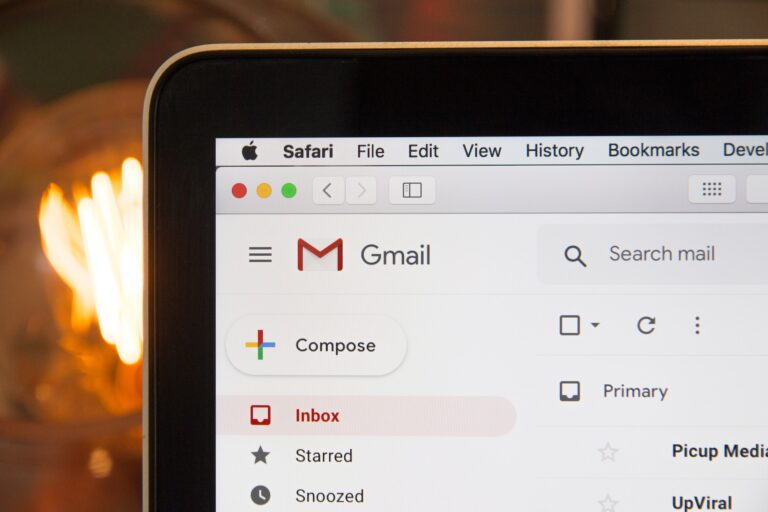
Do you how to select all unread emails in Gmail app? If not, here is how to delete all unread emails in Gmail on phone -android and iphone. You can also delete Gmail delete unread emails older than 30 days. Read below to learn how: NOTE: When you delete a message, it stays in your […]
Command To Check USB Devices In Linux Ubuntu

The command to check usb devices in Linux Ubuntu. You can easily list usb devices in Linux command line or list usb devices in Linux TTY. This post describes how to find the /dev name of my USB device. By default, when a storage devices is plugged into the system, it mount automatically in the […]
How To Install and How To Use Htop Command In Linux
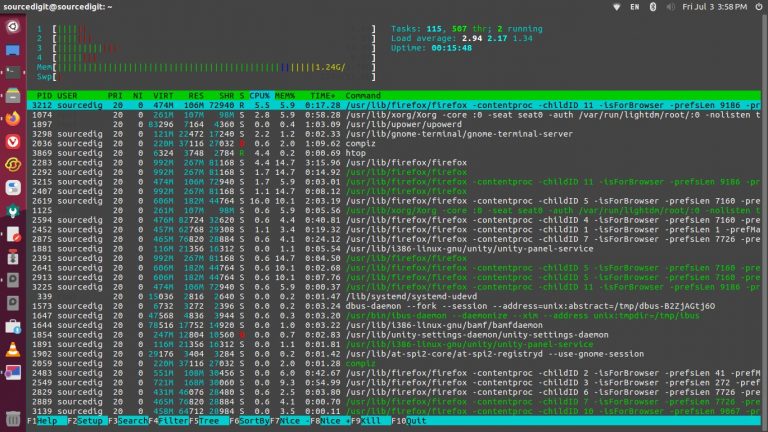
How to install htop command in Linux and how to use htop command in Linux. Know the difference between top and htop command in Linux Ubuntu. What is Htop Command In Linux htop is an interactive process viewer for Linux/Unix Systems. htop is a cross-platform ncurses-based process viewer. In simple words, htop is a command […]
Install Microsoft Edge Browser on Ubuntu Linux
Install Microsoft edge for Ubuntu from Microsoft edge Linux repository using the command sudo apt install microsoft-edge-stable. Read below to find out how to install Microsoft edge via Linux command line. Install Microsoft Edge Browser Using Flatpak You can install Microsoft Edge Browser in Ubuntu Linux Systems using Flatpak, available in Flathub. flatpak install com.microsoft.Edge […]