
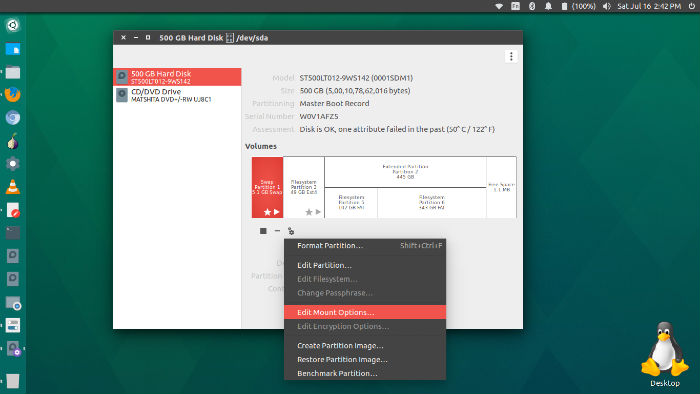
How to auto mount hard drive partitions automatically on Ubuntu 16.04. Mount partitions automatically on system startup in Ubuntu. Automatically mount external hard drive Ubuntu Linux. Ubuntu’s filesystem table is located at ‘/etc/fstab’. For Ubuntu Systems the most common thing to be mounted is a hard drive partition. Hard drives are kept in /dev and […]
How To
How-to tutorials for Ubuntu, Linux, Android, WordPress, websites and more. Learn about Ubuntu Linux how to solve problems, errors, manage updates, fix issues and add functions & features.
Install Rocket Menu Application Indicator On Ubuntu 16.04
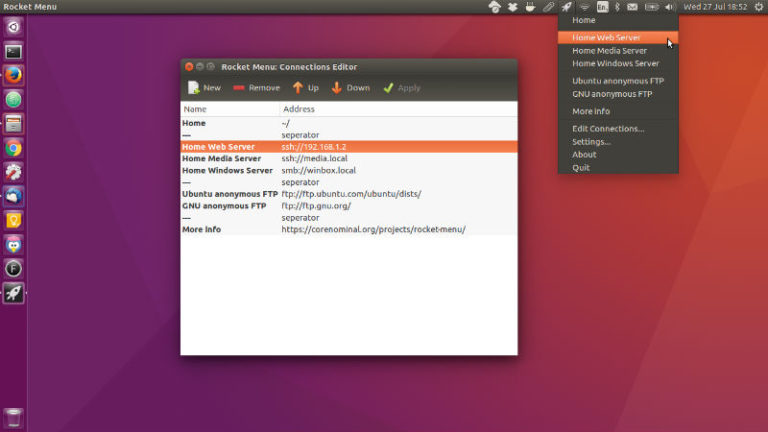
Install Rocket Menu Application Indicator on Ubuntu 16.04. Rocket Menu is an application indicator with quick launch menu for Ubuntu Unity. Rocket Menu provides a convenient method of opening files, folders, web addresses and network (SFTP, FTP, SMB) drives. Install Rocket Menu on Ubuntu Rocket Menu is specifically targeted at Ubuntu 16.04 running the default […]
Install Arc-Flatabulous Theme On Ubuntu 16.04
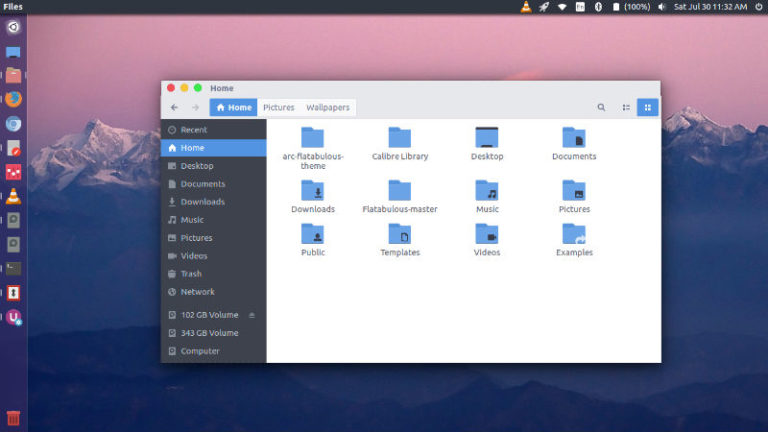
Install Arc-Flatabulous theme on Ubuntu. Arc-Flatabulous theme is the Arc theme with Flatabulous window controls. It is an ultra flat theme for Ubuntu Linux Systems. Arc-Flatabulous theme is the Arc theme with Flatabulous window controls. The Arc-Flatabulous is available in three variants: Arc-Flatabulous Arc-Flatabulous-Darker Arc-Flatabulous-Dark Install Arc-Flatabulous Theme Ubuntu users can easily install Arc-Flatabulous theme […]
Install Chrome OS Theme On Ubuntu – Make Linux Ubuntu Look Like Chrome OS
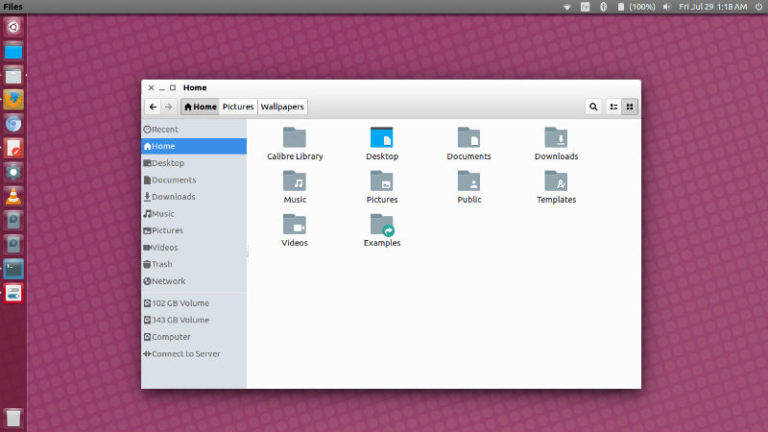
Chrome OS Theme For Linux Desktop. ChromeOSTheme for Linux Ubuntu is a theme to make Linux Ubuntu look like Chrome OS. It is the default GTK theme of Chromixium. Installing ChromeOSTheme on Ubuntu Ubuntu users can easily download and install the ChromeOSTheme via GIT or manually. Installing Navigate to /usr/share/themes (cd /usr/share/themes) Run this command: […]
Install Anatine Twitter Client on Linux Ubuntu 16.04
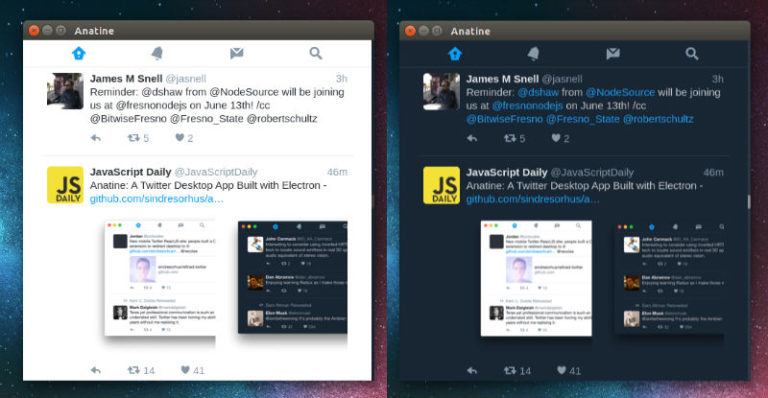
Install Anatine Twitter Client on Linux Ubuntu 16.04. Anatine is a simple and minimal Desktop Twitter App for Linux Ubuntu Systems. The app has basic, but powerful features that makes it one of the best Twitter clients for Linux Desktop. The app has a simpler login screen and an optional dark mode. The Dark mode […]
Install Pandora Client Pithos In Ubuntu 16.04
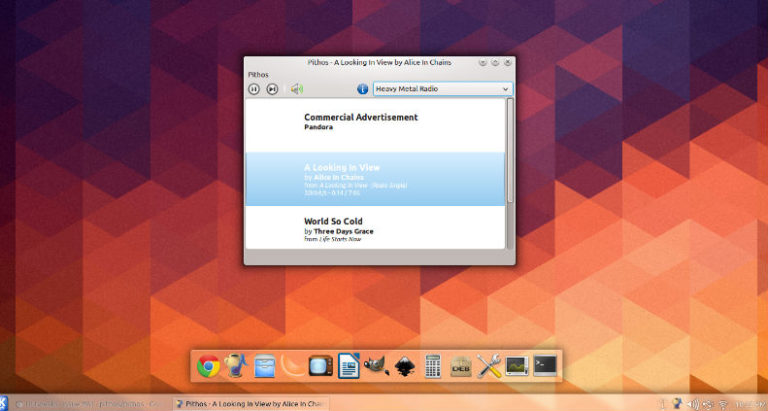
Install Pandora Client Pithos in Ubuntu 16.04. Pithos is a native Pandora Radio client for Linux. It’s much more lightweight than the Pandora.com web client, and integrates with desktop features such as media keys, notifications, and the sound menu. Pithos 1.2.0 is a major release involving a lot of cleanup and some UI redesigns. It […]