
How to mount USB pen drive in Ubuntu Terminal. How to unmount USB pen drive in Ubuntu Terminal. Tutorial on how to manually mount and unmount USB pendrive using Ubuntu Terminal in Ubuntu 14.10, Ubuntu 14.04 and Linux Mint systems. Mount USB Pen Drive in Ubuntu Terminal Let us learn how to manually mount a […]
Ubuntu 14.04
How to Copy and Paste Text In Linux Ubuntu Terminal
Ubuntu Terminal Keyboard Shortcut Keys. How to Cut, Copy, and Paste in the Terminal in Ubuntu. Learn how to copy and paste from the Terminal (Command Line). You can easily copy and paste text into the Linux Terminal. Let us see how: In most of the application, keyboard shortcuts for Cut, Copy and Paste are […]
How to Install Linux Deepin Terminal in Ubuntu 14.10, Ubuntu 14.04 & Derivatives
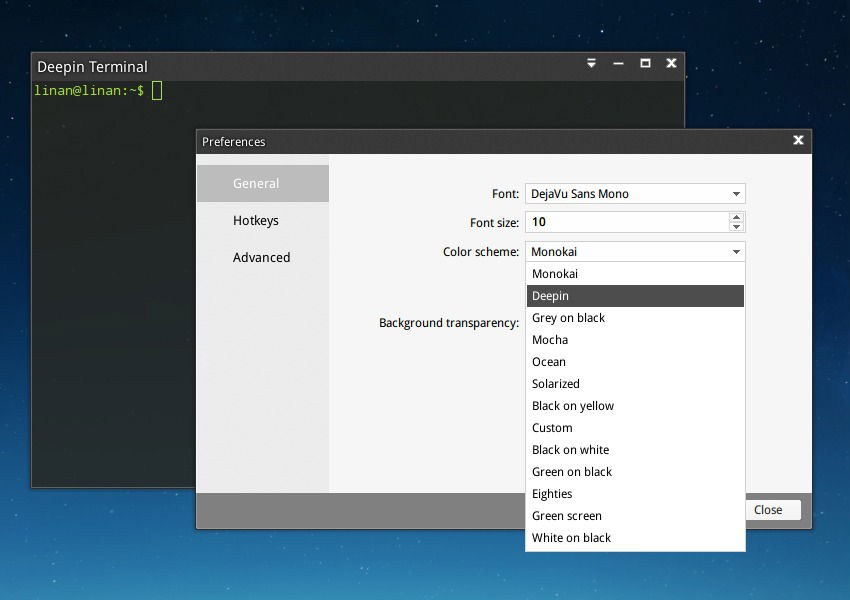
How to install Linux Deepin Terminal in Ubuntu 14.10, Ubuntu 14.04. You can also install Linux Deepin Terminal via PPA in Ubuntu 12.04, Linux Mint and other popular Ubuntu derivatives. The Deepin Terminal is default terminal in Linux Deepin distribution and comes with a lot of exciting features. The Deepin Terminal Emulator is a new […]

How to Reset Password in Ubuntu Using Terminal Commands
How to reset password in Ubuntu 14.04 using Terminal. You can change password in Ubuntu, reset lost Root password in Linux Ubuntu 14.04 and other Ubuntu Derivatives. Follow the steps given below to reset Root password: 1. Boot your Ubuntu PC and enter into Boot Option. Press ESC key when you see the BIOS screen. […]
How To Convert Audio & Video Files on Ubuntu 15.10 & Ubuntu 14.04
Convert audio and video files on Ubuntu 15.10, Ubuntu 14.04 and Derivatives. Install Selene Media Encoder on Ubuntu and convert audio-video files on Ubuntu. Selene is a GTK3/Vala media converter tool for Linux Ubuntu Systems. Add and install Selene PPA and convert audio/video files with Selene Media Encoder. Selene Media Encoder Selene Media Encoder is […]