

How to install Lollypop 0.9.1 Audio Player on Ubuntu 14.01/14.04 and Derivatives. You can also install Lollypop 0.9.1 Audio Player on Fedora, OpenSUSE, Arch Linux and Derivatives. Lollypop is a Rhythmbox alternative. It is an open-source audio player developed in GTK+3. It supports various popular audio formats, including mp3, mp4, ogg and flac. It can […]
Ubuntu 14.10
How to Reset Unity and Compiz Settings in Ubuntu 14.04
Fixed the messed up Unity and Compiz settings in Ubuntu 14.04 system. In this tutorial we will learn how to reset Unity and Compiz settings in Ubuntu 14.04. Reset Unity and Compiz settings in Ubuntu 14.04 Open Terminal and run the following command to reset Unity and Compiz settings in Ubuntu systems. First of all, […]
Install Pinta 1.6 Drawing/Image Editing Software in Ubuntu 14.04/14.10 or Linux Mint
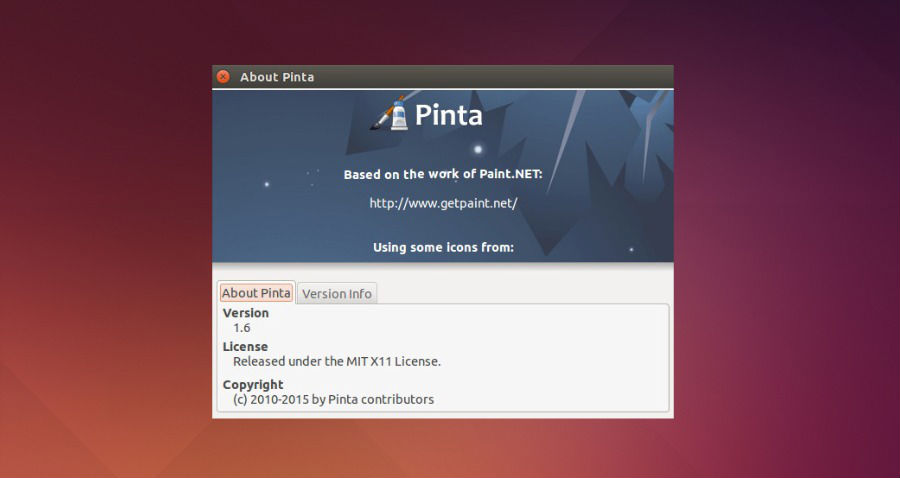
How to Install Pinta 1.6, MS-Paint like software on Ubuntu 14.04/14.10 or Linux Mint. Pinta is a cross-platform image editing and drawing program based on Paint.NET for Linux Ubuntu. The latest version, Pinta 1.6 brings a completely redesigned UI, image dialog box and editing tools. It also resolves over 50 bug fixes and other improvements. […]
How To Install Calligra Office Suite 2.9 On Ubuntu 14.10
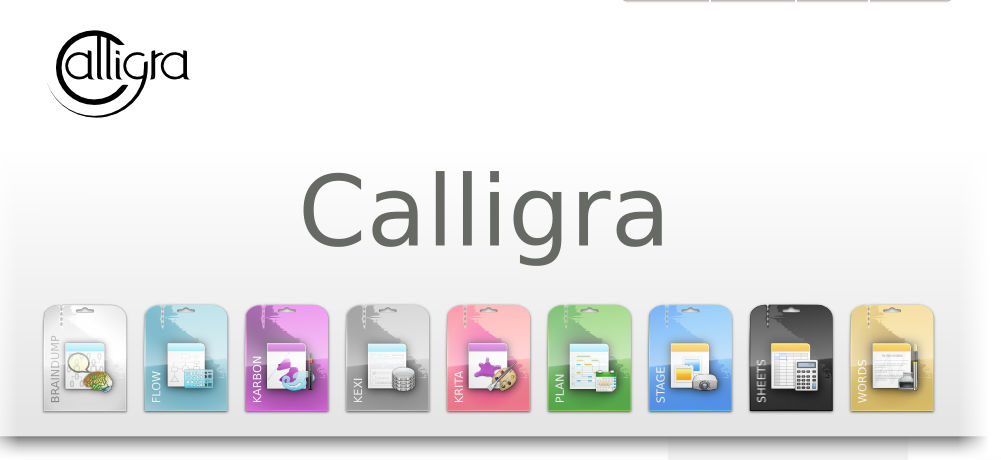
Download and install Calligra 2.9 on Linux Ubuntu 14.10. Calligra Office Suite is similar to LibreOffice or OpenOffice Suites for Linux Ubuntu systems. It is available on Kubuntu and other KDE-based Linux systems. The Calligra Office Suite contains the following applications: Words, Stage, Sheets, Flow, and Kexi, Krita and Plan. The latest Calligre Suite 2.9.0 […]
How to Install Wine 1.7.38 in Ubuntu 14.04 & Ubuntu 14.10
How to install Wine 1.7.38 in Ubuntu 14.10, Ubuntu 14.04, Debian and Linux Mint. Install Wine (Wine Is Not an Emulator) via PPA in Ubuntu/Linux Mint and run Windows applications on Ubuntu/Linux Mint systems. Wine lets you run Windows software on Linux and other operating systems. Using Wine, you can install and run Windows applications in […]
How To Download & Install Linux Kernel 3.14.35 On Ubuntu 14.10/14.04
How to download and install Kernel 3.14.35 on Ubuntu Systems. Install/Upgrade to Kernel 3.14.35 on Ubuntu 14.04/14.10, Linux Mint, Elementary OS, Linux Deepin and other Ubuntu Derivatives. Please note that currently the Kernel 3.14.35 is not available via PPA. In order to download and install the latest version of Kernel, download the deb packages (Kernel 3.14.35) via kernel.ubuntu.com […]