

Wine 2.9 is released with support for tesselation shaders in Direct3D and Binary mode support in WebServices. With this release, the clipboard changes detected through Xfixes. It also brings some user interface improvements in RegEdit and various bug fixes. Bugs fixed in 2.9 (total 38): 24698 Explorer++ doesn’t show file icons 32473 Acoustica Mixcraft 6 […]
Uncategorized
Install Brackets 1.9 Code Editor On Ubuntu Systems
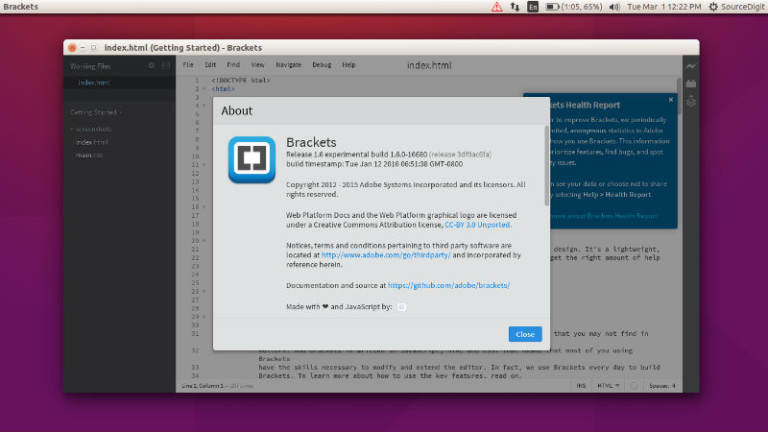
Brackets 1.9 Code Editor released for Ubuntu Linux Systems. Install Brackets Code Editor on Ubuntu 16.10 and Ubuntu 16.04 Systems. Brackets is a modern text editor that makes it easy to design in the browser. It’s crafted from the ground up for web designers and front-end developers and focuses heavily on visual tools and preprocessor […]
Install Classifier File Organizer – An Advanced File Manager For Ubuntu
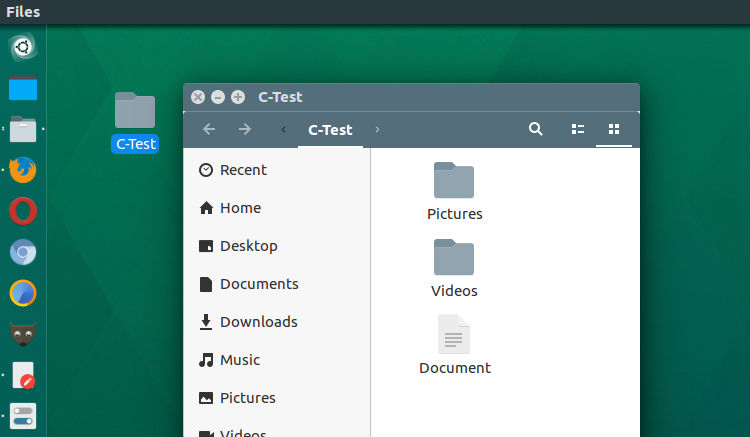
Install Classifier file organizer on Ubuntu Linux. It is an advanced file manager for Linux Ubuntu that organize files in your directory instantly, by classifying them into different folders. Install Classifier File Organizer The Classifier file organizer can easily be installed and used on Ubuntu Linux Systems. Run the following commands to install the Classifier […]
Install The Latest KdenLive Video Editor On Ubuntu Linux
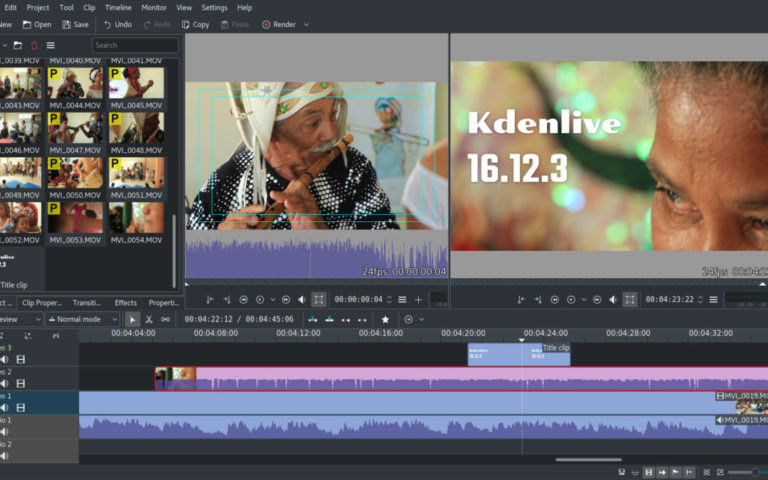
KdenLive Video Editor for Ubuntu Linux. Install Kdenlive 16.12.3 Video Editor on Ubuntu 16.10, Ubuntu 16.04 and other Ubuntu Derivatives. Kdenlive, the KDE Non-Linear Video Editor is an open source video editor built on Qt and the KDE Frameworks libraries. Based on the powerful FFmpeg libraries, Kdenlive can use almost any audio and video formats […]
Movavi Screen Capture: Simple Yet Powerful Screen Recorder
If you want to be able to grab videos from websites, save Skype calls, or create tutorials using on-screen footage then the one thing you need is a screen recorder. As its name implies a screen recorder will let you record footage directly from your screen – and that can be used in numerous ways. […]
How To Install & Use Facebook Messenger On Ubuntu Linux

How to install and use Facebook Messenger on Ubuntu Linux Systems. Install Messenger for Desktop on Linxu Ubuntu, the unofficial Facebook Messenger client for Linux Ubuntu. Messenger for Desktop is a simple & beautiful desktop client for Facebook Messenger. Chat without distractions on OS X, Windows and Linux. Messenger for Desktop can be used to […]