
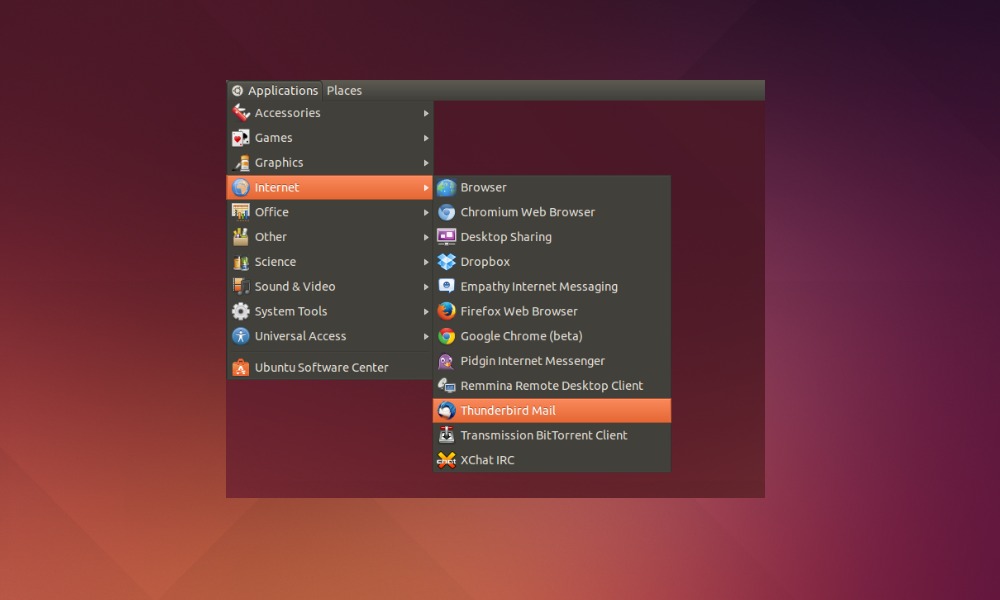
How to install Gnome Classic Menu Indicator 0.09 in Ubuntu 14.10 Utopic Unicorn. You can also install Gnome Classic Menu Indicator for Ubuntu 14.04 and Ubuntu 12.04. Classic Menu Indicator is a notification area applet or top panel indicator of Ubuntu’s Unity desktop environment. The Gnome Classic Menu Indicator provides the classic GNOME-style application menu. […]
Ubuntu 14.10
How To Install Ubuntu Tweak 0.8.8 On Ubuntu 14.10, Ubuntu 14.04, & Derivatives
Customize the Ubuntu UNITY Desktop Environment using the Ubuntu Tweak Tool. How to Install Ubuntu Tweak Tool 0.8.8 on Ubuntu 14.10, Ubuntu 14.04, Ubuntu 12.04 Ubuntu Tweak is a powerful configuration/customization tool for Ubuntu systems. It allows to customize Ubuntu systems and manage GTK+ themes, icons, layout, kernels and many others. Install Ubuntu Tweak 0.8.8 […]
Install Adobe Reader in Ubuntu 14.04 and Ubuntu 14.10
How to install Adobe Reader in Ubuntu 14.04 and Ubuntu 14.10. How to Set Adobe Reader as default PDF reader. Adobe Reader for Linux is no longer available for official download. Luckily you can still download and install Adobe Reader in Ubuntu using the old Canonical Partners repository. Install Adobe Reader Adobe package “AdbeRdr9.5.5-1_i386linux_enu.deb” is […]
How to Install Firefox 36.0.3 on 32 bit/64 bit Linux Ubuntu systems
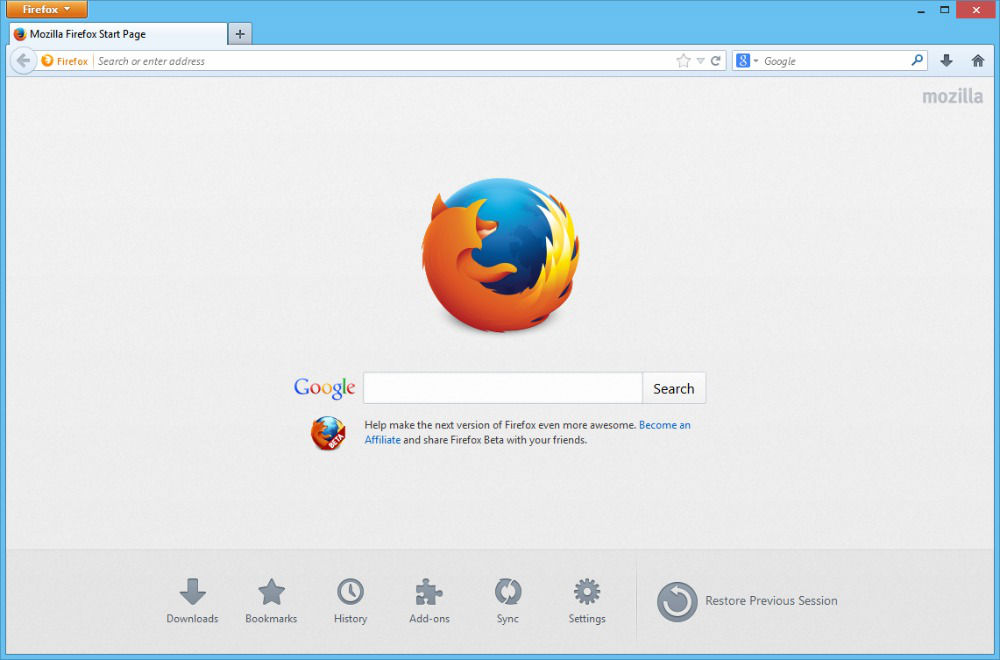
Install Firefox 36.0.3 on 32 bit/64 bit Linux systems. How to install Firefox 36.0.3 on Ubuntu 14.10/14.04, Linux Mint 17.1/17/13 and other Linux Ubuntu derivatives. Firefox 36+ brings support for HTTP/2 and HTML5 YouTube playback. Firefox 36.0.1 can be updated and installed via the official repository. You can also download Firefox 36.0.1 from the Mozilla […]
Turn Off & Disable Update Manager (Ubuntu Automatic Updates) in Ubuntu 14.04/14.10

Turn off & disable Ubuntu Update Manager (Ubuntu Automatic Updates) in Ubuntu 14.04/14.10. Here’s how to disable Ubuntu Update Notifier from autostart (opening automatically). Most people doesn’t know, but you can stop Update Manager (Ubuntu 14.04/14.10) from startup – turn off Ubuntu automatic updates. Here’s how to disable the update manager popup in Linux Ubuntu […]
How to Fix PPA “404 Not Found” Error When Running “apt-get update”

Fix a 404 Error when using a PPA or updating package lists. Solve PPA “404 Not Found” error when running “apt-get update”. This tutorial explains how to fix 404 Error using the Ubuntu archives? What are 404 errors The 404 or Not Found error message is a HTTP standard response code indicating that the client […]